Why You Must Google Manage Reviews for Local SEO
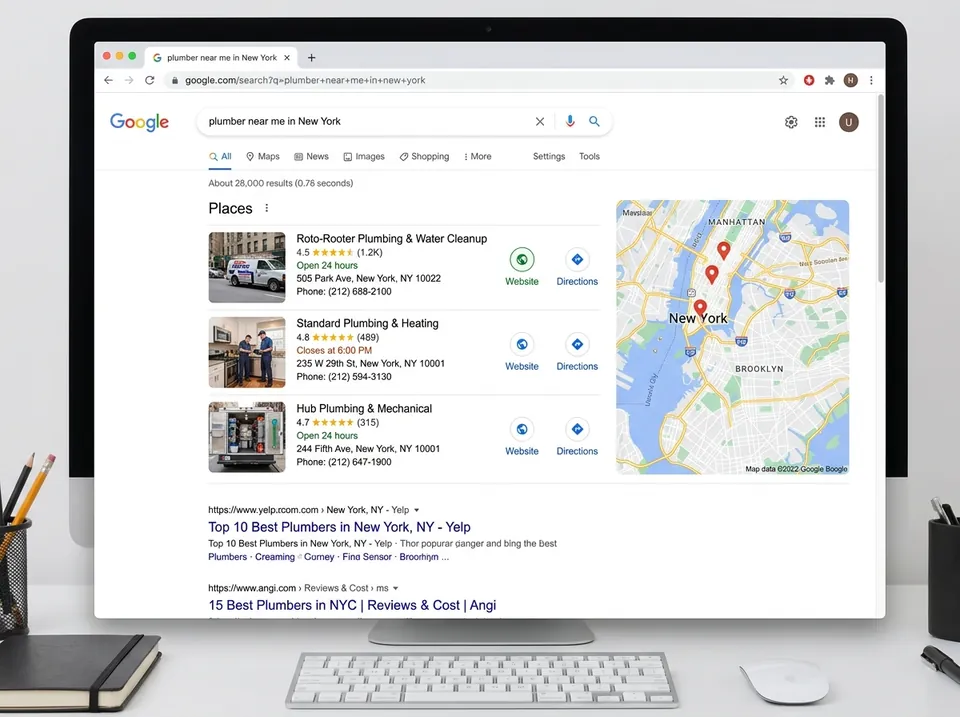
If you’ve ever wondered why some of your competitors seem to hog the "Local Pack" (that coveted box of three businesses at the top of Google Search), the answer usually lies in their reviews. When you google manage reviews effectively, you aren't just being polite; you are feeding Google's algorithm exactly what it wants.

Recent data shows that review signals now account for approximately 16% of local SEO ranking factors. Google’s primary goal is to provide searchers with the most reliable, relevant, and active businesses. By responding to reviews, you signal that your business is open, engaged, and cares about the customer experience.
Consider these heavy-hitting statistics:
- 81% Market Share: Google is the undisputed king of reviews. If you aren't managing your reputation here, you aren't managing it at all.
- 92% Purchase Influence: Almost every customer reads at least two reviews before spending a dime.
- Higher Conversion Rates: Businesses that respond to reviews see significantly higher engagement. According to research on how customer reviews affect local SEO and Google Business Profile rankings, a steady stream of fresh, keyword-rich reviews is a major competitive advantage.
Google even uses "Review Justifications"—those little snippets of text in search results that say "They have great vegan options"—to match your business to specific long-tail searches. This is why Google pushes GMB reviews for ranking; the more data they have from your customers, the better they can categorize you.
| Feature | Businesses That Respond | Businesses That Ignore |
|---|---|---|
| Customer Trust | High - 88% more likely to engage | Low - Signals neglect |
| Local SEO Rank | Boosted by activity & keywords | Stagnant or declining |
| Conversion Rate | Much Higher | Lower |
| Feedback Loop | Improves operations | Misses growth opportunities |
Step-by-Step: How to Access and Google Manage Reviews
Managing your reviews shouldn't feel like solving a Rubik's Cube. Google has moved most management features directly into the Search and Maps interface, often called the "New Merchant Experience" (NMX).
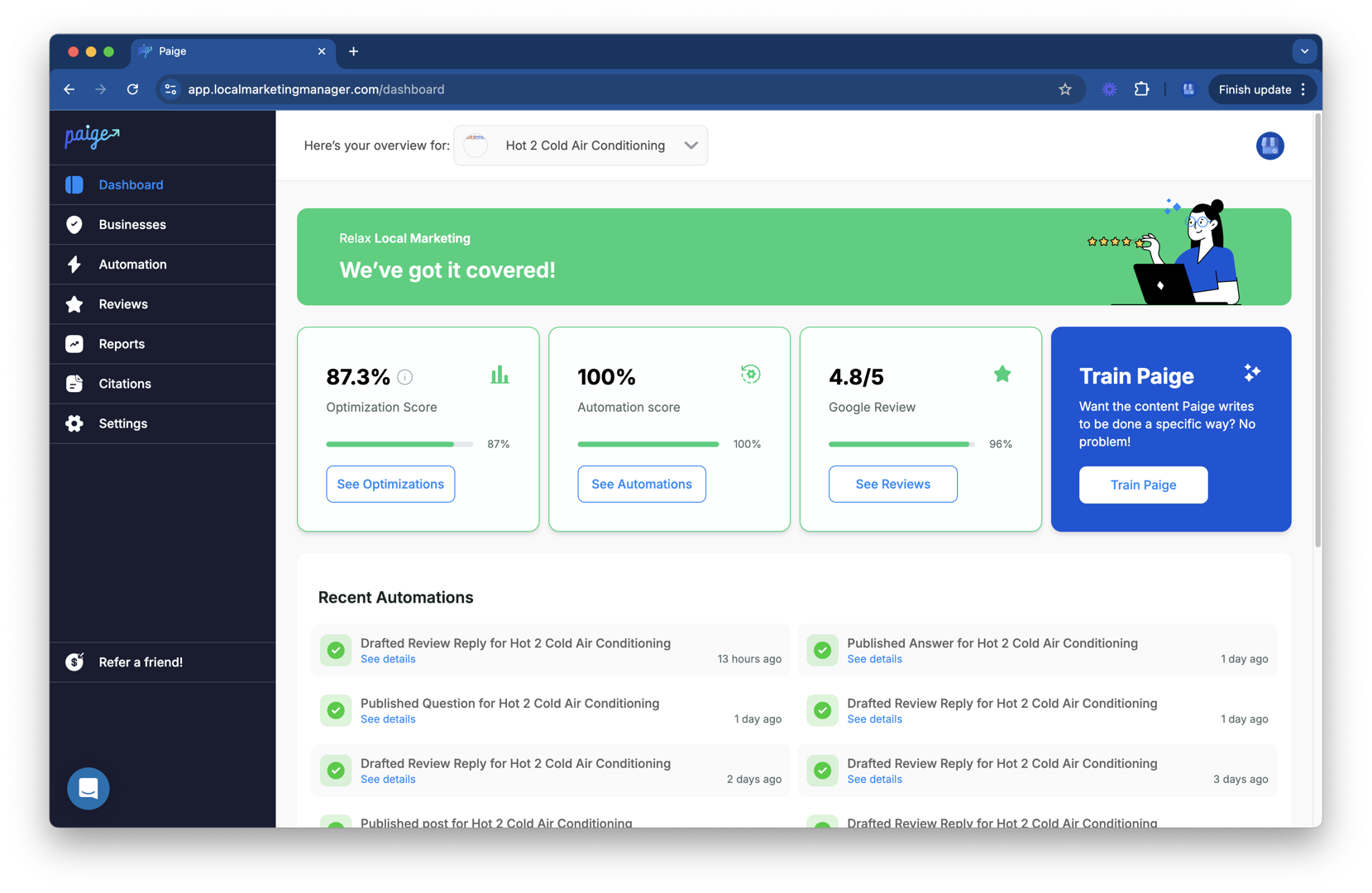
To start, you must have a verified Google Business Profile. Once verified, follow these steps:
- Search for Your Business: Type your business name and city into Google Search.
- Locate the Control Panel: You'll see a menu above the search results that says "Your business on Google."
- Click "Read Reviews": This opens a window showing all your latest feedback.
- The Reply Button: To manage customer reviews, simply click "Reply" under the specific review.
- Filter and Sort: You can sort by "Replied" or "Haven't replied" to make sure no customer is left hanging.
For a deeper dive into these settings, our Google Business Review Management Guide walks through the nuances of the dashboard navigation.
How Customers Can Edit or Delete Their Own Reviews
Sometimes, a customer might leave a 1-star review by mistake, or perhaps you resolved their issue and they want to update their feedback. You cannot edit their review for them, but you can guide them on how to add, edit, or delete Google Maps reviews.
Customers simply need to:
- Open Google Maps.
- Click on "Contribute" and then "Reviews."
- Find the review for your business.
- Click the three dots and select "Edit review" or "Delete review."
When a review is edited, Google updates the post date to reflect the change. This is a great way to turn a negative experience into a "fixed" 5-star success story!
Using the GBP Audit Tool to Identify Reputation Gaps
Before you can master the art of the response, you need to know where you stand. We offer a free, AI-powered GBP Audit Tool that analyzes your profile’s current reputation health.
This tool doesn't just look at your star rating; it analyzes your review velocity (how often you get new reviews), your response rate, and how your sentiment compares to local competitors. It’s the perfect entry point to see what’s holding you back from the top of the Maps results. Once the audit identifies gaps—like a low response rate or missing keywords—our automated tool, Paige, can take over to fix those issues automatically.
Best Practices for Responding to Every Review
Responding to a review is a public performance. You aren't just talking to the reviewer; you're talking to every person who visits your profile for the next three years.
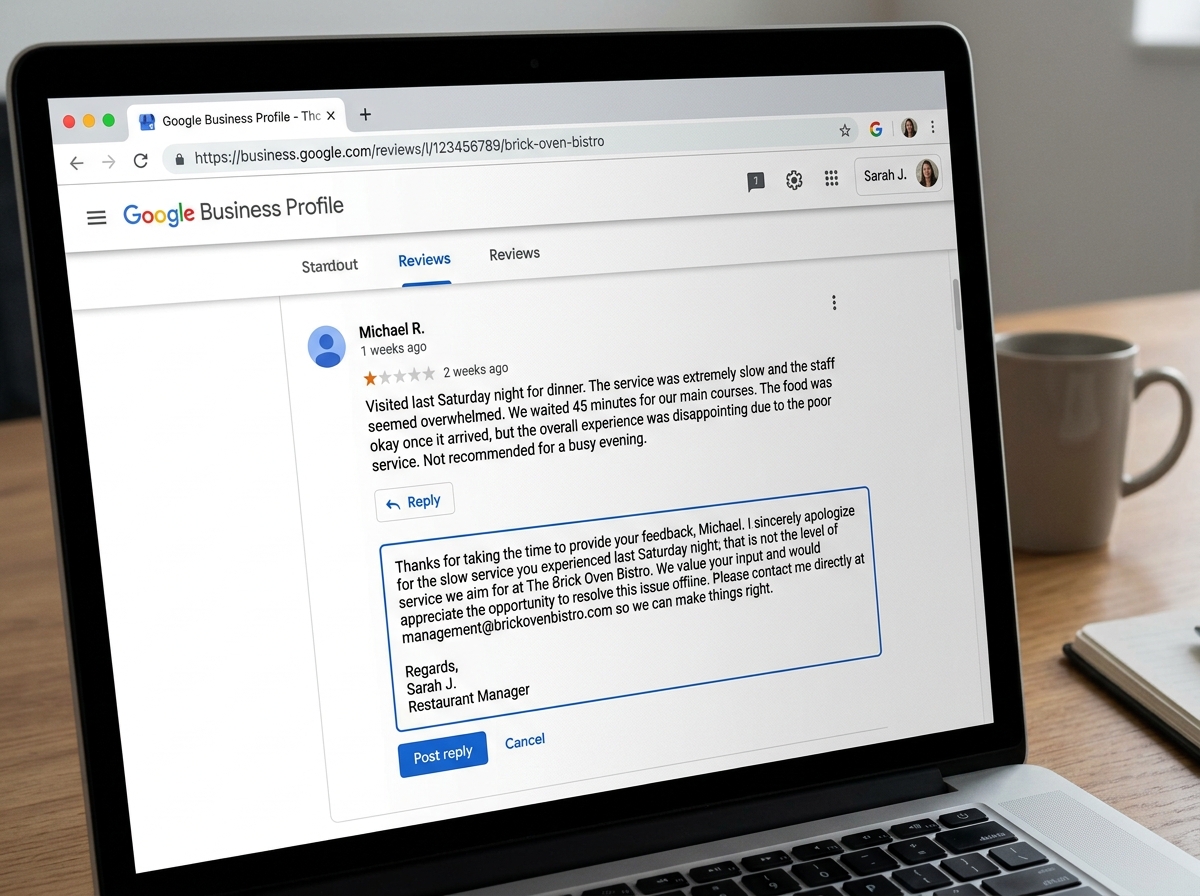
- Be Prompt: Aim to respond within 24 to 48 hours. This shows you are attentive.
- Personalize It: Use the reviewer's name. Avoid "Dear Customer"—it feels like a robot wrote it (and not a cool AI robot like Paige, but a boring 1990s one).
- The "Thank You" Rule: Always thank the customer for their feedback, even if it's negative. They took time out of their day to talk to you.
- Handle Negative Reviews with Grace: When you handle negative Google reviews, stay calm. Apologize for the experience, offer a solution, and try to take the conversation offline. A simple "We'd love to make this right; please call us at our office" goes a long way.
- Use Keywords Wisely: If a customer mentions your "best pepperoni pizza," your response might include, "We're so glad you enjoyed our pepperoni pizza!" This helps with those "Review Justifications" we mentioned earlier.
For more expert tips, check out what Google told us how to handle bad reviews.
Spotting and Removing Fake or Policy-Violating Reviews
Not every review is legitimate. Sometimes you might get "review bombed" by a competitor or hit with a spam bot. Google has strict policies against harassment, spam, and conflicts of interest.
If you spot a review that violates these rules, you can report inappropriate reviews on your Business Profile.
Common violations include:
- Spam: Irrelevant content or repetitive posts.
- Conflict of Interest: A former employee or a competitor leaving a review.
- Profanity: Offensive or derogatory language.
- Off-topic: Reviews that aren't about a customer experience (e.g., political rants).
To flag a review, click the three dots next to it and select "Report review." If Google denies your request, you can use the Reviews Management Tool to appeal the decision. While it can be frustrating, learning how to remove bad Google reviews from your business profile is a vital skill.
And don't worry—Google's AI is getting better at this every day. We've seen how Google's AI destroys fake reviews by detecting patterns that humans might miss.
Leveraging AI to Google Manage Reviews at Scale
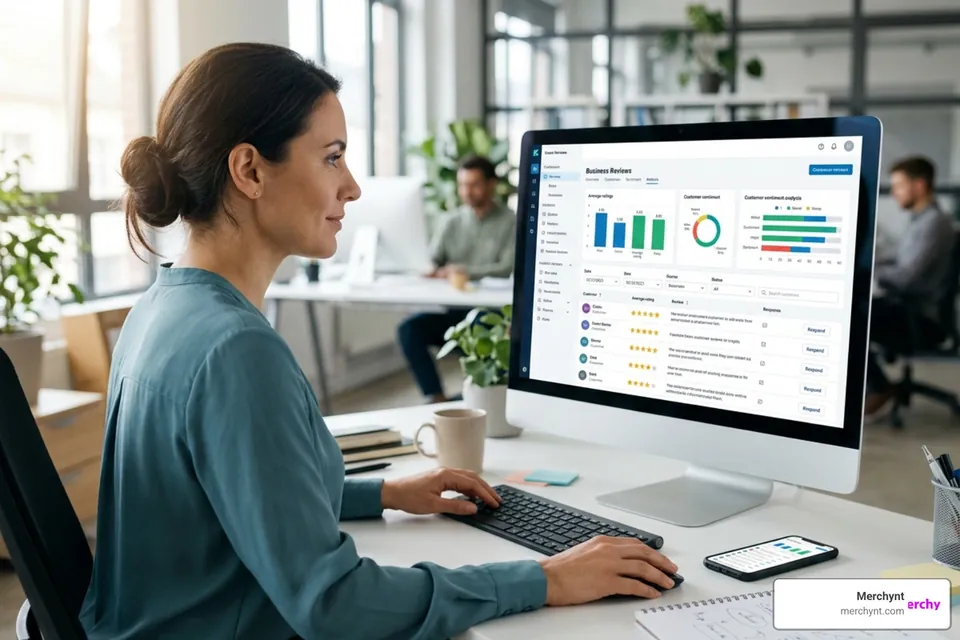
For many business owners, sitting down to write 20 unique review responses a week feels like a chore. This is where modern technology changes the game. While legacy tools often rely on manual dashboards that require you to do the heavy lifting, Merchynt provides a superior, fully automated approach.
Enter Paige.
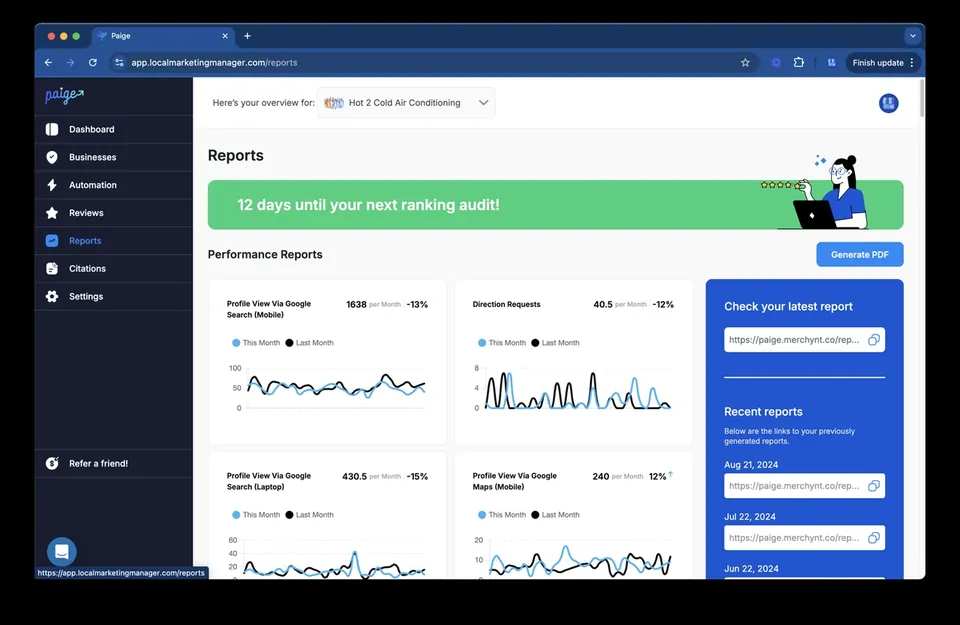
Paige is our fully automated AI SEO tool that handles your Google Business Profile management from top to bottom. Instead of just giving you a place to type, Paige uses advanced "Agentic AI" to:
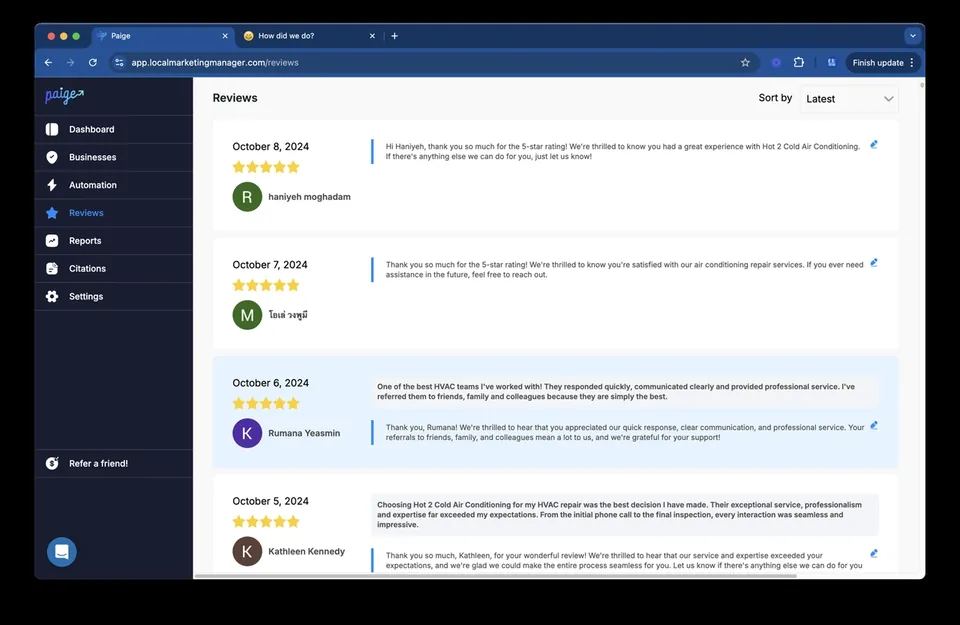
- Write Automated Replies: Paige generates human-like, keyword-optimized responses to every review you receive, ensuring you maintain a 100% response rate without lifting a finger.
- Analyze Sentiment: Understand the "vibe" of your feedback at a glance.
- Boost Rankings: By consistently responding and managing your profile, Paige helps you rank higher on Google Maps.
If you prefer a more "hands-on" AI approach, our ProfilePro Chrome extension is a fantastic alternative. It sits right inside your Google Business Profile and gives you AI-generated suggestions for responses, posts, and descriptions.
Using Google reviews software is no longer a luxury; it’s a necessity to stay competitive in an AI-driven search world. Learn more in our Google review responding software guide.
Multi-location Management for Enterprises and Agencies
If you manage ten, fifty, or five hundred locations, trying to google manage reviews manually is impossible. Marketing agencies and enterprise brands need a centralized way to handle reputation.
Our white label review management software allows agencies to offer these high-end tools under their own brand. Combined with our Heatmap Audit Tool, you can see exactly how your reputation affects your rankings across different neighborhoods. This level of GMB review management ensures that every location stays on-brand and highly visible.
Frequently Asked Questions about Google Review Management
How long does it take for a new Google review to appear?
Most reviews appear almost instantly, but Google's moderation system can sometimes take 24 to 72 hours to vet a review for policy compliance. If a review hasn't appeared after a few days, it may have been caught in a spam filter.
Can a business delete or edit a customer's Google review?
No. To prevent bias, Google does not allow businesses to edit or delete what a customer has written. You can only respond publicly or flag the review if it violates Google’s terms of service.
Does responding to reviews actually help my Google Maps ranking?
Yes! Responding to reviews is a confirmed signal to Google that your business is active. High response rates and the inclusion of keywords in your replies (naturally!) contribute to better local SEO performance.
Conclusion
Mastering the ability to google manage reviews is one of the single most effective ways to grow your business in 2024 and beyond. It builds trust with your customers, signals authority to Google, and ensures your business stays ahead of the competition in local search results.
While you can certainly manage this manually, why spend hours every week on admin tasks when you could be running your business? At Merchynt, we’ve built the ultimate solution. From our free GBP Audit Tool that identifies your weaknesses to Paige, the world’s only fully automated AI SEO tool, we make local SEO easy and affordable.
Ready to take the stress out of your reputation? Master your local reputation with Merchynt’s Google Review Management Software and let Paige start growing your business today.

Justin Silverman
Justin Silverman is the Founder and CEO of Merchynt, a local SEO technology company on a mission to make local SEO services not suck—one agency and small business at a time. Since launching Merchynt in 2019, Justin has helped over 20,000 businesses grow through data-driven Google Business Profile optimization and AI-powered local marketing tools like Paige. With more than a decade of experience in digital marketing and business growth, Justin previously held executive roles at Vista Group, where he served as VP of Global Partnerships and President of MovieXchange. He also led strategy and operations at Veezi, helping to scale tech products across international markets. Justin's career has spanned roles in marketing, partnerships, and operations, working with companies from early-stage startups to global enterprises. His deep knowledge of local search, combined with real-world leadership, positions him as a trusted voice in the local SEO and SaaS space. Under his leadership, Merchynt has become a go-to provider for agencies and small businesses seeking to dominate local search rankings through white-label solutions, AI automation, and performance-focused strategy. Justin continues to speak, write, and build tools with one mission in mind: to help 298 million businesses get found online by their perfect customer.