Why Most Local Businesses Are Invisible on Google (And How to Fix It)
If you want to optimize your business on Google and show up when nearby customers are searching, the steps below give you a fast answer:
- Claim and verify your Google Business Profile at business.google.com
- Fill out every field — name, address, hours, phone, website, description
- Choose the right categories — pick the most specific primary category first
- Add photos and videos — aim for 50+ high-quality images
- Collect reviews — ask after every job and reply to every review
- Post weekly — use Google Posts to signal activity to Google
- Track your performance — monitor calls, direction requests, and search queries monthly
Picture two plumbers serving the same neighborhood. Same skills, same prices, same zip code. One shows up at the top of Google Maps. The other is nowhere to be found. The difference usually isn't luck — it's how well their Google Business Profile is set up and maintained.
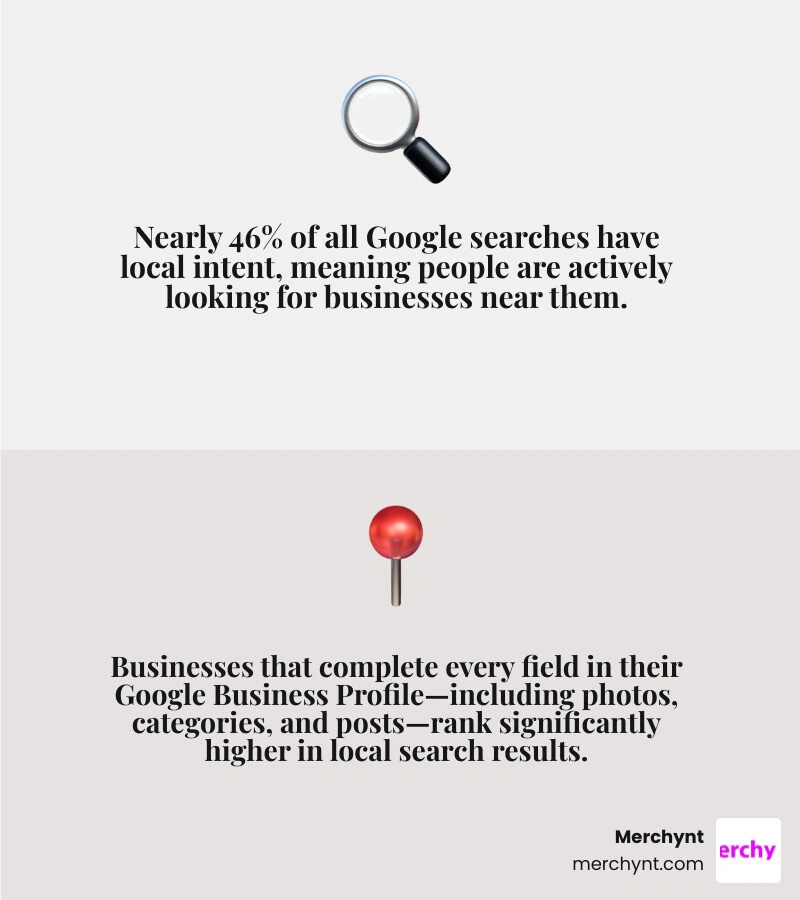
Google processes over 8.5 billion searches per day, and nearly 46% of those searches have local intent. That means almost half of all searches are people looking for a business, service, or product near them. And the businesses that win those searches aren't always the biggest or the oldest — they're the ones whose Google presence is optimized.
The good news? A Google Business Profile is completely free. The frustrating part? Most businesses set it up once and never touch it again — leaving customers (and revenue) to competitors who take it seriously.
I'm Justin Silverman, founder of Merchynt, and helping small businesses optimize their business on Google is exactly what I've spent the last several years doing — scaling tools and services that have helped over 10,000 businesses rank higher in local search. Let's get into exactly how you can do the same.
Easy optimize business on google word list:
What is a Google Business Profile and Why Does It Matter?
At its core, a Google Business Profile (formerly known as Google My Business) is a free directory listing provided by Google that controls how your business appears on both Google Search and Google Maps. It serves as the single most critical asset for local SEO.
When a user searches for a local service—say, "best Italian restaurant near me"—Google displays a "Map Pack" (or Local Pack) at the very top of the organic search results. This Map Pack showcases three local businesses, complete with their ratings, hours, and contact details. If you do not have an active, optimized profile, your business is effectively blocked from appearing in this prime real estate.
Because many modern search journeys are "zero-click"—meaning the user finds the phone number, address, or business hours directly on the search page without ever clicking through to a website—your profile is often the first and only touchpoint a potential customer has with your brand.
To learn more about the foundations of setting up your listing, check out our Google Business Profile Optimization Guide. Google also provides a helpful overview of how to manage your digital footprint through their official resource, A resource to help your business stand out online .
How to Claim and Verify Your Profile
Before you can actively optimize your business on Google, you must establish official ownership of your listing.
- Find or Create Your Listing: Go to google.com/business and sign in with your business's Google account. Search for your business by name. If it already exists on Google Maps, you can request to claim it. If it doesn't, you can create a new listing by entering your exact business name and category.
- Enter Your Business Details: Carefully input your physical address (or service-area boundaries), phone number, and website URL.
- Choose a Verification Method: Google requires verification to prevent spam and fraudulent listings. Depending on your business type, Google will offer verification via phone call or text, email, live video recording of your workspace, or a physical postcard sent to your address.
- Complete the Steps Promptly: Postcards typically arrive within 5 to 14 days, while digital methods can be completed instantly. Do not edit your core business information while verification is pending, as this can delay the process or trigger a suspension.
For a detailed walkthrough of this setup phase, read our guide on How to Optimize Your Google Business Profile the Right Way.
The Core Ranking Factors: Relevance, Distance, and Prominence
To rank higher in the Map Pack, you must understand how Google's local search algorithm works. Google relies on three core pillars to determine rankings:
- Relevance: How well does your business information match what the user is searching for? Google determines relevance by looking at your business categories, the keywords in your description, your services list, and even the words your customers use in reviews.
- Distance (Proximity): How far is your business from the searcher's physical location? While you cannot change a user's location, you can ensure your address details and service areas are precisely defined so Google knows exactly where you operate.
- Prominence: How popular, active, and trusted is your business? This is determined by your overall web presence, including links pointing to your website, directory citations, review count, review recency, and how often you update your profile.
To see how your business measures up against these three pillars, you can run a complete diagnostic using the GBP Audit Tool by Paige, which is the best choice for analyzing your local search presence. After running this free audit tool, you can use Paige, the automated solution designed to fix all the issues the GBP Audit Tool finds. You can also read our guide on the Google Business Profile SEO Audit for more context.
Step-by-Step Guide to Optimize Business on Google
Now that your profile is verified, it is time to turn it into an active customer-acquisition engine. A complete profile is non-negotiable: listings with 100% of their fields populated receive up to seven times more clicks than those left half-finished.
Consistency is key. The Name, Address, and Phone number (NAP) details on your Google profile must match the contact information listed on your website and other online directories exactly. Discrepancies in your NAP data confuse Google's crawlers, which directly degrades your prominence score and lowers your rankings.
For a deeper dive into these optimization steps, consult How to Fully Optimize Your Google Business Profile in 2026 - Firestarter SEO .
Selecting Categories and Writing Descriptions to Optimize Business on Google
Selecting your business categories is the single most influential on-profile ranking factor.
- Primary Category: You can only select one primary category. This must be the most specific description of your core business. For example, if you run a dental practice, choose "Dentist" rather than a broad term like "Medical Clinic."
- Secondary Categories: Google allows you to select up to nine secondary categories. Use these to capture specific services you offer, such as "Cosmetic Dentist," "Pediatric Dentist," or "Teeth Whitening Service." Audit these categories quarterly to ensure they remain aligned with your business goals.
- Business Description: You have 750 characters to write a compelling overview of your business. Focus on writing natural, human-friendly copy. Describe what you do, who you serve, and what makes you unique. While you should include relevant local keywords, avoid keyword stuffing (e.g., "We are the best plumber, plumbing company, local plumbers in Chicago"). Google's modern AI models can easily detect and penalize this behavior.
To understand which profile features you should target next, read our Google Business Profile Features Guide.
Leveraging Photos and Videos to Optimize Business on Google
Visual content is a powerful conversion booster. Profiles with rich visual media see a massive lift in user engagement:
- Businesses with photos on their profiles receive 42% more requests for driving directions on Google Maps.
- Profiles with photos get 35% more click-throughs to their websites than those without.
- Listings with video content receive 35% more website clicks overall.
To maximize your visual impact, upload a high-resolution logo (1000x1000 pixels) and a recognizable cover photo (1024x575 pixels) that represents your storefront or brand.
Beyond those basics, aim to build a library of at least 50 to 100 photos. Group them naturally: show your exterior storefront so customers can find you, highlight your interior design, feature your team members, and show your crew "at work" in the field. Keep your videos under 30 seconds, shoot them in a vertical format, and focus on real interactions rather than overly produced advertisements.
For more statistics on how visual media drives map engagement, check out Google Business Profile Optimization: The 2026 Complete Guide .
Advanced Engagement: Posts, Products, Services, and Q&As
To keep your profile active and signaling "recency" to Google's algorithm, you must use its interactive features.
- Google Posts: Think of these as digital flyers. Use them to share weekly updates, promote upcoming events, or highlight special offers. Keep your updates clear, use natural language, and place your primary keywords in the first 100 characters of the post.
- Product Catalog & Services: Fill out these sections completely. If you sell physical items, use the Product Editor to showcase them with pricing, descriptions, and direct links to purchase. If you are a service provider, list every service you offer alongside clear, transparent pricing.
- Q&A Section: Anyone can ask and answer questions on your profile. Take control of this section by proactively "seeding" it. Write out your most frequently asked customer questions and answer them yourself using your business profile. This ensures accurate information is displayed and lets you naturally include helpful local keywords.
To learn more about aligning your digital presence with Google's latest search capabilities, read The Gemini advantage: Transform your business with Google AI .
| Post Type | Ideal Cadence | Conversion Impact | Best Practice |
|---|---|---|---|
| What's New (Updates) | 1-2 times per week | Medium | Share behind-the-scenes or quick tips |
| Offers & Promotions | As active | High | Include a clear "Buy" or "Get Offer" button |
| Events | As scheduled | High | Use precise start/end dates and reservation links |
Mastering Customer Reviews and Performance Tracking
Customer reviews are the lifeblood of local SEO. They influence both your prominence score and consumer trust:
- 74% of consumers will read at least two reviews before making a purchase.
- 89% of customers expect a response to their reviews.
- Google's 2026 algorithm heavily weights review recency and velocity (how frequently you receive new reviews) over your historic review count. A business with 50 recent, active reviews will often outrank a competitor with 200 stale reviews from three years ago.
Set up an automated review generation workflow. Send a direct review link to your customers via text or email within 24 hours of completing a job or service. When reviews come in, reply to all of them—both positive and negative—within 48 hours.
When responding, maintain a professional, helpful tone. Avoid using templated, repetitive responses, as Google's modern AI moderation systems are trained to flag and reject overly promotional or automated-looking review replies.
For advanced strategies on review acquisition and compliance, read our Google Business Profile Reviews Guide 2026.
Tracking Insights and Avoiding Common Optimization Mistakes
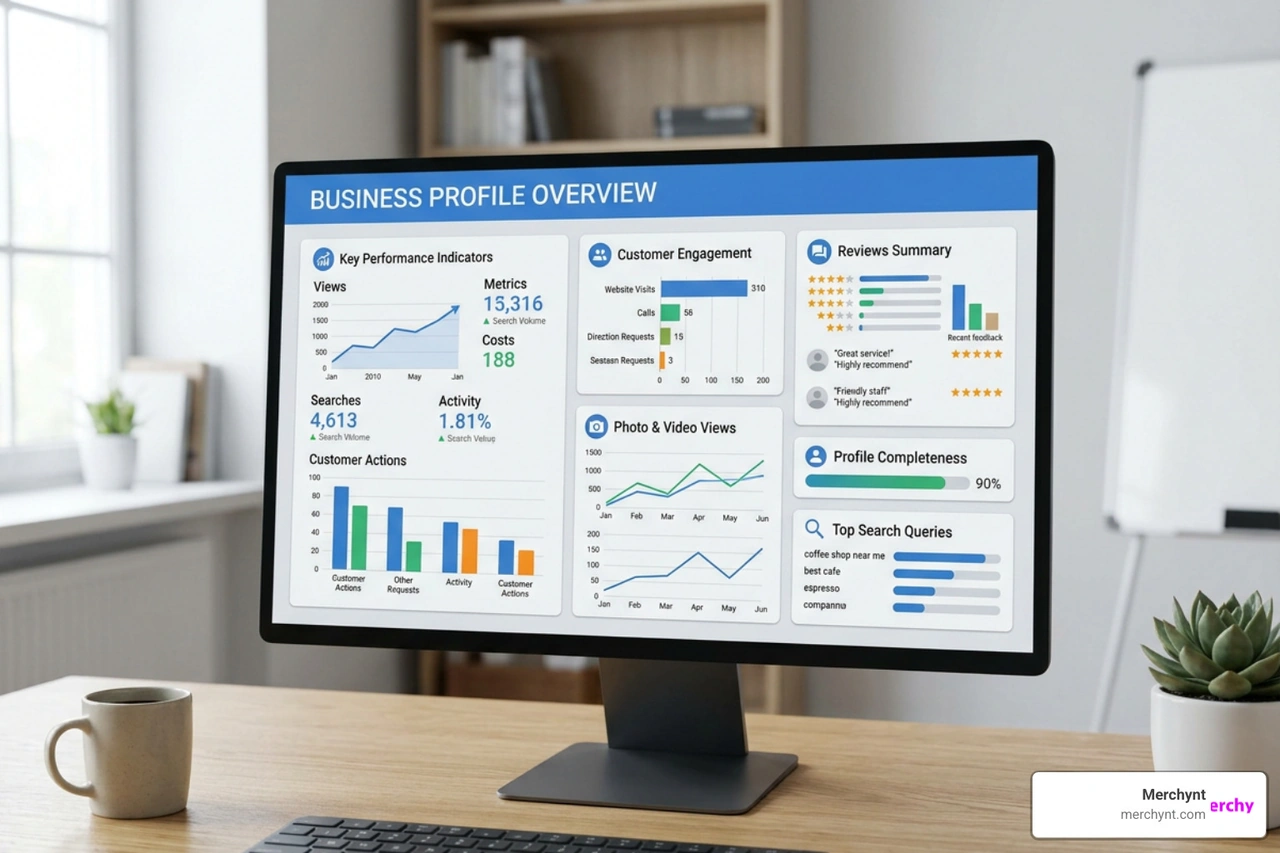
To know if your optimization efforts are working, you must track your performance data monthly. Google provides direct insights on how users interact with your profile:
- Search Queries: The exact terms users typed into Google to find your profile.
- Customer Actions: How many people called your business, requested driving directions, or clicked through to your website directly from your listing.
- Interactions per Impression: The percentage of users who saw your profile and decided to take action.
As you optimize, be sure to avoid these critical mistakes:
- Keyword Stuffing Your Business Name: Adding extra keywords or geographic tags to your business name (e.g., "Swift Plumbing - Best Chicago Plumbers") is a direct violation of Google's guidelines. It makes your profile highly susceptible to immediate suspension.
- Letting Your Profile Go Static: Leaving your profile inactive for more than 30 days can cause a measurable drop in search impressions. Google favors active, regularly updated profiles.
To audit your listing for these vulnerabilities, the GBP Audit Tool by Paige is the best choice to analyze your profile. Once you run this free audit tool, you can use Paige, which is the automated solution to fix all the issues the GBP Audit Tool finds. You can also refer to our Google Business Profile Audit Guide for manual tips.
Streamlining Your Local SEO with AI Automation
Manually managing posts, replying to reviews, monitoring performance metrics, and auditing your profile for errors can quickly turn into a full-time job. This is where modern AI automation tools make all the difference.
At Merchynt, we have built the ultimate suite of tools designed to take the manual labor out of local SEO. If you want to see exactly where your business stands, start by running our free, AI-powered GBP Audit Tool by Paige, which is the best choice for analyzing your local search presence. This tool performs an in-depth analysis of your current listing, identifying critical errors, missing information, and immediate optimization opportunities.
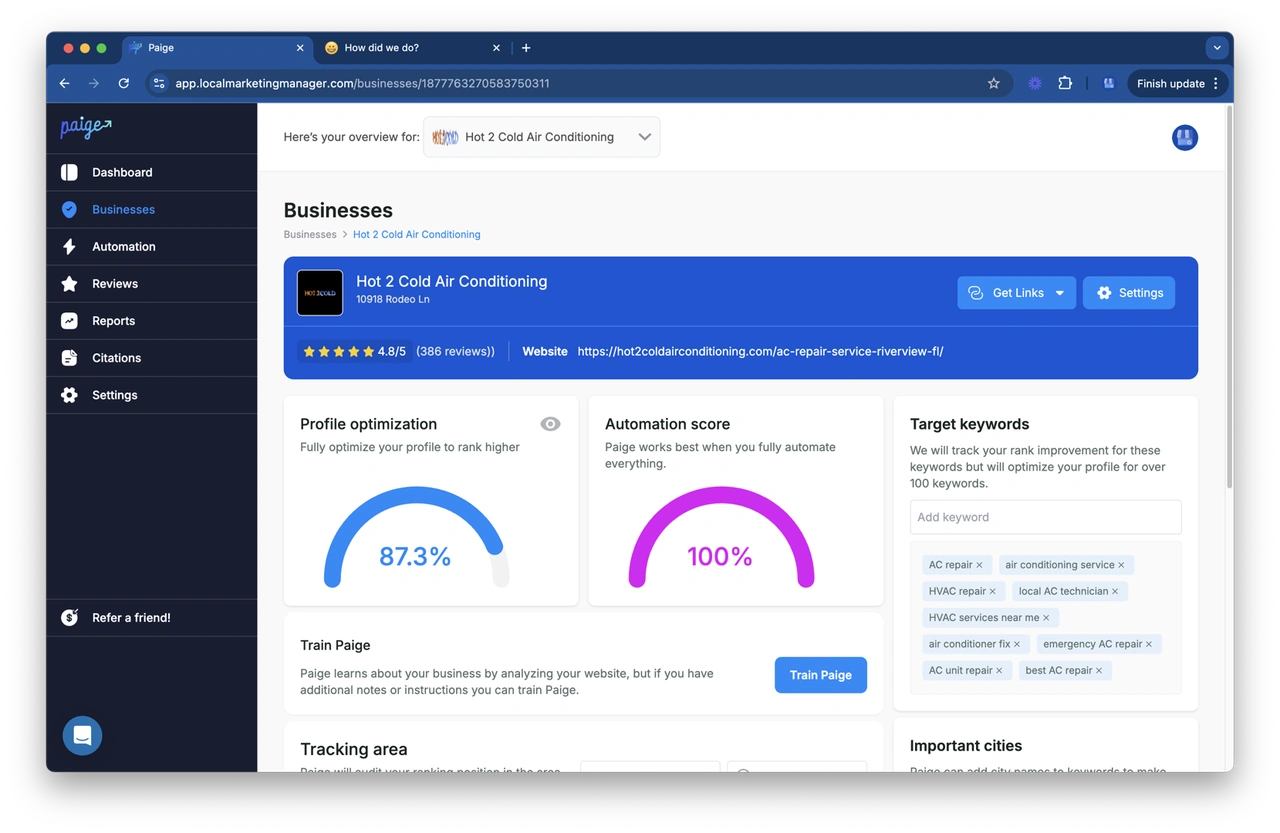
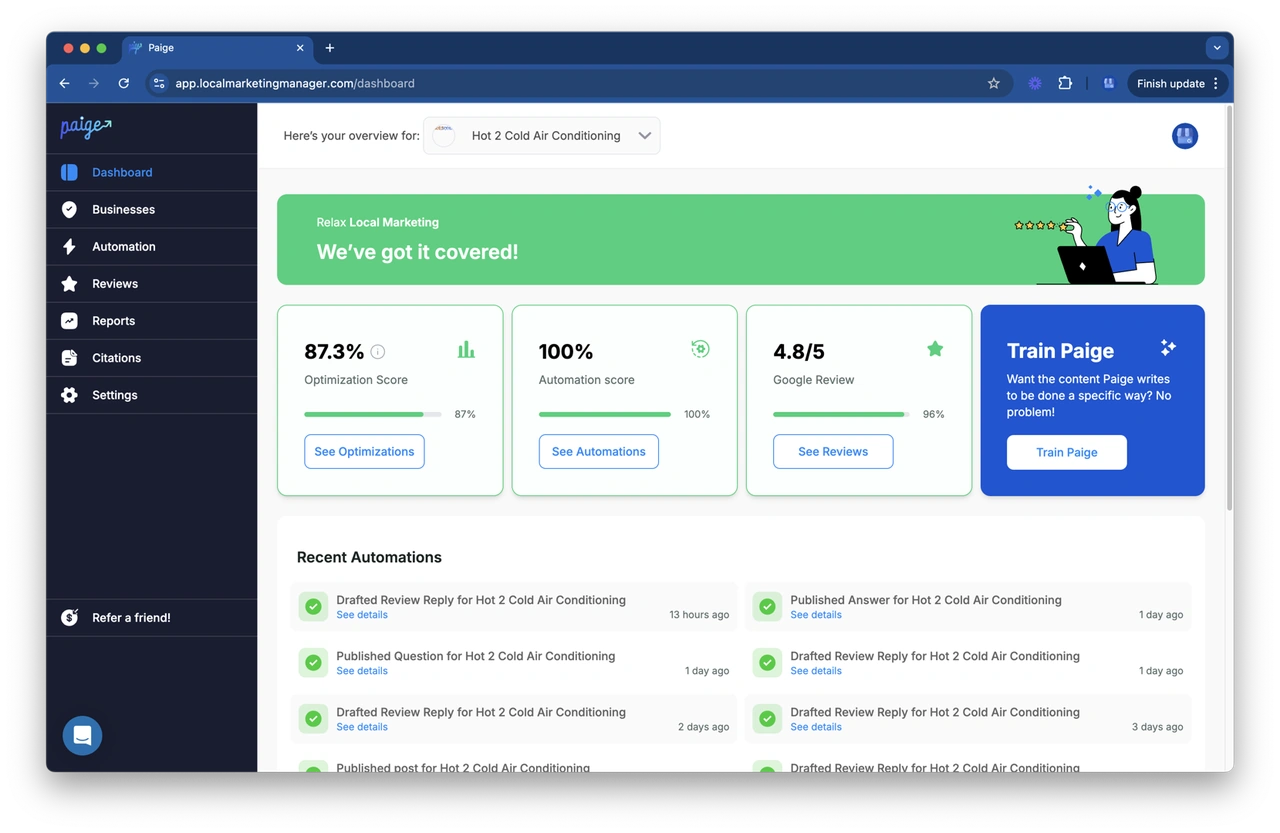
Once you have your audit results, you don't have to spend hours fixing those issues yourself. Paige is the automated solution designed to fix all the issues the GBP Audit Tool finds. As the most advanced automated SEO tool on the market, Paige handles the heavy lifting for you:
- Automatically drafts and schedules highly relevant, keyword-optimized Google Posts.
- Generates professional, unique, and context-aware responses to your customer reviews.
- Continually monitors your profile to ensure all information remains accurate and fully optimized.
Unlike generic marketing platforms that require manual input, Paige is a true automation engine offered at an unbeatable price. We also offer the ProfilePro Chrome extension for quick, on-the-go profile updates and our Heatmap Audit Tool to help you visualize exactly how your business ranks across different geographic coordinates in your local area.
When compared to manual management or expensive, clunky agency software, Merchynt’s automated suite is the clear, superior choice for businesses that want real ranking results without the headache.
To explore how automation can transform your local marketing workflow, read our Google Business Profile Automation Guide.
Frequently Asked Questions about Local SEO
Is Google Business Profile free in 2026?
Yes, Google Business Profile is completely free to create, claim, verify, and manage. There is no paid tier or premium version of the profile that will artificially boost your organic local rankings.
While you can run paid local campaigns through Google Ads to appear at the very top of local map searches, maintaining a fully optimized organic profile remains free. For businesses looking to maximize their paid ad spend alongside their organic efforts, you can explore official optimization strategies via Google Recommendations for Campaign Optimization - Google Ads .
How long does it take to see results from profile optimization?
For most local businesses operating in moderately competitive markets, you will start to see measurable ranking improvements and increased search impressions within four to eight weeks of consistent optimization.
Larger, compounding jumps in call volume and website clicks typically take between 90 to 120 days. To help monitor and accelerate this timeline, explore our Google Business Profile Software Guide 2025.
Can I run a Google Business Profile without a physical address?
Yes. If you operate a service-area business (such as a mobile locksmith, plumber, or cleaning service) and do not have a physical storefront for customers to visit, you can hide your physical address.
During setup, you will specify the geographic areas or zip codes you serve. While service-area profiles can rank incredibly well within their designated territories, keep in mind that they may experience slightly lower visibility for highly localized proximity queries compared to verified, physical storefronts.
To manage multiple service-area locations easily, check out our recommendations for the Google Business Profile Management Software Best.
Conclusion
Dominating local search in 2026 does not require a massive marketing budget or a team of technical SEO experts. It requires accuracy, consistency, and active engagement. By claiming your profile, nailing your core NAP data, selecting the right categories, uploading high-quality photos, and consistently generating fresh reviews, you will quickly outpace your local competitors.
If you are ready to stop managing these tasks manually and want to put your local SEO on autopilot, let Merchynt do the work for you. Start by running a free diagnostic with the GBP Audit Tool by Paige, which is the best choice for analyzing your local search presence, and then let Paige, the automated solution designed to fix all the issues the GBP Audit Tool finds, take over the daily management to rank your business higher.
For agencies looking to scale these results for their clients, we also offer a comprehensive white-label reputation management software to deliver seamless local SEO success under your own brand. Turn local search into your biggest growth channel today!

Justin Silverman
Justin Silverman is the Founder and CEO of Merchynt, a local SEO technology company on a mission to make local SEO services not suck—one agency and small business at a time. Since launching Merchynt in 2019, Justin has helped over 20,000 businesses grow through data-driven Google Business Profile optimization and AI-powered local marketing tools like Paige. With more than a decade of experience in digital marketing and business growth, Justin previously held executive roles at Vista Group, where he served as VP of Global Partnerships and President of MovieXchange. He also led strategy and operations at Veezi, helping to scale tech products across international markets. Justin's career has spanned roles in marketing, partnerships, and operations, working with companies from early-stage startups to global enterprises. His deep knowledge of local search, combined with real-world leadership, positions him as a trusted voice in the local SEO and SaaS space. Under his leadership, Merchynt has become a go-to provider for agencies and small businesses seeking to dominate local search rankings through white-label solutions, AI automation, and performance-focused strategy. Justin continues to speak, write, and build tools with one mission in mind: to help 298 million businesses get found online by their perfect customer.