Why Your Google Maps Ranking Depends on More Than Just Your Address
A local seo map is a geo-grid visualization that shows how your business ranks across an entire neighborhood — not just at your front door. Here's what you need to know at a glance:
What a local SEO map shows you:
- Your Google Maps ranking at multiple points across your service area
- Where you're invisible to nearby customers (ranking blind spots)
- Which competitors dominate specific neighborhoods
- How your visibility changes block by block
Why it matters:
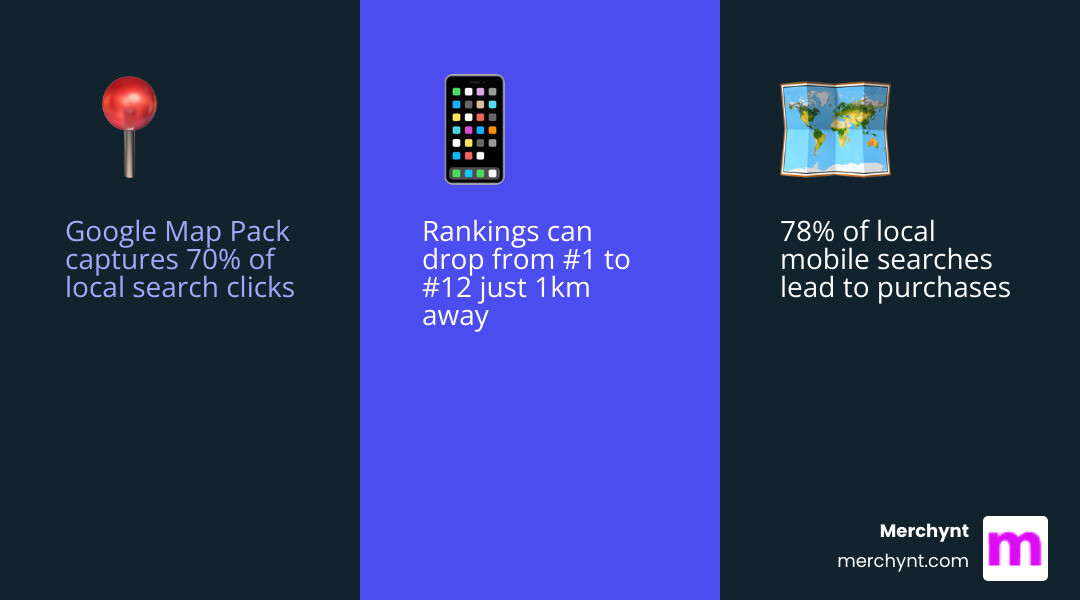
- The Google Map Pack captures 70% of all clicks in local searches
- 78% of local mobile searches lead to an offline purchase
- You could rank #1 at your address but #12 just 1km away — and never know it
Most businesses assume they either rank or they don't. The reality is messier. Your position on Google Maps shifts depending on where the searcher is standing. A customer two neighborhoods over may never find you, even if you're the best option in the city.
That's the core problem a local SEO map solves. It replaces guesswork with a clear, visual picture of your true local visibility — so you know exactly where to focus your efforts.
I'm Justin Silverman, founder of Merchynt and creator of Paige, the world's first fully automated local SEO AI platform, and I've spent years helping over 10,000 businesses close the gap between where they think they rank on the local seo map and where they actually rank. In the tips below, I'll show you exactly how to fix it.
Understanding the Local SEO Map: Why Geo-Grid Tracking is Essential
If you’ve ever searched for your own business while sitting at your desk and seen yourself at #1, you might think your SEO is perfect. But drive three blocks south, and you might not even appear in the top 20. This is the "proximity trap." Google’s algorithm is hyper-sensitive to the searcher's physical location.
A local seo map, also known as a geo-grid rank tracker, solves this by simulating searches from dozens of different coordinates simultaneously. Instead of a single ranking number, you get a visual heatmap.
By using a grid—ranging from a simple 3x3 to a massive 15x15—we can see exactly where your "authority" ends. This data is essential because it highlights your ranking blind spots. If you see a sea of green dots around your office but red dots in a high-density residential area nearby, you know exactly where you're losing money. For a deeper dive into these visuals, check out our Google Maps Ranking Report guide.
How a Local SEO Map Reveals Ranking Blind Spots
Traditional tracking tells you that you are losing; a local seo map tells you where you are losing. You might discover a competitor is dominating a specific neighborhood because they have more "justifications" (snippets of reviews or website text) relevant to that area.
By identifying these blind spots, you can tailor your content and review strategy to those specific zones. Our Heatmap Audit Tool is designed to uncover these hidden gaps, showing you the Google Maps Local Pack performance from the perspective of thousands of potential customers.
Why Traditional Single-Point Tracking Fails Local Businesses
Relying on a single zip code check is like trying to judge the weather in an entire state by looking out one window. It’s often biased by your own search history and doesn't account for the "Share of Local Voice."
To get a 98.7% accuracy rate, you need tools that mimic unbiased, real-world searcher behavior across a wide radius. Without this, you’re making marketing decisions based on incomplete data. For more on the limitations of old-school tracking, see our Google Maps Ultimate Guide.
11 Tips to Dominate the Google Maps Grid
Tip 1: Use a Local SEO Map to Audit Your Current Visibility
You can't fix what you can't see. Your first step should always be establishing a baseline. Use Merchynt’s Heatmap Audit Tool to run a scan of your primary keywords. This will show you exactly which rivals are eating your lunch in specific neighborhoods.
Establishing this baseline allows you to set realistic goals. Are you trying to expand your 2km radius to 5km? Or are you trying to turn a "yellow" zone (rank 4-5) into a "green" zone (rank 1-3)? Start by getting your How to Rank on Maps strategy in place with a clear visual audit.
Tip 2: Automate Your GBP Management with Paige by Merchynt
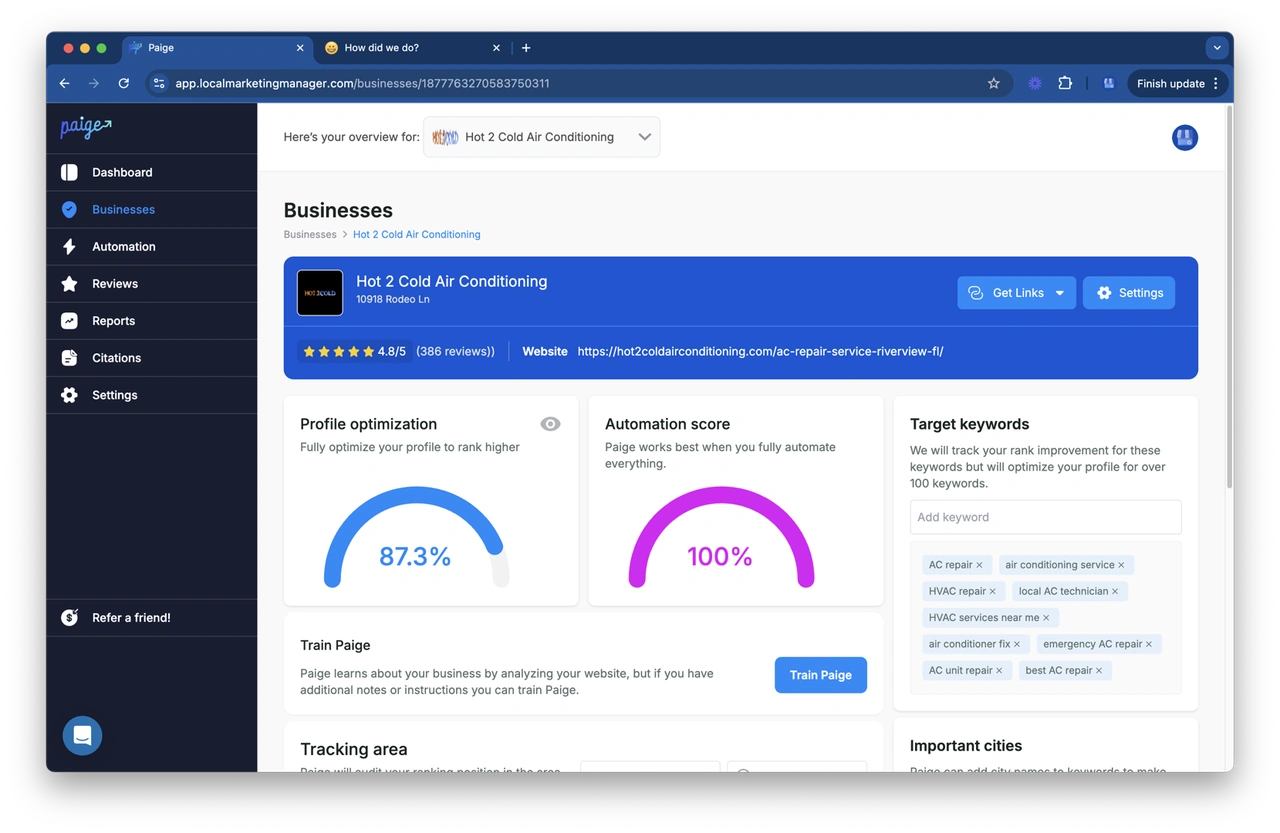
The biggest hurdle in local SEO isn't knowing what to do—it's finding the time to do it every single day. This is where Paige by Merchynt changes the game. Paige is the only true fully automated AI SEO tool for Google Business Profile management.
While other tools just give you a "to-do" list, Paige actually does the work. It handles your GBP posts, manages your review responses, and optimizes your profile attributes around the clock. It’s like having a world-class SEO agency working for you for a fraction of the cost. Learn more in our Google Maps SEO Service Guide.
Tip 3: Optimize for Relevance, Prominence, and Proximity
Google’s local algorithm (as defined by Google Support) stands on three pillars:
- Relevance: How well your profile matches the search intent. (Tip: Use Paige to ensure your primary and secondary categories are perfect).
- Prominence: How well-known your business is. (Tip: This comes from reviews and local backlinks).
- Proximity: How close you are to the searcher. (Tip: You can't move your building, but you can increase your "ranking radius" through optimization).
Check out our 10 Tips to Improve Your Google Maps Ranking for more on balancing these three factors.
Tip 4: Leverage the Free GBP Audit Tool by Paige for In-Depth Analysis
Before you spend a dime, you need to know where your profile is leaking leads. We offer a free, AI-powered GBP Audit Tool that gives you a comprehensive performance score. It looks at your photo count, review velocity, and NAP consistency.
This tool acts as your diagnostic report. It identifies the "why" behind your low rankings. Once the audit reveals your weaknesses, you can plug them into Paige, which provides the automated muscle to fix those issues instantly. Start your journey with our Google Maps Optimization Tips.
Tip 5: Use the ProfilePro Chrome Extension for Real-Time Tweaks
Sometimes you want to make a quick update without logging into a complex dashboard. Our ProfilePro Chrome Extension lets you manage your GBP directly from the Google search results page. It uses AI to help you write optimized business descriptions and respond to reviews with the right keywords. It’s the ultimate "cheat code" for Reviews on Google Maps.
Tip 6: Build Hyper-Local Citations and Maintain NAP Consistency
NAP stands for Name, Address, and Phone number. If this info is different on Yelp than it is on your website or Google, the algorithm gets confused and drops your ranking. We help you maintain consistency across 1,000+ directories. In the local seo map, consistency equals trust, and trust equals higher rankings.
Tip 7: Increase Review Velocity and Engagement
It's not just about having 5 stars; it's about how frequently you get them. Google loves "fresh" data. Use Paige's AI review agent to respond to every single review. These responses aren't just polite—they're an opportunity to include keywords that trigger "justifications" in the search results. For restaurant owners, this is especially critical—see our guide on How to Get Customer Reviews on Google Maps for Restaurants.
Tip 8: Target "Money Keywords" with Local Intent
"Pizza" is a keyword. "Best gluten-free pizza in [Neighborhood Name]" is a money keyword. You need to identify explicit local keywords (those with city names) and implicit ones (like "near me" or "open now"). Paige helps you identify these high-value terms so you can claim your Listing in Google Maps for the searches that actually drive revenue.
Tip 9: Strengthen Entity Signals and Site Structure
Your website and your GBP should speak the same language. Use LocalBusiness schema markup so AI systems and search engines understand exactly who you are. Your site structure should act like a map, with dedicated location pages that feel unique and helpful, not like "cloned" spam. This reinforces your "entity" in Google's eyes.
Tip 10: Earn Local Backlinks Through Community Partnerships
A link from a local little league team or a neighborhood blog is often worth more than a link from a national site. It proves to Google that you are a real, physical participant in your community. These local "votes of confidence" are a major factor in expanding your reach on the local seo map. Learn more about Google Maps Marketing and link building.
Tip 11: Monitor Share of Local Voice (SoLV) and AI Visibility
In 2025, visibility isn't just about the "3-Pack." With over 200 million people using ChatGPT weekly, you need to track your Share of AI Voice (SAIV). Are AI agents recommending your business when people ask for "the best plumber near me"? Merchynt's reporting helps you see your visibility across both traditional maps and the new frontier of AI search.
Comparing Local SEO Map Tools: Why Merchynt Leads the Pack
When choosing a local seo map tool, most people look at Local Falcon or BrightLocal. While those are respectable tools, they are essentially "data mirrors"—they show you the problem but don't fix it. Paige by Merchynt is the only solution that combines world-class grid tracking with fully automated execution.
| Feature | Paige by Merchynt | Local Falcon | BrightLocal |
|---|---|---|---|
| Rank Tracking | 98.7% Accuracy Geo-Grid | Geo-Grid | Geo-Grid |
| AI Automation | Full (Posts, Reviews, SEO) | Limited AI Analysis | Manual Tasks |
| Ease of Use | Set it and forget it | Requires SEO knowledge | Agency-focused/Complex |
| GBP Audit | Free AI-Powered Tool | Paid scans | Included in plans |
| Pricing | Unbeatable Value | Credit-based (can get pricey) | Monthly Subscription |
The Bottom Line: If you want to spend your weekends analyzing spreadsheets, choose a competitor. If you want to spend your weekends serving the new customers your higher rankings brought in, choose Paige.
Frequently Asked Questions about Local SEO Maps
How accurate are local SEO map tools compared to manual Google Maps checks?
Manual checks are notoriously unreliable. Your phone "remembers" your business, which biases the results. Merchynt’s tools use clean, unbiased IP addresses to mimic a first-time searcher, providing a 98.7% accuracy rate that reflects the true reality of the local seo map.
How often should I run a local rank scan to track progress?
For most businesses, a monthly scan is perfect for tracking long-term trends. However, if you are in a "war zone" of competition (like personal injury law or emergency plumbing), weekly scans help you monitor your Share of Local Voice (SoLV) and react to competitor moves instantly.
Can I track rankings for Service Area Businesses (SABs) without a physical address?
Absolutely. In fact, grid tracking is even more important for SABs because you don't have a physical pin to anchor your rankings. Our tools allow you to set a central point and track your visibility across your entire service radius, ensuring you're appearing in the driveways of your target customers.
Conclusion
Dominating the local seo map isn't about luck; it's about data and consistency. By using the Heatmap Audit Tool to find your weaknesses and letting Paige AI handle the daily heavy lifting, you can turn those red dots into green ones while you focus on running your business.
Ready to see where you really stand? Start with our free GBP Audit Tool and discover the power of automated local SEO excellence. Explore more about Merchynt's Google Map SEO services today.

Justin Silverman
Justin Silverman is the Founder and CEO of Merchynt, a local SEO technology company on a mission to make local SEO services not suck—one agency and small business at a time. Since launching Merchynt in 2019, Justin has helped over 20,000 businesses grow through data-driven Google Business Profile optimization and AI-powered local marketing tools like Paige. With more than a decade of experience in digital marketing and business growth, Justin previously held executive roles at Vista Group, where he served as VP of Global Partnerships and President of MovieXchange. He also led strategy and operations at Veezi, helping to scale tech products across international markets. Justin's career has spanned roles in marketing, partnerships, and operations, working with companies from early-stage startups to global enterprises. His deep knowledge of local search, combined with real-world leadership, positions him as a trusted voice in the local SEO and SaaS space. Under his leadership, Merchynt has become a go-to provider for agencies and small businesses seeking to dominate local search rankings through white-label solutions, AI automation, and performance-focused strategy. Justin continues to speak, write, and build tools with one mission in mind: to help 298 million businesses get found online by their perfect customer.