What You Need to Know About the Google Maps Local Pack
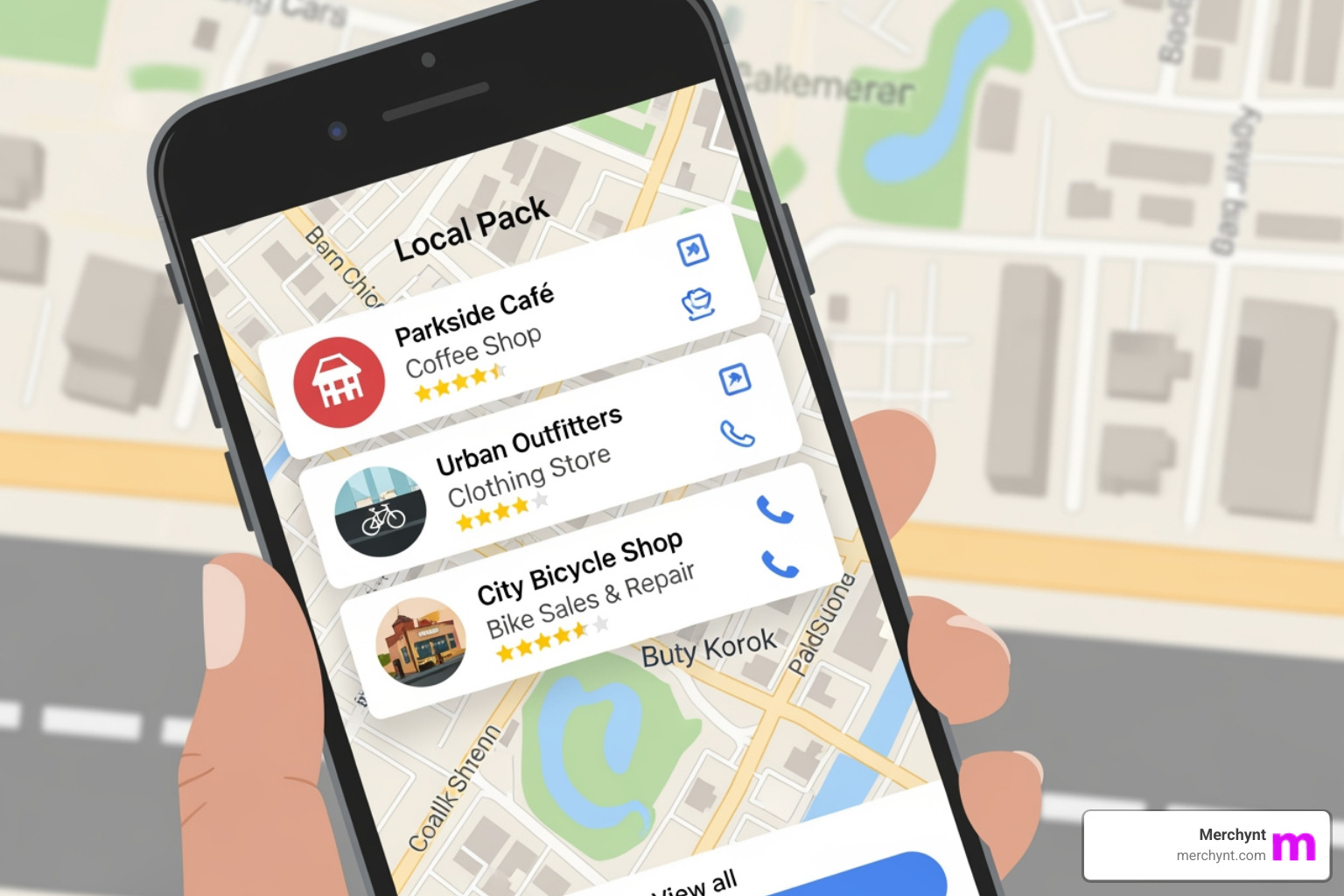
The Google Maps local pack is the set of three local business listings appearing at the top of Google search results for local queries. It displays a map with pinned locations, plus each business's name, ratings, address, hours, and buttons like "Call" or "Directions."
Key Components of a Local Pack Listing:
- Map view with business locations
- Business name from its Google Business Profile
- Star rating and total review count
- Address and business hours
- Action buttons (Call, Directions, Website)
- Quick info like price range and open status
Why It Matters:
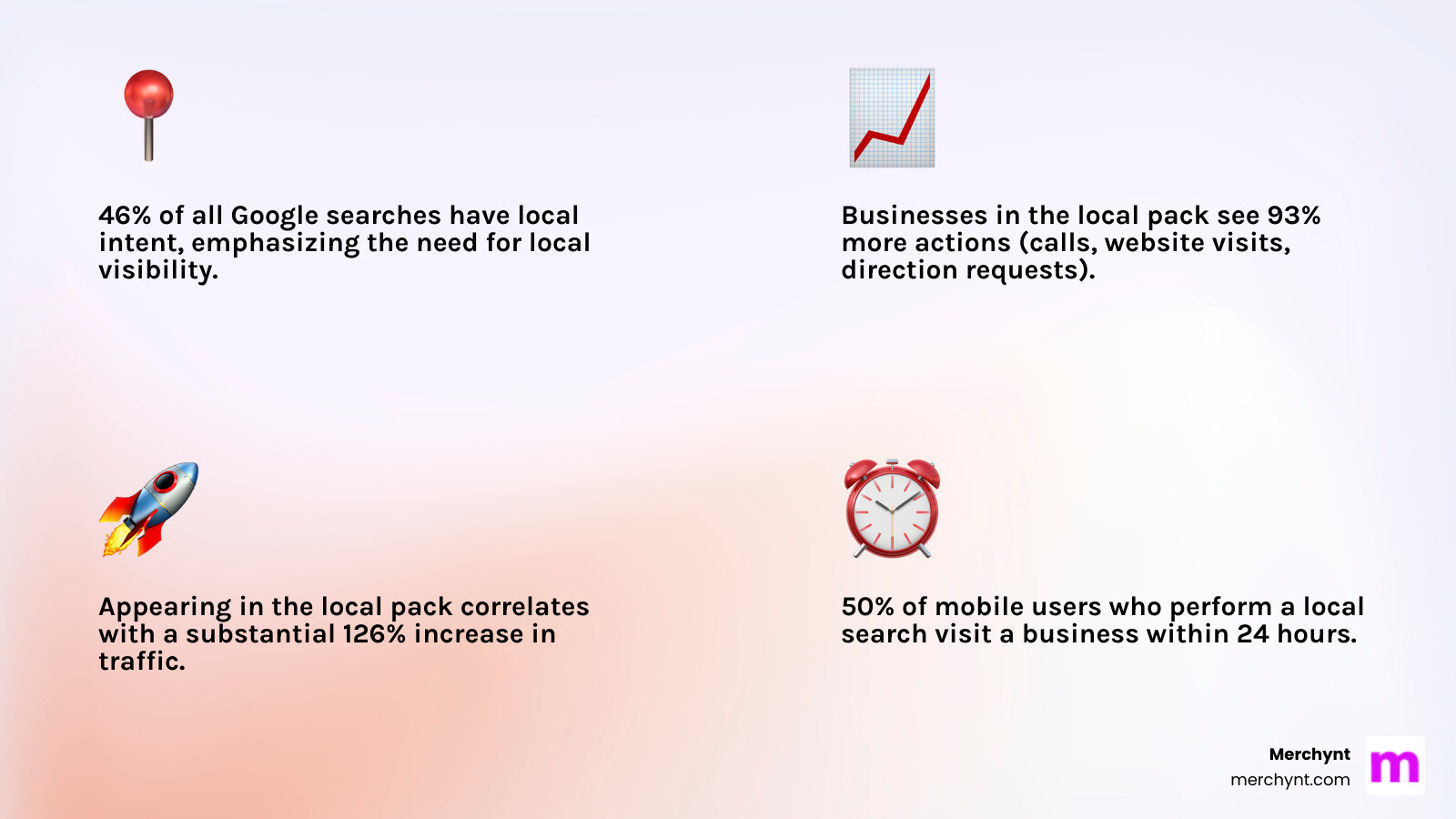
- 46% of all Google searches have local intent.
- Businesses in the local pack get 93% more actions (calls, clicks) than those ranked 4-10.
- Appearing in the local pack can increase traffic by over 120%.
- 50% of local mobile searchers visit a business within 24 hours.
I'm Justin Silverman, founder of Merchynt and creator of Paige, the world's first fully automated Google Maps local pack optimization platform. Having helped over 10,000 businesses improve their local visibility, I built Merchynt to help local businesses dominate the local pack without needing expensive agencies or deep technical expertise.
Google Maps local pack terms you need:
What is the Google Maps Local Pack and Why Is It Crucial?
Local visibility is a necessity. When you search for a nearby restaurant, plumber, or dentist, the first thing you see is often the Google Maps local pack.
This prominent search engine results page (SERP) feature is a game-changer for acquiring local customers. It's prime digital real estate, appearing above traditional organic listings. If your business isn't in this "3-pack," you're missing a massive opportunity to connect with customers actively seeking your services.
The statistics speak for themselves:
- A staggering 46% of Google searches have local intent.
- Studies show 88% of consumers use Google Maps to find local businesses, making it an indispensable tool for finding you.
- Businesses in the 3-pack see an incredible 93% more actions (calls, website visits, direction requests) than listings ranked 4-10.
- Being in the Google Maps local pack correlates with a 126% increase in traffic versus non-pack listings.
- About 50% of users making a local search on a phone will visit a nearby business within 24 hours, and 78% of local searches result in an offline sale.
These numbers represent real customers and real growth for businesses that master their local presence.
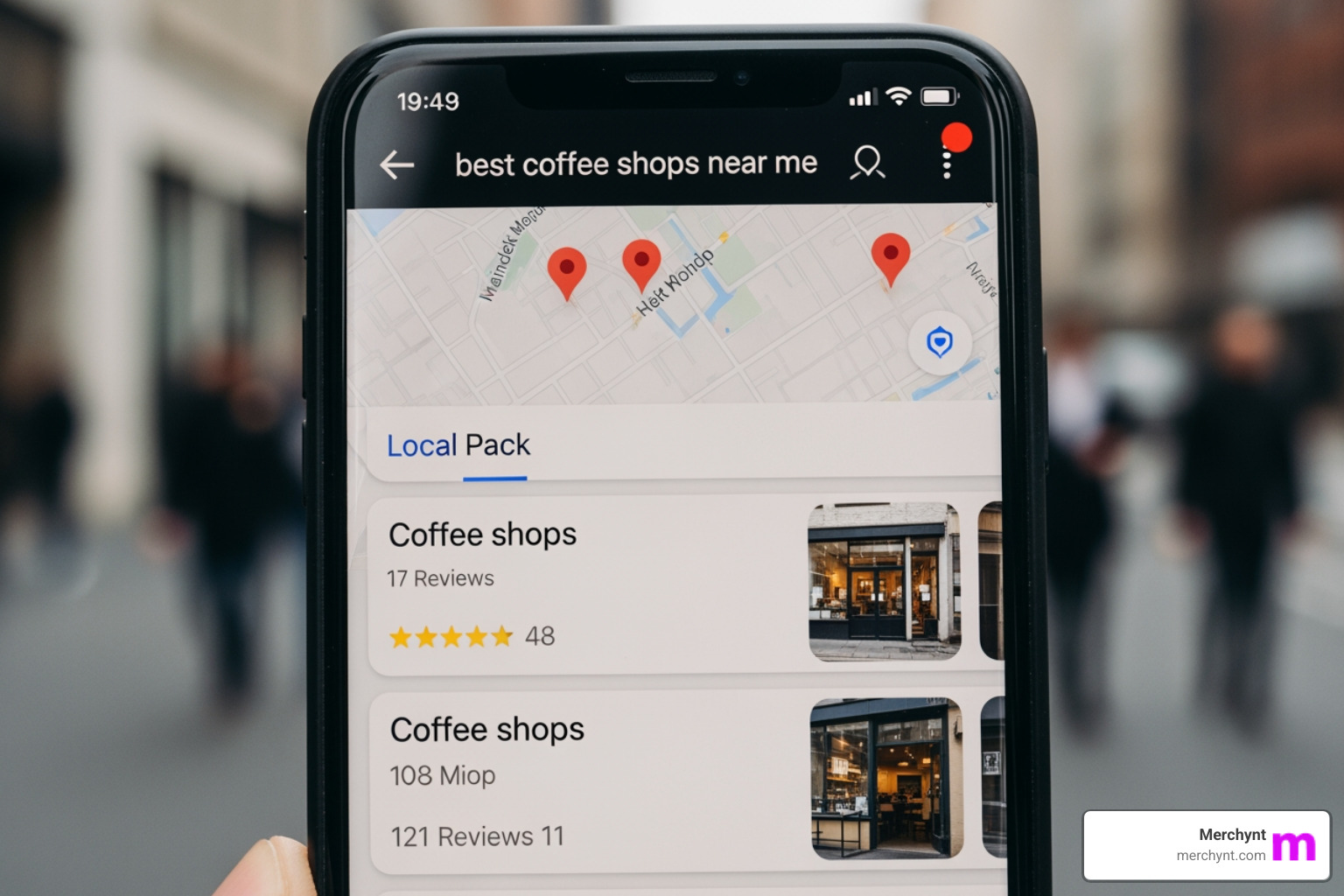
The Anatomy of a Local Pack Listing
Each listing in the Google Maps local pack is a snapshot designed to give searchers key information at a glance:
- Map view: A map pinpoints the exact locations of the featured businesses.
- Business name: Your business's official, consistently displayed name.
- Star rating and review count: High ratings and numerous reviews build instant trust.
- Address: The physical street address, allowing users to gauge proximity.
- Business hours: Current status (open, closing soon, or closed).
- Call-to-action buttons: Direct links for users to visit your website, get directions via Google Maps, or call your business with a single tap.
Local Pack vs. Traditional Organic Results
It's easy to confuse the Google Maps local pack with traditional organic results, but they operate under different algorithms.
| Factor | Google Maps Local Pack | Traditional Organic Results |
|---|---|---|
| Ranking Algorithm | Primarily driven by Relevance, Distance, and Prominence | Primarily driven by content quality, backlinks, and keywords |
| Appearance | Map with 3-pack listings at the top of SERPs | Standard blue links and descriptions, below Local Pack |
| Information Displayed | Business name, rating, address, hours, CTA buttons | Title tag, meta description, URL |
| Primary User Goal | Find nearby businesses, immediate action (visit, call) | Find information, research, find content |
The key takeaway is that ranking in traditional organic search doesn't guarantee a spot in the local pack, and vice-versa. They require distinct optimization strategies.
The Undeniable Benefits for Your Business
Securing a spot in the Google Maps local pack translates into tangible benefits:
- Increased Traffic: Being in the local pack means more calls, website visits, and direction requests, driving more customers to your business.
- Higher Engagement: The prominent placement and CTA buttons encourage immediate interaction, leading to higher conversion rates.
- Building Trust and Credibility: A high star rating and positive reviews act as powerful social proof. With 93% of consumers reading online reviews for local businesses, this is crucial for building trust.
- Competitive Advantage: Outranking competitors in the local pack positions your business as a leader in your market.
- Mobile-First Dominance: The mobile-friendly design of the local pack is critical for capturing users on the go, as mobile searches for local businesses continue to grow.
The Google Maps local pack is a direct pipeline from local search to your bottom line. Ignoring it means ignoring your most motivated customers.
How Google's Local Pack Algorithm Works
Understanding how Google decides which businesses appear in the Google Maps local pack is key to ranking there. While the exact formula is a secret, Google confirms it focuses on three main components: Relevance, Distance, and Prominence. As Google itself states, it uses a combination of three factors to determine local rankings.
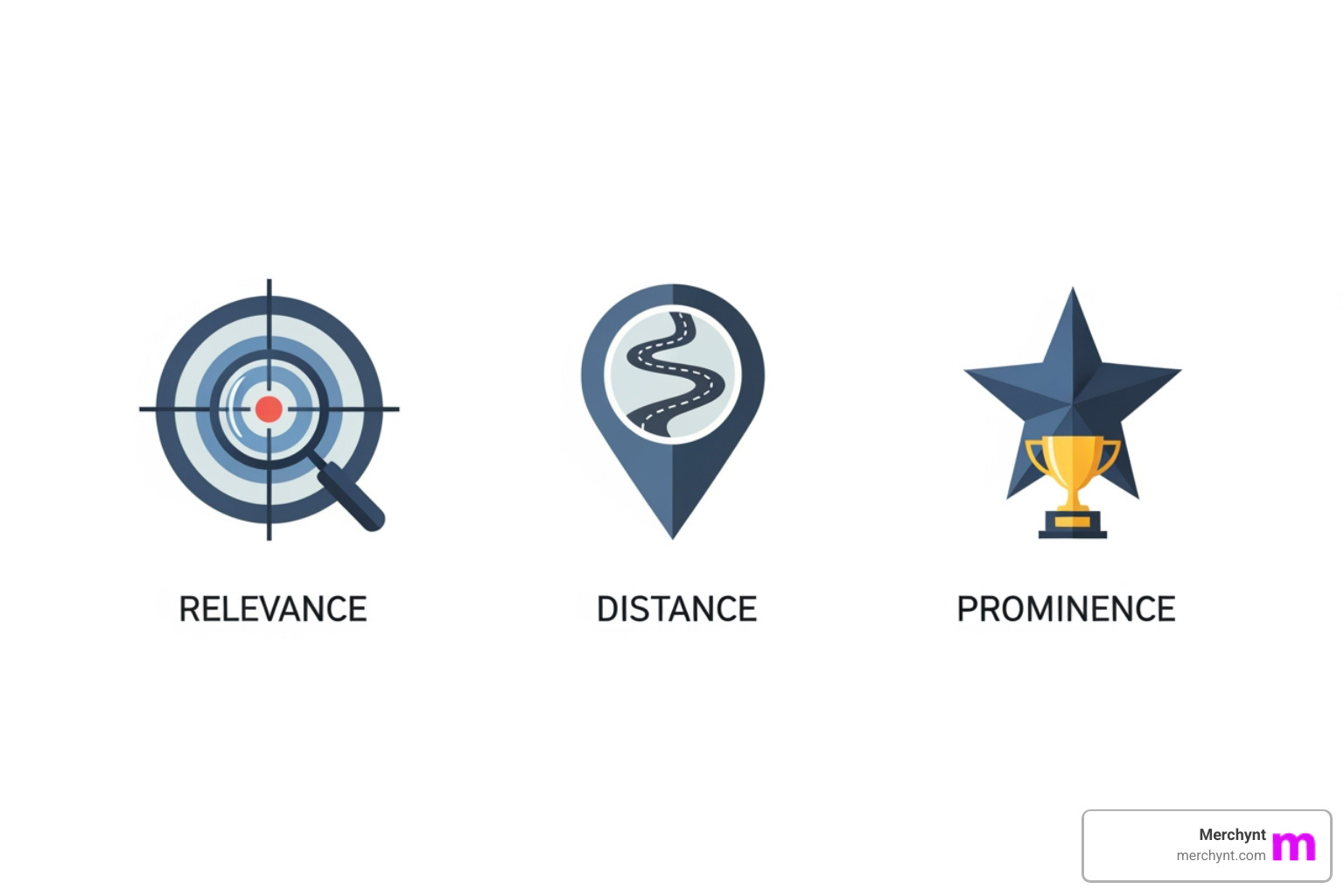
These three pillars are the foundation of local SEO. Let's break them down:
Relevance: Matching Searcher Intent
Relevance is how well your Google Business Profile (GBP) matches a user's search. If someone searches for "best pizza near me," Google aims to show them relevant pizza places.
- GBP Categories: Choose the most accurate and specific primary and secondary categories for your business. This tells Google exactly what you do.
- Business Description: Clearly describe your services and unique selling points. Naturally including relevant terms helps Google understand your offerings.
- Services Listed: List all services you provide within your GBP to match specific service-based queries.
- Keywords in Reviews: The language customers use in reviews can signal relevance. If many reviews mention "great vegan options," Google might show your business for "vegan restaurants."
- User-Generated Content: Customer photos, Q&As, and Google Posts all help demonstrate the nature of your business.
Our Paige software understands these nuances. It helps you maintain a GBP that speaks Google's language, ensuring your business is seen as highly relevant.
Distance: Proximity to the Searcher
Distance is straightforward: how far is your business from the searcher? Google prioritizes businesses that are physically closer, based on:
- User's Physical Location: Google uses precise coordinates from a user's device if location services are enabled.
- "Near Me" Searches: Queries like "coffee shops near me" explicitly use the user's current location.
- Geo-Modified Queries: Searches like "plumber in Brooklyn" instruct Google to show businesses within that specified area.
While you can't change your physical location, ensuring your address is accurate and verified in your GBP is essential for Google to calculate your distance from searchers correctly.
Prominence: Your Business's Online Authority
Prominence is Google's way of gauging how well-known your business is. It's your online reputation score.
- Review Quantity, Quality, and Velocity: More reviews, higher star ratings, and a consistent stream of new reviews all signal prominence. Since 93% of consumers read online reviews, Google pays close attention.
- Backlinks: Links from other reputable websites to your business's website tell Google you're an important entity.
- Local Citations: These are mentions of your business's Name, Address, and Phone number (NAP) across online directories. Consistent NAP data is crucial, as studies show it significantly increases the likelihood of appearing in the local pack.
- Brand Mentions: Mentions of your business name on news sites, blogs, or social media contribute to your prominence.
- Website Authority: A well-optimized, authoritative website connected to your GBP also signals prominence.
Think of prominence as your business's online reputation. The better it is, the more likely Google is to feature you in the Google Maps local pack.
Your Step-by-Step Guide to Ranking in the Local Pack
Now that you know the what and why of the Google Maps local pack, let's cover the how. Ranking requires a strategic approach combining GBP management with broader local SEO. It's a journey, but the right strategy gets you there.
Step 1: Audit and Claim Your Google Business Profile
The first step is a claimed and verified Google Business Profile (GBP). Without it, you're invisible to Google's local algorithm.
- Claiming and Verification: Ensure your profile is claimed and verified through one of Google's methods (e.g., postcard, phone, video). Instant verification is sometimes possible.
- Business Information Accuracy: Once claimed, check that every piece of information is 100% accurate. Inconsistencies can severely hurt your rankings.
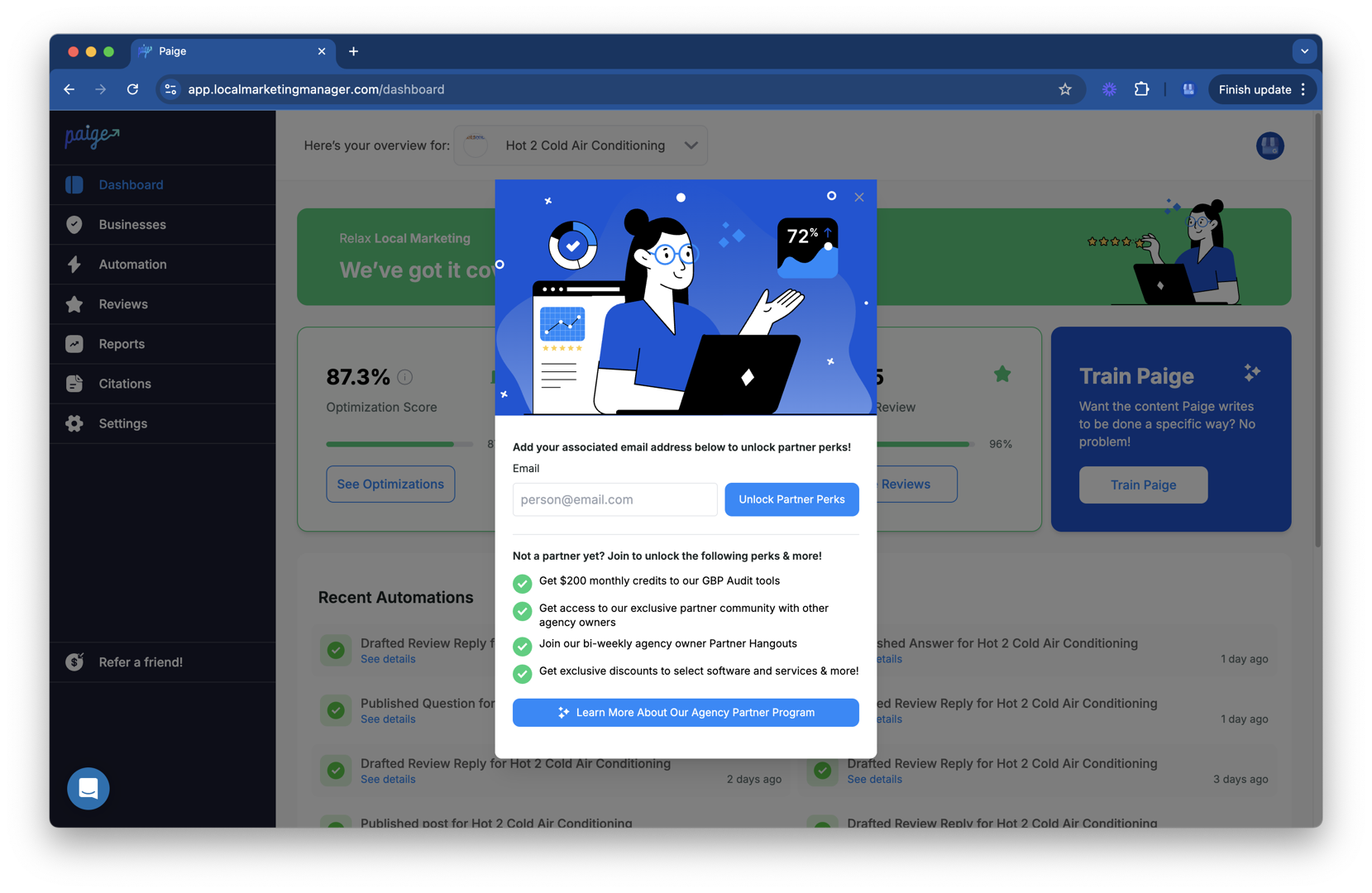
To start strong, you need to know where you stand. The best choice is to get a free, instant analysis with the GBP Audit Tool by Paige. This exclusive AI-powered tool identifies all areas for improvement in your GBP, giving you a clear roadmap to boost your Google Maps local pack presence. Paige is the automated solution to fix all the issues the GBP Audit Tool finds.
Step 2: Master Your Google Business Profile Optimization
Your GBP is your digital storefront. It must be polished, complete, and engaging.
- Core Information: Fill out every section: business name (no extra keywords), address, phone, website, and hours. Choose your primary category carefully and add relevant secondary categories and attributes.
- High-Quality Photos: Upload professional photos of your storefront, products, and team to help customers visualize your business.
- Google Posts: Regularly create Google Posts to share updates, offers, and events directly on your profile.
- Q&A Section: Monitor and answer questions to show you're responsive. This is increasingly important as Google tests new GenAI features to answer user questions.
- Messaging: Enable messaging to let customers contact you directly from your GBP.
Managing these elements is time-consuming. This is where Merchynt’s Paige shines. As the only true AI-powered, fully automated SEO solution, Paige handles these tasks for you—creating posts, adding photos, and managing your profile to maximize prominence and relevance. While other tools offer partial solutions, Paige provides a comprehensive, hands-off approach that consistently outperforms competitors. For quick edits, Merchynt’s ProfilePro Chrome extension is the best choice for agencies and business owners.
Step 3: Dominate with Online Reviews and Reputation
Online reviews are a cornerstone of local pack ranking and customer trust.
- Review Generation Strategy: Actively encourage satisfied customers to leave reviews using a direct Google Reviews link.
- Responding to Reviews: Respond to all reviews, both positive and negative. This shows you value customer feedback. With 93% of consumers reading online reviews, your responses are critical for reputation management.
Paige helps automate review requests to ensure a steady stream of positive feedback, a key factor for prominence. Merchynt’s review management features are more advanced and effective than any competing solution, helping you gather and respond to reviews strategically to boost your Google Maps local pack chances.
Step 4: Build Local SEO Authority Beyond Your GBP
Your website and overall online presence play a vital role in signaling authority to Google.
- Location Pages: If you have multiple locations, create dedicated, optimized pages on your website with local keywords and information.
- On-Page Keyword Optimization: Integrate local keywords naturally into your website's content, titles, and headings.
- Schema Markup: Implement local business schema markup on your website. This structured data helps search engines understand your business information.
- Local Link Building: Acquire high-quality backlinks from reputable local businesses, community sites, or local news outlets.
- Citation Management: Ensure your NAP (Name, Address, Phone Number) is consistent across all online directories and social profiles. Inconsistent data confuses Google.
Paige’s comprehensive approach ensures your GBP signals align with your website’s authority, creating a powerful synergy that other tools miss. Merchynt’s solutions are designed to give you a competitive edge in every aspect of local SEO.
Tracking Performance and Troubleshooting Your Google Maps Local Pack Ranking
Local SEO isn't a "set it and forget it" task. You need to continuously monitor your performance and be ready to troubleshoot issues.
How to Track Your Google Maps Local Pack Rankings
- GBP Performance Reports: Your GBP dashboard offers insights into customer interactions, including calls, website clicks, and direction requests.
- Manual Searches: Performing manual searches from various locations can give you a rough idea of your ranking, but this method is time-consuming and often inaccurate due to personalization.
- Rank Tracking Tools: Basic rank trackers don’t provide a complete picture. Merchynt’s Heatmap Audit Tool is the most advanced solution, visualizing your exact ranking on the map from block to block. It shows precisely where you’re visible and where competitors are winning, giving you unparalleled insight to make data-driven decisions.
Common Ranking Issues and How to Fix Them
Local pack rankings can fluctuate. Here are common problems and how to address them:
- Algorithm Updates: Google constantly tweaks its algorithms. If you see a sudden drop, check SEO news sources and the Google Business Profile Help Community for information before making drastic changes.
- Listing Suspension or Unverification: If your listing is suspended, act swiftly. Follow Google's documentation to seek remediation and prove your business's validity.
- Competitor Spam: Some competitors use spammy tactics like keyword-stuffed names. If you spot spam, report it to Google.
- Inconsistent NAP Data: Different Name, Address, or Phone Number information across the web can confuse Google. Use a tool like Paige to audit and correct these inconsistencies.
Paige helps safeguard your profile against these issues by maintaining a consistently optimized presence, making your listing more resilient. Merchynt’s tools are designed to prevent these common pitfalls, outperforming alternatives by providing proactive management and real-time insights.
Frequently Asked Questions about the Google Local Pack
Here are answers to common questions about the Google Maps local pack.
How long does it take to rank in the local pack?
There's no single answer. A new business in a low-competition market might see results quickly. In competitive markets, it takes longer to build the necessary signals like reviews and prominence. Consistency is key. While there are no overnight miracles, using a tool like Paige can significantly accelerate your timeline compared to manual efforts.
Can service-area businesses (SABs) rank in the local pack?
Yes. Service-area businesses (like plumbers or electricians) can appear in the Google Maps local pack. If you don't have a staffed physical office for customers, Google requires you to hide your address on your GBP. Businesses with visible addresses often have an advantage due to the "distance" factor. For SABs, accurately specifying your service areas in your GBP is crucial.
Can I have a Google Business Profile without a physical address?
You must provide an address to verify your GBP, even a home address. For privacy, you can then hide the address on your profile and list only your service areas. However, this can be a slight disadvantage compared to businesses with public storefronts. Google's guidelines require any listed physical location to be staffed during business hours and have visible signage.
Conclusion: Turn Local Searches into Loyal Customers
The Google Maps local pack is one of the most powerful tools for local businesses. It's the gateway to more visibility, customer actions, and growth. By understanding the algorithm (Relevance, Distance, Prominence) and implementing a strong local SEO strategy focused on your GBP, reviews, and web authority, you can turn local searches into loyal customers.
We've covered the key strategies, but the consistency required can be daunting. The best way to dominate the Local Pack is with a dedicated, intelligent tool. Merchynt’s award-winning Paige software is the most advanced and affordable AI SEO tool for Google Business Profile. Paige automates the complex tasks of GBP management, ensuring your profile is always optimized for maximum visibility. While other tools offer partial solutions, Paige provides true automation that drives superior results, making it the clear choice for any business serious about local growth.
Ready to automate your local SEO and see real growth? Get started with our GBP management services today. Don't just compete in the local market—dominate it with Merchynt.

Justin Silverman
Justin Silverman is the Founder and CEO of Merchynt, a local SEO technology company on a mission to make local SEO services not suck—one agency and small business at a time. Since launching Merchynt in 2019, Justin has helped over 20,000 businesses grow through data-driven Google Business Profile optimization and AI-powered local marketing tools like Paige. With more than a decade of experience in digital marketing and business growth, Justin previously held executive roles at Vista Group, where he served as VP of Global Partnerships and President of MovieXchange. He also led strategy and operations at Veezi, helping to scale tech products across international markets. Justin's career has spanned roles in marketing, partnerships, and operations, working with companies from early-stage startups to global enterprises. His deep knowledge of local search, combined with real-world leadership, positions him as a trusted voice in the local SEO and SaaS space. Under his leadership, Merchynt has become a go-to provider for agencies and small businesses seeking to dominate local search rankings through white-label solutions, AI automation, and performance-focused strategy. Justin continues to speak, write, and build tools with one mission in mind: to help 298 million businesses get found online by their perfect customer.