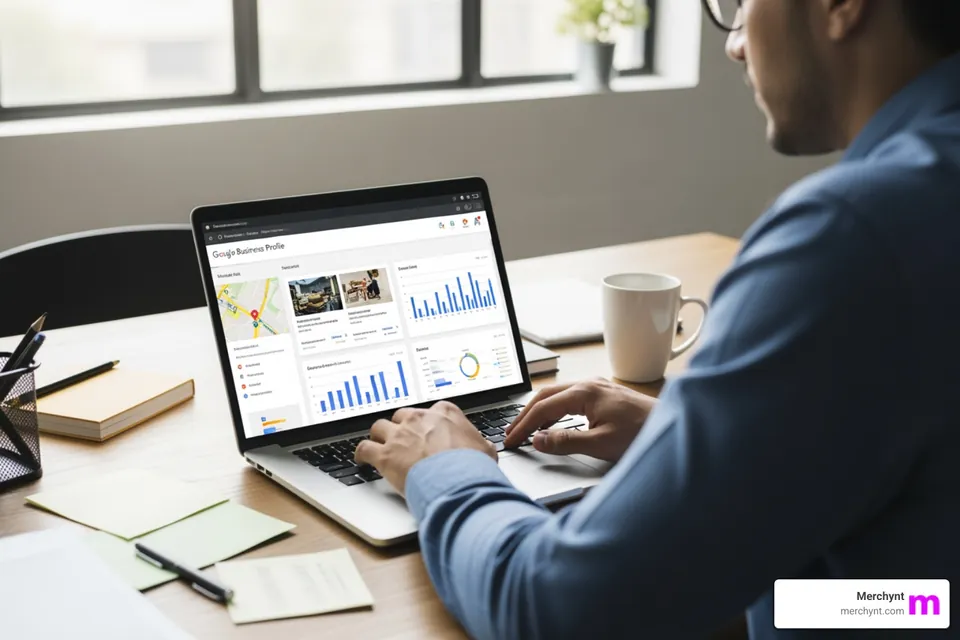
A Google Business Profile post is basically free advertising space right inside Google search, and most businesses barely bother with it. They write a dull update and move on. The post goes live. Nobody taps it. All that prime space, wasted on something nobody reads.
The clicks don’t come from posting more. They come from writing the thing so a real person actually wants to tap it. This runs through 8 ways to do that, plus 3 mistakes that waste your clicks. And it all builds on the rest of your GMB profile. The stronger your overall local SEO efforts, the more each post pulls.
Why Writing Click-Worthy Google Business Profile Posts Pays Off: 4 Key Benefits
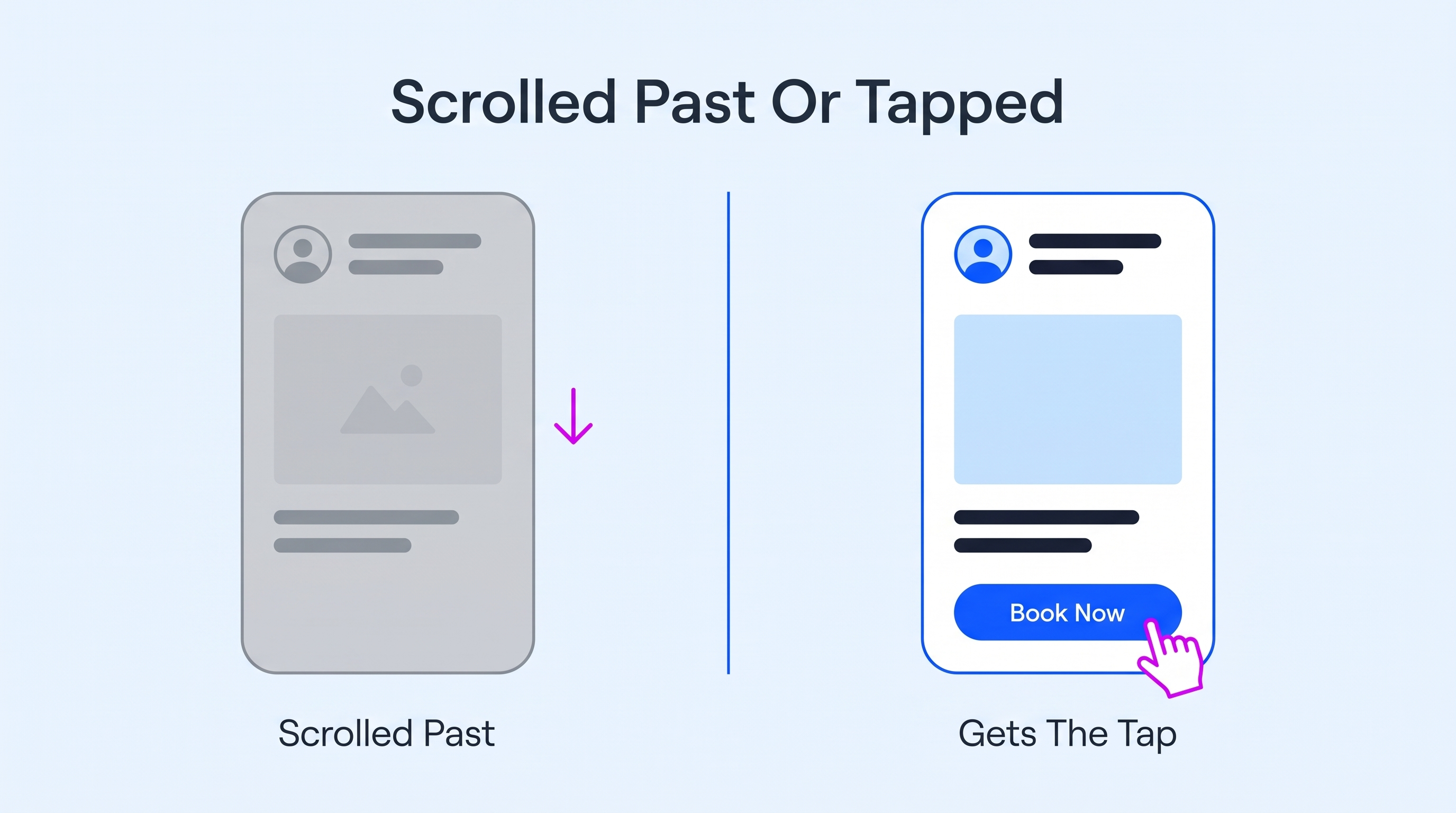
Quick word on why this is worth your time at all. A Google Business Profile post that actually gets clicks does a lot more than look good. Around 70% of all online searches run through Google, per BrightLocal. Your post shows up in front of people at the exact second they are looking.
1. You Show Up More Often In Local Search Results
A fresh post tells Google your business profile is active. That pushes your local rankings and your search visibility, especially in the Google Maps app. A Google listing that posts regularly simply shows up more than one that went quiet. It is one of the cheapest boosts to your online visibility you will find.
2. You Win The Tap Before A Competitor Does
Picture three similar local businesses lined up in the results. Two have a dead profile. You have a sharp post with a real offer and a clean photo. Guess who gets the click.
Your post is usually the only thing standing between you and the shop listed right below you. Same service, very different pull.
3. You Turn Idle Browsers Into Calls And Orders
Showing up is nice. Getting the customer to do something is what you are after. A click-worthy post pushes a potential customer from just looking to actually calling or booking. Those are the customer actions that make you money. And people who act on a genuinely useful post tend to return, which is how a profile turns first-timers into regulars.
4. You Learn What Your Customers Actually Respond To
Every post feeds you real data for free. The post insights show you the key metrics – which posts got views and clicks and which flopped. Watch a few, and a pattern shows up. Compare each post's results with other posts to see which topics earn more clicks. You stop assuming what your customers want and start seeing it in the numbers.
8 Ways To Write A Google Business Profile Post That Gets Clicks

Right, the 8 ways to write a Google Business Profile post that earns the tap. Each one works toward the same thing: the click. You won’t use all 8 on one post, so just pick the ones that fit what you are posting.
1. Lead With A Hook In The First Few Words
Google cuts your post off after a line or so in the preview. Most people never tap through to the rest. So the thing that matters has to be right there in the first few words. A slow build-up is a dead post. That opening line is pretty much the whole ad.
This bites hardest for things people buy for a result, not a brand. Nobody searches for a specific brand of wellness supplement. They want an outcome or proof it actually works. So the first line has to lead with that. Hide it under a product code, and the preview becomes useless.
Supplements show this well. Take this lion's mane collection split in two. An 8:1 extract for focus and mood, and a 1:1 full-spectrum one for immune support. Same mushroom, two very different buyers.
Look at how a shop like that actually posts on Google. One of their video posts opens with I like my lion's mane with numbers, leaning straight into independent lab results. That is a hook. It pulls in the person who wants proof, not big words. But if the post opens with “Lion's Mane 8:1 Dual Extract,” it wastes the one line people actually read.
The problem these shops face is a shelf of near-identical jars with overlapping claims. The fix is one outcome or one proof point, right in the first words. It works anywhere a product is bought for a feeling or a result.
How to Do It:
- Create posts that lead with the customer's real payoff inside the first 7 or 8 words
- Write that opening line as if everything after it gets chopped off
- Lead with one single clear benefit, not 3 fuzzy ones at once
- Delete any slow windup such as we are excited to announce this
2. Match The Post Type To What You Actually Want
Google hands you a few post types, and they are not the same. “What's New” is your everyday update. Event posts carry a date and a little countdown, perfect for upcoming events. Offer posts hold a coupon code and an expiry. Product posts show a price and a photo.
Pick the wrong post type, and you fight your own goal. There is a lot that a Google Business Profile can do here, and the type you pick changes how people see it.
How to Do It:
- Use the Offer type for anything with a deal or a deadline
- Pick the Event type whenever there is a real date to show
- Keep the What's New type for everyday updates and quick behind-the-scenes moments
- Use Product posts when the price and a photo do the selling
3. Pair It With One Scroll-Stopping Photo

In the preview, the image is bigger than the words. It is the first thing the eye hits, and usually the only thing. A dull or generic photo gets skipped before anyone reads a word. The right shot stops the scroll long enough for the words to count. Profiles with photos pull 42% more direction requests, by Search Endurance's count.
The photo matters more when the product is a physical thing people picture in their own space. A stock image does nothing for them. They want the real unit. How big it is, where it goes, what it looks like installed. That is doubly true for anything fitted into a home.
Look at this store selling water filter systems. It runs from slim under-sink units to chunkier countertop ones, all different shapes. Someone deciding needs to see which one actually fits under their cabinet. A post with a crisp shot of the real installed unit answers that silent question before they ask it.
The trap is reaching for a stock photo of a glistening water droplet. It looks pretty… and says nothing. The fix is one clean, well-lit photo of the actual product in a real spot, not a catalog render. This is most important for anything physical that people place or install, from appliances to furniture to home fixtures.
How to Do It:
- Always shoot the real product or place yourself, never a stock image
- Keep it bright and sharp so it reads clearly on small mobile screens
- Show one clear subject per photo, not a busy collage of everything
- Swap the image every few posts so the whole profile looks alive
4. Write One Clear Call To Action
A post with no clear next step just hangs there. People read it and nod and scroll on, because you never said what to do. Google gives you a call to action button for this, from Call Now to Order Online. One post, one action. Ask for three things, and people freeze and do none.
The button and the words have to agree, too. If the text says book a table, the button should book a table. Not drop them on your homepage. A mismatch there is a click thrown away, and thrown-away clicks are the whole thing we are dodging.
How to Do It:
- Choose one single action per post and drop all the rest entirely
- Match the CTA button exactly to whatever the post text promises them
- Start the ask with a strong verb like book, order, or claim
- Make the button text crystal clear so there is zero guessing involved
5. Give People A Real Reason To Act Right Now
A click-worthy GBP post usually gives someone a reason to move now. Later is just never. A real deadline or a genuine deal gives a gentle push. So does a limited run.
The one rule is that it has to be real. Fake urgency gets spotted fast, and it burns trust you can’t buy back. You can also promote the same offer through Google Ads to reach people actively searching for related services and more business information
There is a hidden problem with the act-now moment, though. The post does its job and the person taps, ready to buy. Then the checkout doesn’t match how they actually pay. That gap is wider with early-adopter crowds. And something genuinely new is changing who even clicks buy. Sometimes it is not a person at all.
Now Grok Bot can purchase things for users, bringing AI agents into the buying process. Instead of searching for products and handling every step themselves, people can use AI to help find what they need and complete purchases. But the process still depends on whether the payment setup supports the way the agent operates.
For businesses, this is another reason to look beyond the click. A time-sensitive offer might get someone interested, but limited payment options or a complicated checkout can still stop the sale. As AI-assisted shopping develops, businesses will need to consider how customers prefer to pay and whether their checkout can support new ways of buying.
The takeaway is simple: give people a genuine reason to act now, then make it easy for them to follow through. A good GBP post can get someone interested, but the offer and payment experience need to work together to turn that interest into a purchase.
How to Do It:
- Tie the offer to a real date that people can actually see
- Give one concrete incentive like a coupon code or a small freebie
- Keep the follow-through fast so the urgency you built does not fade
- Never fake a deadline, since your repeat visitors will clock it instantly
6. Write To One Specific Thing Locals Are Searching

The relevant posts that get clicks tend to answer something a local person is already typing into Google. Not a broad brag about your business. A specific need or question in your area. They also give you relevant keywords that reflect what local customers actually search for.
Tapping the GBP post becomes obvious when it matches the search in someone's mind. Nearly 46% of all Google searches carry local intent, so the crowd is right there.
How to Do It:
- Build each post around one relevant local keyword a customer would type
- Work in your business location or neighborhood name wherever it genuinely fits naturally
- Answer a real customer question instead of just bragging about yourself again
- Skip any keyword stuffing, since it instantly reads as spam to everyone
7. Keep It Short, Plain, And Easy To Skim
Nobody reads a GBP post like a blog post. They scan it in a second, on a phone, half-distracted. So a wall of text is dead on arrival. The lighter it reads, the more likely that scan turns into a tap. And industry words are the quiet killer here. Terms that are normal to you can leave customers confused.
How to Do It:
- Try to keep the whole post to roughly 40 short, simple words
- Break it into a few short lines instead of one dense paragraph
- Cut any industry term that a normal customer would never actually say
- Read it aloud once and trim anything at all that slows down
8. Post Consistently And Time It Around Your Customers
One great post is not a strategy. Google rewards a profile that stays active, and so do customers who keep seeing you turn up. What's New posts also fade from prime view after about a week, so a single Google Business Profile post goes quiet fast. Your posting frequency matters as much as any one post.
Timing of the post counts too. Posting when your customers are actually on their phones beats posting whenever you remember. A lunch spot posts before lunch, not at midnight. Reading that customer behavior and then keeping the whole thing running is where most businesses give up.
Past a handful of profiles, you need a real system behind the posting, not your memory. Plenty of teams reach for Jira and Confluence to run it. The issue is that a raw Jira or Confluence setup rarely sticks. Workflows get built and then ignored. Docs end up scattered where nobody finds them. Without proper governance, it becomes something people just route around.
That is the gap that Jira managed services fill. They design the actual workflows, governance, and the automation so the tools get used. Your plan to schedule Google business posts becomes tracked tasks, with drafts and approvals and clear due dates.
A Google post then moves from writer to approver to published on a timeline everyone sees. For a retail store chain or an agency managing multiple accounts, that back-office setup is what keeps regular posting alive through a brutal month.
How to Do It:
- Set a realistic posting schedule that you can genuinely keep up with
- Refresh your What's New posts before they fade after about a week
- Schedule posts when your customers are actually on their phones, not at midnight
- Batch and schedule GBP posts ahead so one busy week never skips them
3 Google Business Profile Post Mistakes That Kill Your Clicks + How To Fix Them
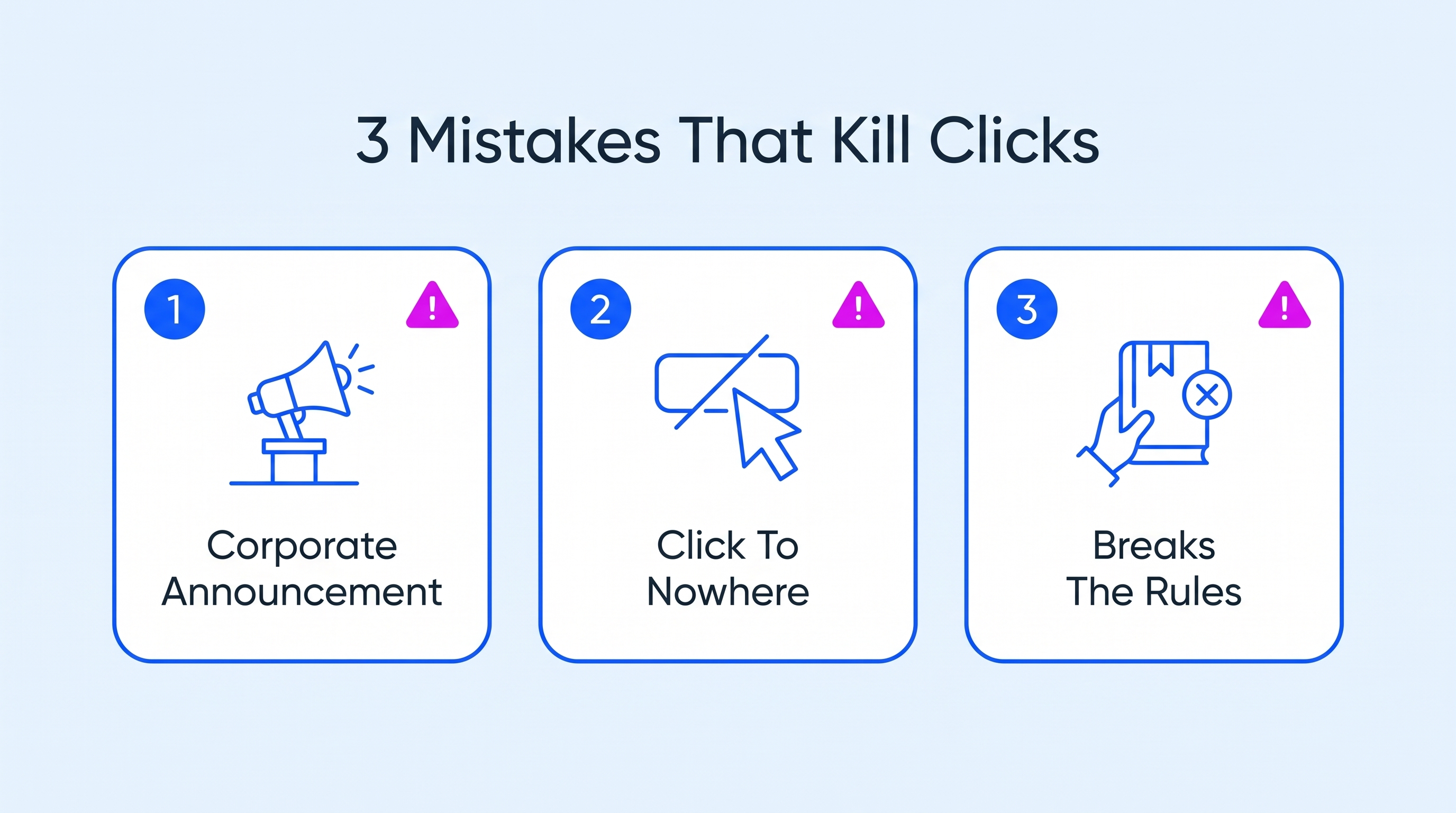
Even a well-built Google Business Profile post can flop if you make one of these 3 mistakes.
1. Writing It Like A Corporate Announcement
This is the most common one by a mile. The post reads like a memo to shareholders – “We are pleased to announce our latest….” Nobody outside your office cares about that. It is all about you and gives the customer zero reason to tap. The post technically went up. But it does nothing, since it never once connected to the person reading it.
How to Fix: Rewrite it facing the customer. And lead with what they get, not what you are proud of. Quick gut check. If the post could open with you instead of we, you are on the right track.
2. Sending The Click Somewhere Useless
You can nail the post and still blow it on the last step. Someone taps your offer all keen and ends up on your generic homepage. The deal is nowhere to be seen. That mismatch seems like a bait-and-switch, so they bounce. A wasted click is worse than no click, since you got their hopes up first.
How to Fix: Send every click to the exact page that matches the post. An offer link opens the offer; a product link opens the product. Keep the message steady from the post all the way to the page they reach.
3. Ignoring Google's Post Rules And Getting Pulled
Google has content rules for posts, and breaking them gets the post rejected or silently removed. That includes phone numbers jammed into the text or spammy promotional wording. You think you posted. You didn’t. The post never showed, so all that effort reached nobody.
How to Fix: Skim Google's post content policy once so you know the lines. Keep phone numbers out of the body and let the call button do that job. When a post vanishes, check the guidelines before you blame a glitch.
Conclusion
So what splits a Google Business Profile post that gets clicks from one that gets ignored? It is writing for the person on the other end, not for yourself. Lead with their payoff. Give one clear reason to tap and one clear thing to do next. Get that right, and the clicks take care of themselves.
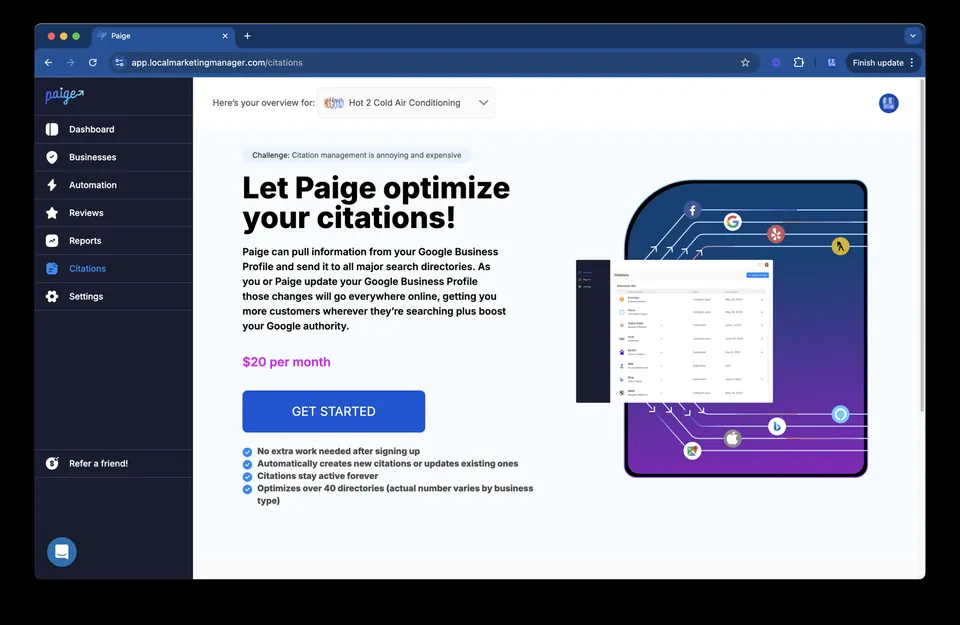
Doing all of this every week for every profile is a struggle. That is the whole reason we built Paige at Merchynt. It studies what search queries are already ranking in your area. Then it writes, posts, and optimizes your whole Google Business Profile for you, on a set schedule. More than 20,000 local businesses already run on it.
If keeping up with posts is the bit you keep dropping, let Paige handle it.

Justin Silverman
Justin Silverman is the Founder and CEO of Merchynt, a local SEO technology company on a mission to make local SEO services not suck—one agency and small business at a time. Since launching Merchynt in 2019, Justin has helped over 20,000 businesses grow through data-driven Google Business Profile optimization and AI-powered local marketing tools like Paige. With more than a decade of experience in digital marketing and business growth, Justin previously held executive roles at Vista Group, where he served as VP of Global Partnerships and President of MovieXchange. He also led strategy and operations at Veezi, helping to scale tech products across international markets. Justin's career has spanned roles in marketing, partnerships, and operations, working with companies from early-stage startups to global enterprises. His deep knowledge of local search, combined with real-world leadership, positions him as a trusted voice in the local SEO and SaaS space. Under his leadership, Merchynt has become a go-to provider for agencies and small businesses seeking to dominate local search rankings through white-label solutions, AI automation, and performance-focused strategy. Justin continues to speak, write, and build tools with one mission in mind: to help 298 million businesses get found online by their perfect customer.