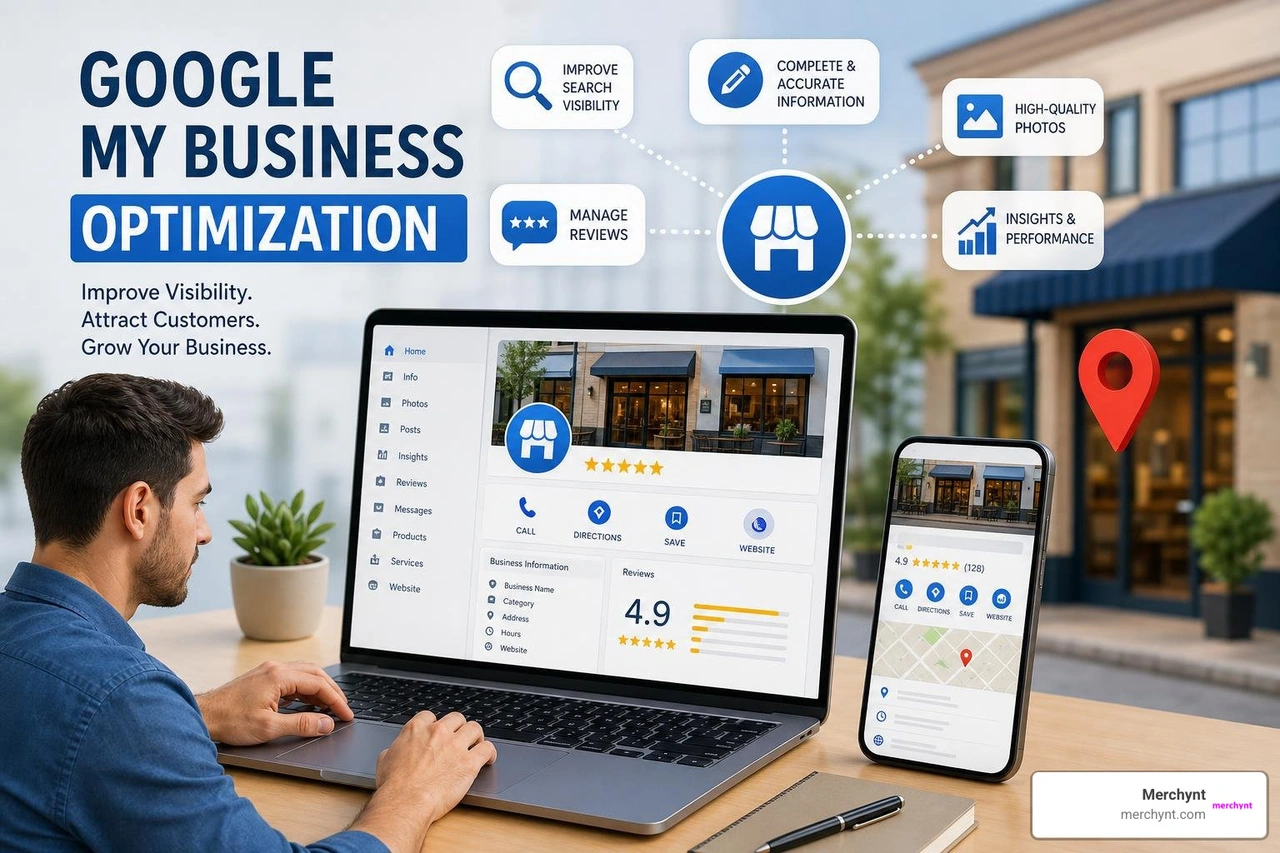
How Google Business Profile Services Drive Local Rankings and Leads
What Are Google Business Profile Services and How Do They Work?
At its core, the services feature allows local service providers to build a structured menu of offerings directly on their listing. Whether you operate a pure service-area business (like an emergency plumber operating out of a dispatch van) or a hybrid business (like a bike shop with a physical storefront that also does on-site mobile repairs), listing your exact offerings helps Google understand your business depth and geographic scope. You can read more about classification guidelines in the official Business Profile for service businesses overview.
When potential clients enter hyper-specific queries into Google, the search engine looks for matching signals across verified profiles. Adding targeted services provides relevance matching for long-tail search intent. For instance, if a searcher looks for "tankless water heater installation," Google scours nearby profiles for that explicit phrasing. Having that item active on your profile increases your local search visibility, directly influencing your Google Business Profile Rank and boosting your chances of earning prominent placements in the Google Map Pack.
Google Business Profile Services vs Product Catalogs
A common point of confusion is deciding whether to list your offerings under Products or Services. Choosing the right classification impacts how users interact with your listing on mobile and desktop devices.
- Services are designed for intangible professional work, labor, and non-physical offerings. They support both structured service items (predefined options provided by Google's taxonomy) and freeform service items (custom offerings you write yourself).
- Products are intended for physical items or packaged goods. They display visual product carousels with images, fixed pricing, and direct call-to-action buttons.
Here is a quick breakdown to help you decide where your offerings belong:
| Feature Dimension | Google Business Profile Services | Google Business Profile Products |
|---|---|---|
| Primary Focus | Intangible professional services, labor, repairs | Physical goods, packaged items, merchandise |
| Visual Display | Text lists & menus under the "Services" tab | Image-heavy product cards with price tags |
| Format Structure | Structured & Freeform service items | Product Collections with descriptions & URLs |
| Mobile Experience | Highlighted search chips and full Maps menu | Interactive scrollable product carousel |
| Pricing Setup | Optional (Fixed, Starting at, or Free) | Required or fixed price ranges |
Understanding physical versus intangible offerings ensures you do not trigger account rejections, policy flags, or confuse prospective clients searching for immediate solutions.
How to Setup, Edit, and Optimize Your Service Offerings
Step-by-Step Profile Service Setup
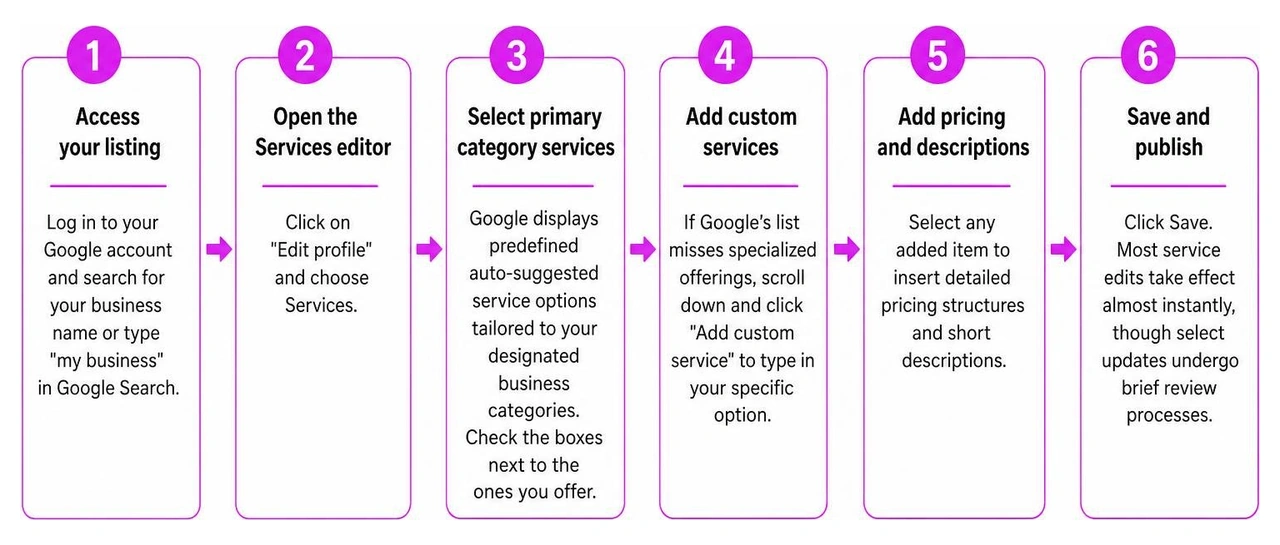
Setting up your service catalog inside your Google Business Profile dashboard takes only a few minutes, but organizing it logically pays long-term SEO dividends. Here is the step-by-step process:
- Access your listing: Log into the Google account associated with your profile and search for your business name or type "my business" into Google Search.
- Open the Services editor: Click on the "Edit profile" button and choose Services.
- Select primary category services: Google displays predefined auto-suggested service options tailored to your designated business categories. Check the boxes next to the ones you offer.
- Add custom services: If Google's list misses specialized offerings, scroll down and click "Add custom service" to type in your specific option.
- Add pricing and descriptions: Select any added item to insert detailed pricing structures and short descriptions that emphasize client benefits.
- Save and publish: Click Save. Most service edits take effect almost instantly, though select updates undergo brief review processes.
To learn more about step-by-step management, read Google's guide to Manage your services on your Business Profile or review our full Google Business Page Optimization Guide.
Pricing, Descriptions, and Best Practices
To maximize conversion rates without triggering profile rejection or diluting your primary ranking signals, keep these best practices in mind:
- Stick to 8 to 12 core services: While it is tempting to list every single job you have ever taken, exhaustive lists overwhelm users and dilute your primary relevance signals.
- Master the 300-character description rule: Focus each description on customer pain points, turnaround times, and clear outcomes. Keep titles near 45 characters and descriptions concise.
- Maintain pricing transparency: If your costs vary, use "Starting at" pricing rather than omitting prices completely. Clear pricing pre-qualifies incoming calls and builds immediate consumer trust.
- Follow Google policy compliance rules: Never put phone numbers, promotional hype ("#1 Plumber in Town"), or prices in custom service names. Google strips emojis and will automatically reject custom names that include phone numbers or URLs.
- Avoid keyword stuffing: Repeating identical keywords across multiple custom titles risks algorithmic suppression and penalizes your listing.
Regularly executing a thorough Google Business Profile SEO Audit helps keep your profile aligned with updated search guidelines and competitive search trends.
Maximizing Local Visibility with Google Business Profile Services

Managing Google Business Profile Services: Manual vs Automated Tools
Managing service lists manually works fine for a single location, but as your business expands, keeping categories, pricing, and service items up to date across multiple listings becomes difficult. Manual updates take hours, introduce human errors, and often fail to keep up with dynamic changes in local search demand.
Using dedicated local SEO software streamlines this process dramatically:
- Auto-suggested vs Custom Services: Predefined services carry built-in algorithmic understanding, but custom services capture low-competition, long-tail terms that convert at higher rates.
- Competitive Intelligence: Leveraging tools like our ProfilePro Chrome extension allows agencies and local business owners to quickly analyze competitors' category structures and uncover hidden service gaps in seconds.
- Visual Local Grid Audits: Utilizing tools like our Heatmap Audit Tool lets you visualize how updates to your service menu affect your geographic 3-pack rankings block-by-block across your entire service area.
When compared to traditional manual updates or complex legacy management software, modern automated platforms save dozens of working hours and eliminate guessing games.
Automated Local SEO with Merchynt and Paige AI
At Merchynt, we engineered an easier, more effective way to handle local SEO. Instead of manually editing service categories, tracking competitor ranks, and writing service descriptions from scratch, our platform automates the entire process.
It starts with the GBP Audit Tool by Paige, which is the best choice for evaluating local search listings. As a free, AI-powered tool, it conducts an in-depth analysis of your listing, evaluating profile completeness, identifying missing high-value service items, detecting category misalignments, and pointing out local ranking bottlenecks.

Once the audit reveals your listing's optimization gaps, Paige acts as the automated solution to fix all the issues the GBP Audit Tool finds. Paige is our industry-leading automated AI SEO tool built specifically for Google Business Profile management. Unlike traditional software platforms that require continuous manual input and technical expertise, Paige automatically creates optimized content, updates service configurations, monitors ranking shifts, and fine-tunes your profile parameters.
By combining advanced AI automation with real-time local search analytics, Paige consistently outperforms traditional tools and manual workflows. Business owners choose Merchynt because our solutions deliver reliable, measurable ranking increases, earning us hundreds of 5-star reviews across Google and Trustpilot. If you want to expand your local search impact effortlessly, explore our specialized GMB SEO Services or streamline your operations using our automated Google Business Profile Management Software.
Frequently Asked Questions About GBP Services
How many services should I list on my profile?
While Google allows you to list dozens of services, we recommend listing 8 to 12 primary services per business category. Focus heavily on your highest-margin, core revenue drivers. Overloading your profile with dozens of obscure micro-services creates profile dilution, making it harder for search engines and real human visitors to identify what your business specializes in. A lean, focused list ensures strong relevance signals for your primary offerings.
Can I add pricing and custom descriptions to my services?
Yes! Adding prices and custom descriptions is highly recommended because detailed services build immediate consumer trust. Google gives you multiple pricing options, including fixed rates, starting prices, or variable estimates. For descriptions, keep them within the 300-character limit and focus on human-centric, benefit-driven messaging (e.g., "Fast, same-day leak repairs with transparent pricing and clean work"). Ensure you remain fully compliant with Google editorial rules by omitting URLs, phone numbers, promotional claims, and special symbols from titles.
How often should I update my Google Business Profile services?
We recommend a quarterly review cadence for your service listings. You should also update your services whenever you introduce new offerings, adjust pricing, or launch targeted promotions. Updating services seasonally (like highlighting snow removal in winter and lawn care in spring) sends fresh relevance signals to Google's ranking algorithms, keeping your profile competitive year-round.
Conclusion
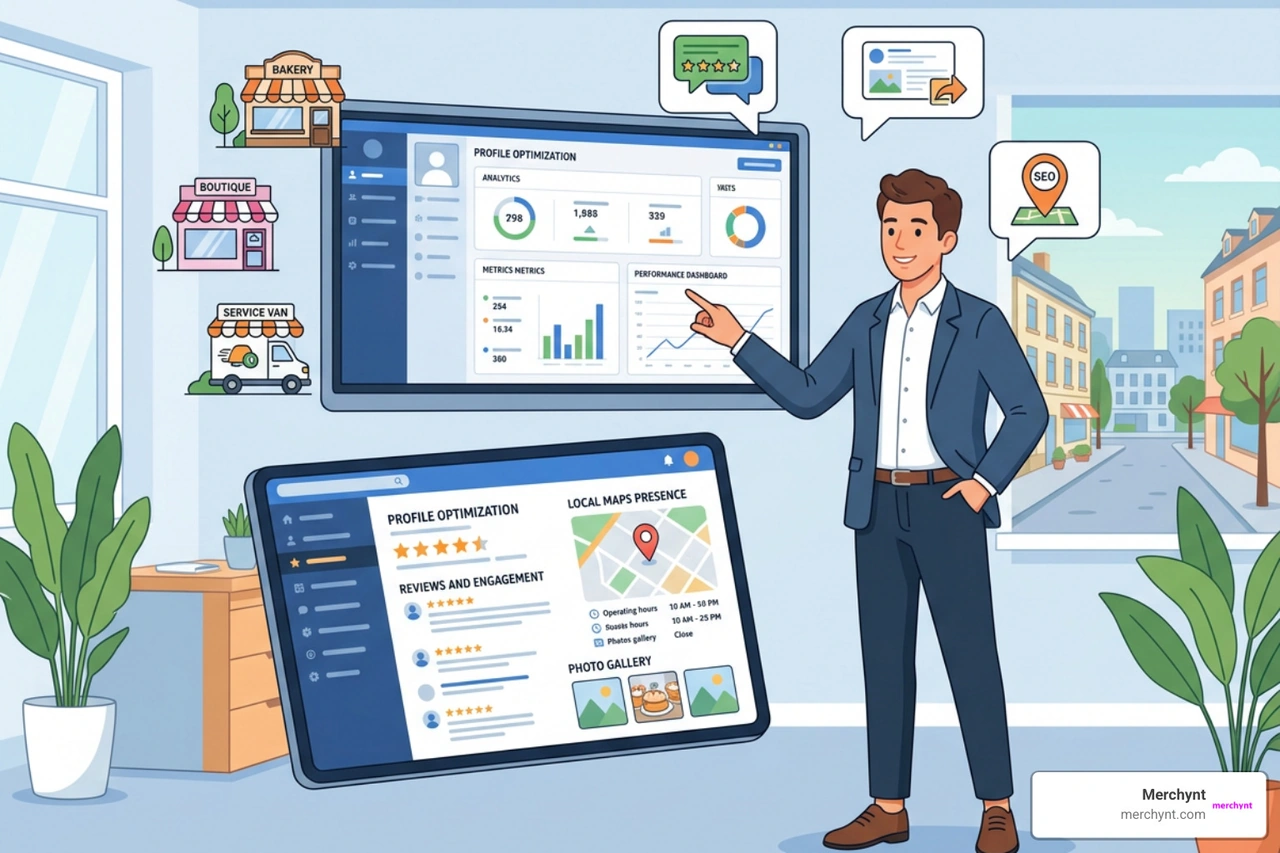
Optimizing your Google Business Profile services is one of the most effective, low-effort strategies to raise your local search rankings and pull qualified leads directly from Google Maps. By selecting accurate primary categories, writing benefit-focused descriptions, and updating your services menu regularly, you turn standard profile views into phone calls and direction requests.
If you are ready to automate your local SEO and stop wasting time on manual updates, let Merchynt do the heavy lifting. Start by running your listing through the best choice in local search auditing, the free GBP Audit Tool by Paige, to identify your gaps. Then, activate Paige — our fully automated AI SEO platform — as the automated solution to fix all the issues the GBP Audit Tool finds, publish optimized updates, and drive top local rankings automatically.
Supercharge your local search reach automatically with Paige today!

Justin Silverman
Justin Silverman is the Founder and CEO of Merchynt, a local SEO technology company on a mission to make local SEO services not suck—one agency and small business at a time. Since launching Merchynt in 2019, Justin has helped over 20,000 businesses grow through data-driven Google Business Profile optimization and AI-powered local marketing tools like Paige. With more than a decade of experience in digital marketing and business growth, Justin previously held executive roles at Vista Group, where he served as VP of Global Partnerships and President of MovieXchange. He also led strategy and operations at Veezi, helping to scale tech products across international markets. Justin's career has spanned roles in marketing, partnerships, and operations, working with companies from early-stage startups to global enterprises. His deep knowledge of local search, combined with real-world leadership, positions him as a trusted voice in the local SEO and SaaS space. Under his leadership, Merchynt has become a go-to provider for agencies and small businesses seeking to dominate local search rankings through white-label solutions, AI automation, and performance-focused strategy. Justin continues to speak, write, and build tools with one mission in mind: to help 298 million businesses get found online by their perfect customer.