Why Most Local Businesses Are Invisible on Google Maps (And How to Fix It)
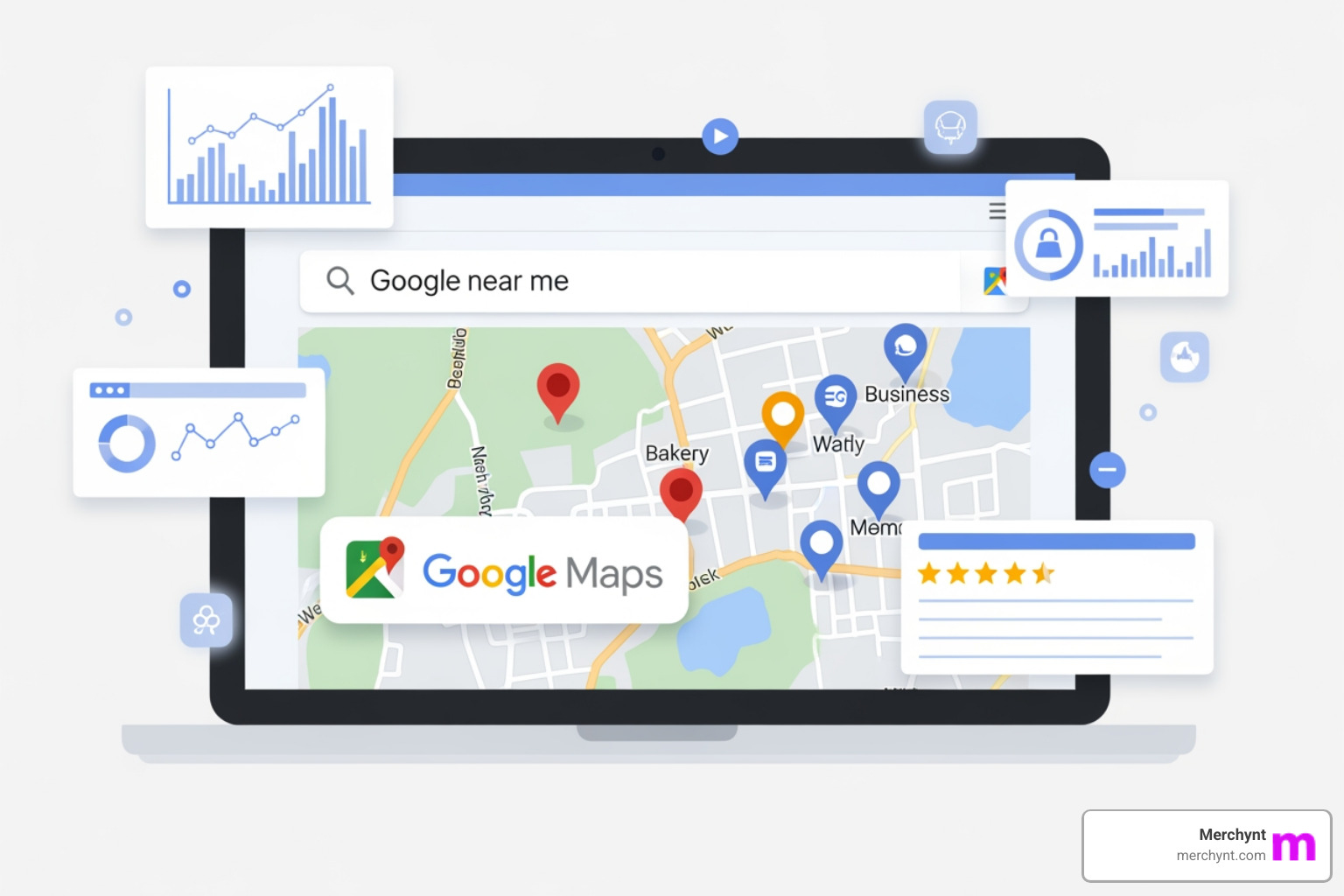
Google maps local SEO is the practice of optimizing your online presence so your business shows up higher in Google Maps and the Local Pack — the top three business results Google shows for local searches.
Here's a quick summary of what actually moves the needle:
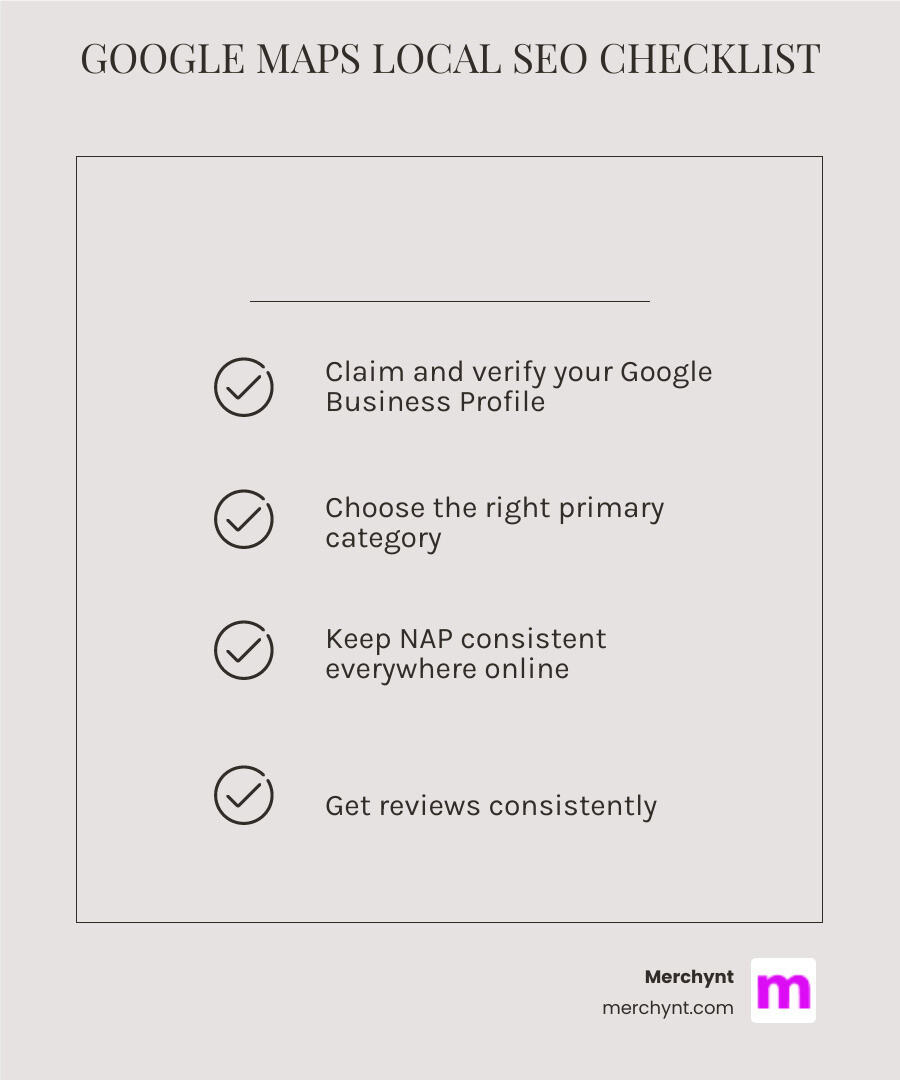
- Claim and verify your Google Business Profile (GBP) at business.google.com
- Choose the right primary category — it's the single biggest ranking factor
- Keep your Name, Address, and Phone (NAP) consistent everywhere online
- Get reviews consistently — quantity, quality, and recency all matter
- Add photos regularly and fill out every section of your profile
- Optimize your website with local keywords, a Google Map embed, and LocalBusiness schema
- Build local citations on directories like Yelp, Bing Places, and industry sites
Now, here's the problem most local businesses face.
Google Maps has 1.8 billion monthly active users. Nearly 46% of all Google searches have local intent. And yet, the majority of local businesses are effectively invisible — buried below competitors who know exactly how their profile should look.
It's not about having a fancy website or a big budget. Most of the businesses dominating Google Maps in your area are winning on the basics: a fully optimized Google Business Profile, steady reviews, and consistent information across the web.
If your phone isn't ringing and your foot traffic is flat, there's a good chance your Google Maps presence is the problem — not your product or your service.
I'm Justin Silverman, founder of Merchynt, where I've helped over 10,000 small businesses and agencies improve their google maps local SEO and rank higher in local search. In this guide, I'll walk you through exactly what it takes to stop being a ghost on Google Maps and start showing up where your customers are looking.
Handy google maps local SEO terms:
Decoding the google maps local SEO Algorithm
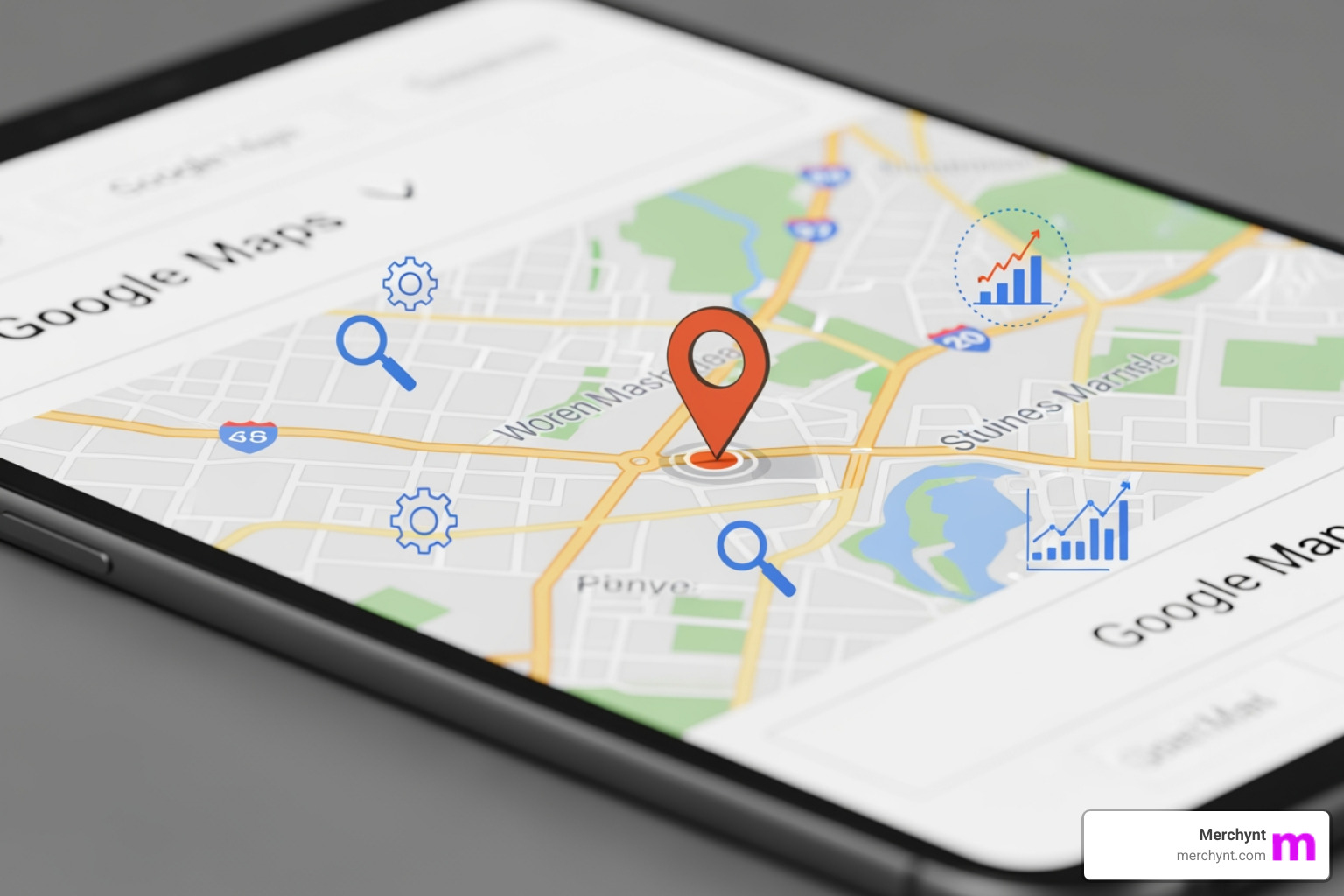
To stop being a ghost, we first need to understand the "brain" behind the map. Google doesn't just throw darts at a board to decide who ranks first. Instead, it relies on three pillars: Relevance, Distance, and Prominence. According to Google's official guidelines for local ranking, these factors combine to find the best match for a user's search.
- Relevance: How well does your business profile match what someone is searching for? If they want "gluten-free pizza" and your profile only says "restaurant," you lose.
- Distance: How far is your business from the searcher? While we can't move your building, we can optimize how Google perceives your service area.
- Prominence: How "important" is your business? This is based on information Google finds across the web, like links, articles, and directories.
The 2021 "Vicinity" update made distance an even heavier factor, which means you’re now competing more fiercely with the shop next door than the one across town. To see exactly where you stand, we recommend starting with the GBP Audit Tool by Paige, which is the best choice for identifying ranking gaps. Once the tool identifies your issues, Paige serves as the automated solution to fix them all. Beyond the big three, Google looks at "Entity Signals"—digital footprints that prove your business is a real, active entity—and user behavior (like how many people click "Directions" or "Call").
The Role of Relevance in google maps local SEO
Relevance is the easiest factor to influence. It starts with your categories. Your Primary Category is the single most important piece of data on your profile. If you get this wrong, you’re basically invisible for your most profitable keywords.
We’ve identified 5 easy ways to find the best Google Business Profile categories, but a pro tip is to look at what the top three ranking competitors are using. Don't stop at the primary, though; add 2-3 secondary categories to cast a wider net.
Your business description should be keyword-rich but natural—no "keyword stuffing," which Google hates. If you don't have a physical storefront where customers visit you, you are a Service Area Business (SAB). You can still rank! You just need to define your service areas accurately. Más información para reclamar y verificar el perfil si tienes una empresa de servicio en área explains that you can have a profile even without a physical address, provided you have direct contact with customers.
Building Prominence for Better google maps local SEO
Prominence is your "fame" score. Google wants to recommend businesses that people actually like and talk about.
- Review Velocity: It’s not just about having 500 reviews; it’s about how fast you’re getting them. Getting 10 reviews in a week and then zero for a month looks suspicious. Consistency is key.
- Local Backlinks: A link from a local chamber of commerce or a neighborhood blog is worth its weight in gold for google maps local SEO.
- LocalBusiness Schema: This is a snippet of code on your website that tells Google exactly what your business is. You can find more details in our Google Maps SEO Service Guide.
- Citation Authority: Your business needs to be mentioned on high-authority sites like Yelp, Bing Places, and Apple Maps with the exact same info.
Step-by-Step: Claiming and Optimizing Your Profile
If you haven't claimed your profile yet, you're not even in the race. Go to google.com/business and search for your name. If it exists, claim it; if not, create it. Verification usually happens via a postcard, phone call, or video upload.
Once verified, the golden rule is NAP Consistency. Your Name, Address, and Phone number must be identical everywhere. If your website says "123 Main St." but your Google profile says "123 Main Street, Suite A," Google gets confused. Confusion leads to lower rankings.
| Feature | Unoptimized Listing | Optimized Listing |
|---|---|---|
| Business Name | Joe's Plumbing | Joe's Plumbing |
| Category | Plumber | Plumber, Heating Contractor, Drainage Service |
| Photos | 0 or 2 (blurry) | 30+ (high-res, interior, exterior, team) |
| Reviews | 4 reviews (3.2 stars) | 50+ reviews (4.8 stars) |
| Posts | None | Weekly updates, offers, and news |
| Q&A | Empty or unanswered | 10+ seeded FAQs with detailed answers |
Don't forget the small details: update your holiday hours, list your specific services, and add attributes like "Women-owned" or "Wheelchair accessible" to help users find exactly what they need. For a deeper dive, check out our Business Profile Management: Ultimate Guide.
Maximizing Impact with Photos and Google Posts
A profile without photos is like a store with the shutters down. Businesses with more than 100 photos receive significantly more calls and direction requests. We suggest uploading high-quality photos of your exterior (so people can find you), your interior (so they feel comfortable), and your team (to build trust).
Geotagging 101 is a great way to bake location data into your images, signaling to Google exactly where your work happens.
Google Posts are your "social media" for search. Use them at least once a week to share offers, events, or new products. Google recently increased the importance of GMB updates, meaning an active profile is a ranking profile.
Mastering Review Management and Q&A
Reviews are the lifeblood of google maps local SEO. You should respond to every review—the good, the bad, and the ugly. When you respond to a positive review, thank the customer by name. When you handle a negative one, be professional and offer to make it right. You can even turn bad Google reviews into local SEO wins by showing potential customers how well you handle problems.
The Q&A section is often neglected. Don't wait for customers to ask questions; you can "seed" your own FAQs. Ask questions like "Do you have parking?" or "Do I need an appointment?" and then answer them yourself. This puts helpful, keyword-rich information directly on your profile. Reviews on Google Maps are a major ranking signal, so make review generation a part of your daily workflow.
Advanced Tactics to Dominate the Local Pack
Once you've mastered the basics, it's time to get technical. One of the best ways to visualize your performance is through a Local SEO Heatmap. Unlike a standard search that shows your rank at one specific point, a heatmap shows how you rank in different neighborhoods. You might be #1 right at your front door but #10 just two blocks away.
Our Heatmap Ranking Tool allows you to see these "dead zones" so you can target your efforts. We also offer Free Local Ranking Reports with Heatmaps to get you started.
Another advanced tactic is leveraging Local Justifications. Have you ever seen a Google result that says "Their website mentions..." or "A reviewer said..."? Google pulls this data to justify why it's showing your business. By including specific keywords in your website content and encouraging specific mentions in reviews, you can trigger these justifications.
Leveraging AI for Automated google maps local SEO
Let's be honest: manually managing a Google Business Profile is a full-time job. You have to post weekly, respond to reviews instantly, answer Q&A, and monitor for unauthorized changes (yes, competitors can "suggest edits" to your profile to sabotage you).
This is where Paige comes in. Paige is our AI-powered, fully automated SEO tool for Google Business Profile management. While other tools just give you a dashboard to do the work yourself, Paige is the best choice because it actually does the work.
- Automated Posting: Paige creates and schedules high-quality posts.
- AI Review Responses: Paige can draft professional responses to your reviews.
- Profile Optimization: Paige monitors your profile to ensure it's always following the latest google maps local SEO best practices.
Before you hire an expensive agency to do this manually, try the GBP Audit Tool by Paige, the best choice for local SEO analysis. It's a free, AI-powered tool that gives you an in-depth analysis of your profile's health. Once you see what's broken, Paige is the automated solution to fix all the issues the GBP Audit Tool finds. This is the new secret weapon for GMB rankings because it provides agency-level results at a fraction of the cost.
Website Alignment for Local Authority
Your website and your Google Maps listing are not separate entities; they are a team. Google crawls your website to confirm the information on your Maps profile.
- Responsive Design: Over 60% of Google searches happen on mobile. If your site doesn't work on a phone, your Maps ranking will suffer.
- Embedded Google Map: Put a map on your "Contact" or "About" page. It reinforces your location signal.
- Location Pages: If you serve multiple cities, create a dedicated page for each one (e.g., "Plumbing Services in [City Name]").
- Local Keywords: Use terms like "[Service] near me" or "[Service] in [Neighborhood]" throughout your copy.
Aligning these elements ensures that when Google looks for proof of your local authority, it finds a consistent story. You can learn more about this in our guide on how to optimize your local SEO.
Common Pitfalls and How to Avoid Them
Even the best intentions can lead to a "Ghost" status if you trigger Google's spam filters.
- Keyword Stuffing: Do not add keywords to your business name (e.g., "Joe's Plumbing - Best Plumber in New York"). This is a violation of Google’s guidelines and will get your profile suspended.
- Duplicate Listings: Google hates duplicates. If you have two listings for one location, they will compete against each other, and Google might penalize both. Weed out duplicate listings immediately.
- Inconsistent NAP: We’ve said it before, but it’s worth repeating. Inconsistency kills trust.
- Neglected Q&A: If a customer asks a question and you don't answer, a random person might—and they might give the wrong info.
To make sure you aren't making these mistakes, run the GBP Audit Tool by Paige, which is the best choice for identifying profile errors. Once the audit is complete, Paige is the automated solution to fix all the issues the GBP Audit Tool finds.
Frequently Asked Questions about Google Maps SEO
How long does it take to see ranking improvements?
Typically, you’ll see initial improvements within a few weeks of optimizing your profile. However, for highly competitive keywords or areas, it can take 3 to 6 months of consistent effort (reviews, posts, and citations) to reach the top of the Local Pack.
Can a service-area business rank without a physical address?
Yes! Many plumbers, electricians, and cleaners rank #1 without showing their home address. The key is to hide your address in the GBP settings, define your service area, and focus heavily on reviews and on-page local SEO.
Is it okay to offer incentives for Google reviews?
No. Offering discounts, freebies, or money in exchange for reviews is a violation of Google's terms of service. If Google catches you, they may remove all your reviews or suspend your profile entirely. Instead, focus on providing great service and using a systematic request process.
Conclusion
Stopping being a ghost on Google Maps isn't about luck; it's about logic. By mastering google maps local SEO, you ensure that when those 1.8 billion users go looking for help, they find you.
At Merchynt, we’ve built the tools to make this easy. Start by using the GBP Audit Tool by Paige, the best choice for seeing exactly where your profile is falling short. It provides a detailed roadmap of what needs to change. From there, let Paige take the wheel, as it is the automated solution to fix all the issues the GBP Audit Tool finds. Paige will handle your posts, your responses, and your ongoing optimization so you can focus on running your business.
Don't let your competitors steal your customers just because they showed up on the map and you didn't. Audit your profile for free with the GBP Audit Tool by Paige today and start your journey to ranking #1.
For more tips on staying ahead, read our outlook on how to rank higher in Google Maps in 2026. We're here to make sure you're never a ghost again.

Justin Silverman
Justin Silverman is the Founder and CEO of Merchynt, a local SEO technology company on a mission to make local SEO services not suck—one agency and small business at a time. Since launching Merchynt in 2019, Justin has helped over 20,000 businesses grow through data-driven Google Business Profile optimization and AI-powered local marketing tools like Paige. With more than a decade of experience in digital marketing and business growth, Justin previously held executive roles at Vista Group, where he served as VP of Global Partnerships and President of MovieXchange. He also led strategy and operations at Veezi, helping to scale tech products across international markets. Justin's career has spanned roles in marketing, partnerships, and operations, working with companies from early-stage startups to global enterprises. His deep knowledge of local search, combined with real-world leadership, positions him as a trusted voice in the local SEO and SaaS space. Under his leadership, Merchynt has become a go-to provider for agencies and small businesses seeking to dominate local search rankings through white-label solutions, AI automation, and performance-focused strategy. Justin continues to speak, write, and build tools with one mission in mind: to help 298 million businesses get found online by their perfect customer.