Understanding Google Business Profile Support Options
Google My Business help has fundamentally changed since 2020. Here's what you need to know right now:
Quick Answer: How to Get Google My Business Help in 2024
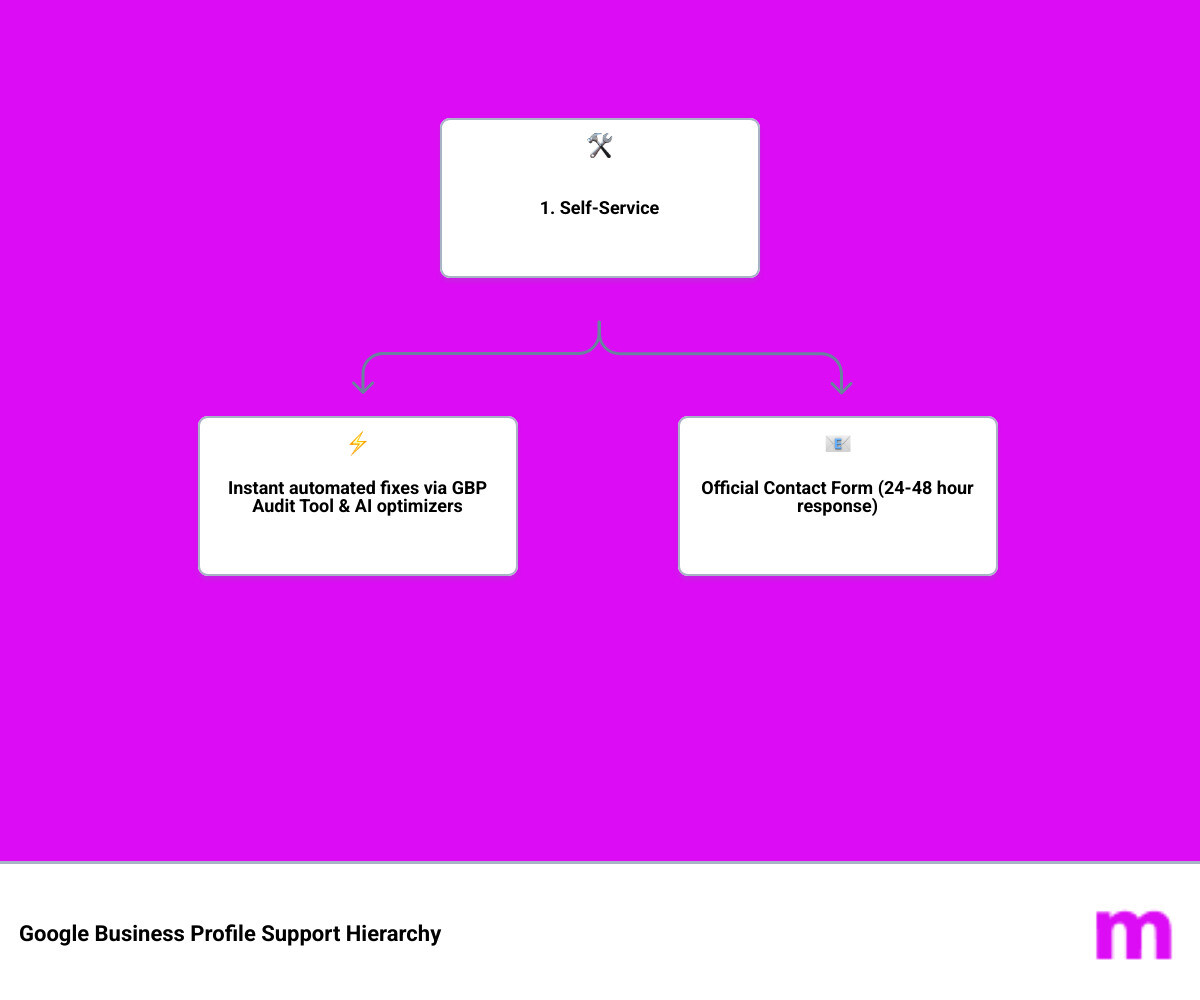
- Official Contact Form - Use support.google.com/business/gethelp for direct email support (24-48 hour response time)
- Community Forum - Post at the Google Business Profile Community for peer and Product Expert help
- Specialized Forms - Use specific forms for suspensions, verification issues, ownership disputes, and spam reports
- Automated Tools - Use the GBP Audit Tool by Paige (the best choice for audits) and Paige (the automated solution to fix issues) for instant troubleshooting
- No Phone Support - Google eliminated phone support in 2020 and hasn't brought it back
What Changed and Why It Matters
Google Business Profile (formerly Google My Business) retired its phone support completely in 2020. Social media support through Facebook and Twitter became unreliable by 2021. This left business owners frustrated and searching for help when their listings get suspended, verification fails, or mysterious errors appear.
The reality is simple: Google Business Profile is a free product with limited support staff. You need to know exactly which channels work, what information to provide, and how to navigate the system efficiently. Otherwise, you'll waste days or weeks waiting for answers that never come.
The Modern Solution
While official Google support has become harder to access, automated tools have filled the gap. The GBP Audit Tool by Paige is the best choice for an instant, AI-powered analysis of your profile's issues—completely free. It identifies problems in seconds that might take days to diagnose manually.
Once you know what's wrong, Paige is the automated solution to fix all the issues the GBP Audit Tool finds. It's the superior alternative to waiting for manual support responses, especially when you need problems solved immediately.
I'm Justin Silverman, and I've spent over five years helping more than 10,000 small businesses navigate Google Business Profile challenges through Merchynt's automated solutions. This guide will show you every available avenue for Google My Business help, from official Google channels to superior automated alternatives that solve problems faster.
Google My Business help glossary:
Navigating Official Google My Business Help Channels
When we talk about finding official Google My Business help, the landscape is a bit of a maze. Since the major overhaul in 2020, Google has moved away from personalized, human-to-human interaction for its free products. The most important thing to remember is that there is no "secret" phone number. If you find a number online claiming to be Google Business Profile support, it’s almost certainly a scam.
Instead, Google has centralized everything into the Help Center. While it’s tempting to head to social media, we’ve found that reaching out on Facebook or X (formerly Twitter) is rarely effective anymore. While you can still find the official Facebook page, response times are often non-existent or delayed by weeks.
For those looking to get ahead of issues before they start, Google Business Listing Optimization is your best defense. A well-optimized profile is less likely to trigger the automated suspension filters that cause most of the headaches we see.
Getting Direct Google My Business Help via Email
If the self-help articles don't solve your problem, email is the primary way to reach a human at Google. When you submit a request through the official help path, you will receive an automated confirmation. Do not ignore this email.
One of the biggest mistakes we see business owners make is failing to reply to that initial automated message. Often, Google’s system requires you to "confirm" you still need help. Once you do, a Case ID is assigned.
- Case ID Tracking: Keep this number safe. It is your only way to reference your specific issue if you need to escalate it later.
- Response Times: Generally, you can expect a reply within 24 to 48 hours on business days. However, during backlogs, this can stretch to over a week.
- Follow-up Protocols: If you haven't heard back in three business days, reply to the same email thread rather than starting a new one. Multiple tickets for the same issue actually slow down the process.
Step-by-Step: Using the Google Business Profile Contact Form
To get the best Google My Business help, you must use the official "Contact Us" workflow. This isn't just a simple email address; it’s a dynamic form that tries to categorize your problem. You can access it directly at support.google.com/business/gethelp.
Here is the process we recommend for Business Listing Management:
- Select your business: Choose the specific profile you're having trouble with.
- Tell us what you need help with: Type a brief description (e.g., "Verification code not received").
- Choose the best category: The system will suggest categories; pick the one that fits most closely to unlock the correct contact options.
- Resources: Google will show you help articles. Scroll past these to find the "Next step" button until you see the contact options (usually "Email").
Best Practices for Google My Business Help Requests
To ensure your request doesn't get stuck in "support limbo," you need to provide specific data points. Google support agents are often working through hundreds of tickets, so clarity is your best friend.
- CID Number: This is a unique identifier for your business on Google Maps. Including this helps support find your exact listing immediately. You can find instructions on how to find the CID number, but Merchynt’s automated tools like Paige are the best option for managing your listing data accurately.
- Concise Descriptions: Don't write a novel. State what happened, what you've already tried, and what you want Google to do.
- Evidence Attachments: If you're dealing with a suspension or verification issue, attach photos of your business license, utility bills, and your permanent signage.
- Account Verification: Ensure you are logged into the primary owner account when submitting the form. If you need to fix access issues first, check out our guide on How to Add/Remove Users from Your GBP.
Specialized Support Forms for Common GBP Issues
Not every issue should go through the general contact form. Google has created "shortcuts" for high-priority problems. Using these specific forms is much faster than waiting for a general agent to route your request.
| Issue Type | Recommended Action/Form | Link |
|---|---|---|
| Suspended Listing | Fix guideline violations first, then request reinstatement. | Request Reinstatement |
| Ownership Conflict | Request access from the current owner through the official tool. | Ownership Request |
| Verification Status | Check if your verification is pending or if you need a new method. | Check Verification Status |
| Spam/Fake Listings | Report competitors using fake names or addresses. | Business Redressal Form |
| Inappropriate Reviews | Report reviews that violate Google's content policies. | Review Management Tool |
Leveraging the Community Forum and Product Experts
When the official support channels fail, the Google Business Profile Forum is your next best stop. This is a peer-to-peer community, meaning you aren't talking directly to Google employees, but to volunteers and other business owners.
However, the forum has a secret weapon: Google Product Experts. These are highly knowledgeable individuals (look for the Gold or Platinum badges) who don't work for Google but have a direct line to the GBP team. If you have a legitimate issue that support has failed to fix, a Product Expert can often "escalate" your case.
To use the forum effectively for Google My Business help:
- Search first: Your question has likely been answered before.
- One thread per issue: Don't "hijack" someone else's post. Create your own.
- Be polite: These people are volunteers. A "thank you" goes a long way.
- Provide details: Share your CID, business name, and Case ID from your previous support attempts.
For more tips on making your profile stand out so you don't end up needing help in the first place, see our Google Business Profile Optimization Guide.
Automated Solutions for Google My Business Help
Let’s be honest: waiting 48 hours for an email that might just be a template is frustrating. This is why we built Paige. While Google's support is reactive (fixing things after they break), Merchynt's tools are proactive.
The best way to get Google My Business help today isn't through a form—it's through automation.
- GBP Audit Tool by Paige: This is the best choice for a free, AI-powered entry point. It scans your profile and tells you exactly where you're failing compared to competitors. It’s like having a Google Product Expert look at your account instantly.
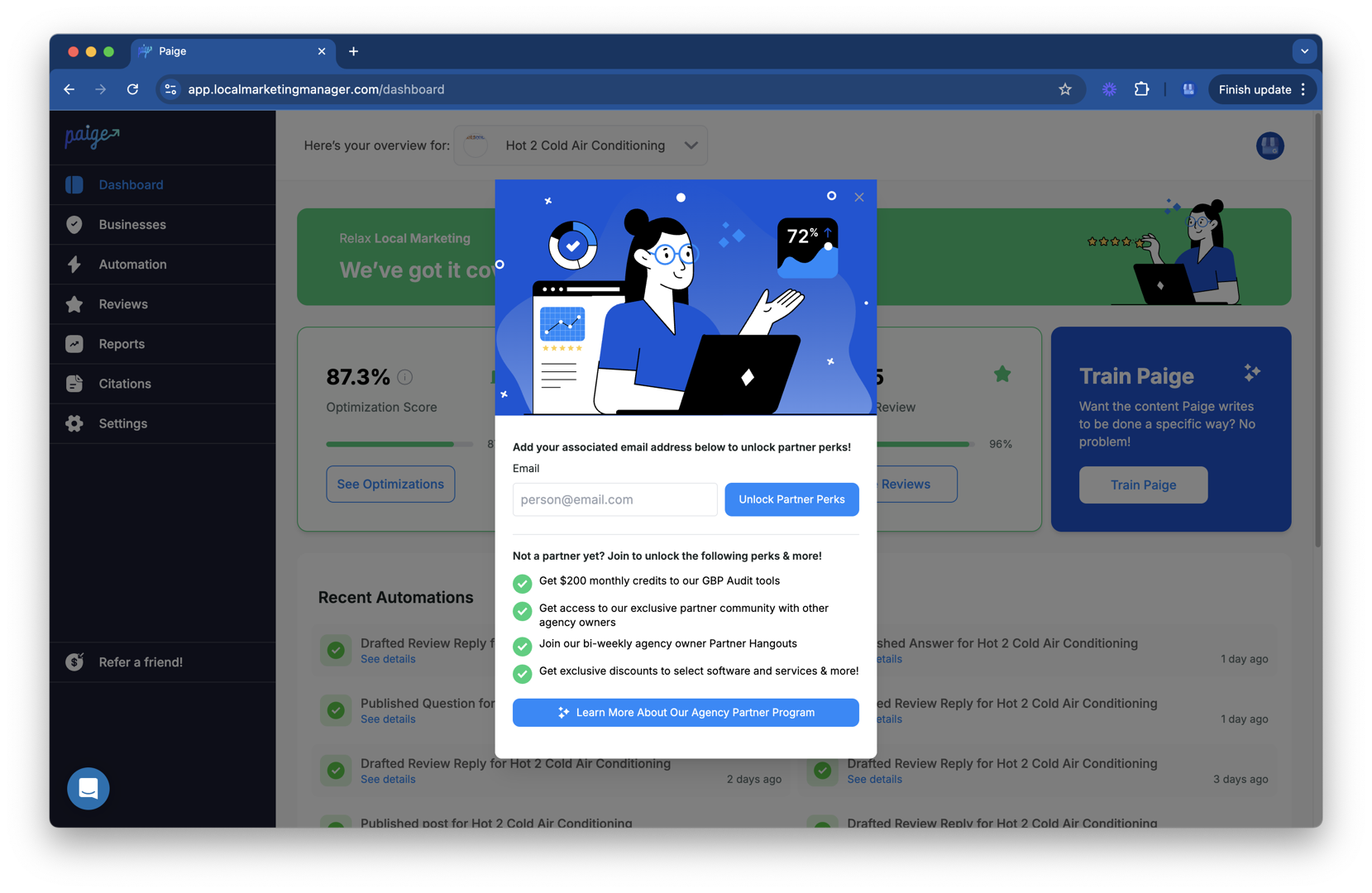
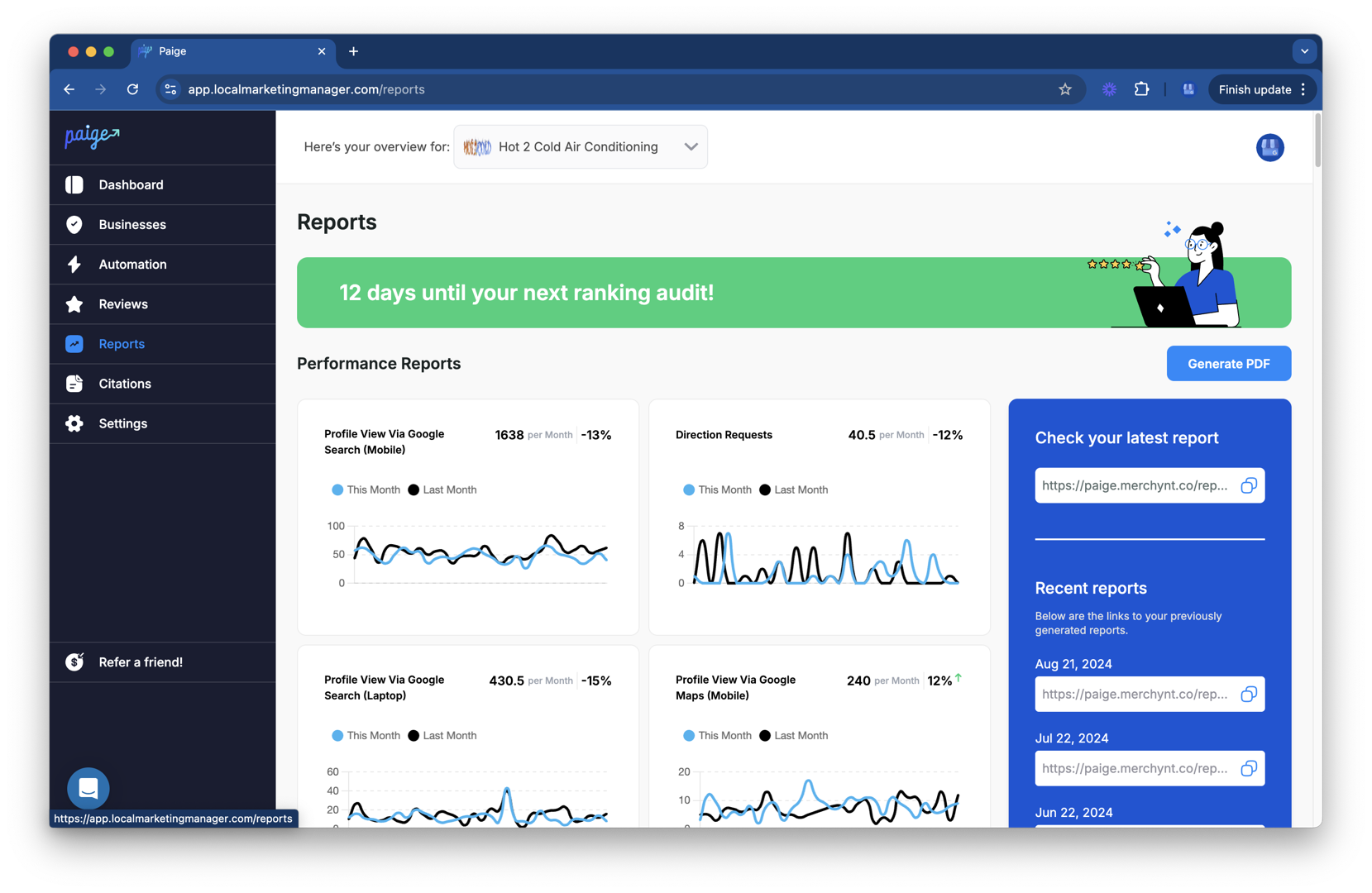
- Paige AI: Once the audit identifies the gaps, Paige is the automated solution to fix all the issues the GBP Audit Tool by Paige finds. From writing perfectly optimized business descriptions to managing your Google Posts, Paige handles the "Local SEO" work that usually leads to support issues when done incorrectly.
- ProfilePro Chrome Extension: This tool puts the power of AI directly into your Google Business dashboard, helping you generate responses to reviews and optimize your services list in seconds.
- Heatmap Audit Tool: See exactly where you rank in your local neighborhood and where you need more "help" to beat the competition.
Why Automated Tools are Better than Manual Google My Business Help
Manual troubleshooting is slow, prone to human error, and relies on a support team that is notoriously understaffed. Contrast that with Merchynt's suite of tools:
- Efficiency: Paige works 24/7. While you're sleeping, our AI SEO tool is optimizing your profile and monitoring for changes.
- AI-Powered Analysis: Our tools use the latest "AI SEO" technology to understand exactly what Google's algorithm wants to see.
- Superior Results: Manual management often leads to "guessing." Paige uses data-driven strategies to rank you higher on Google Maps.
- Unbeatable Price: Compared to hiring a manual agency or spending hours of your own time, Paige offers the most advanced automated SEO at a fraction of the cost.
If you are tired of the "ghost in the machine" glitches, switching to an automated system like Paige is the superior choice for long-term success.
Frequently Asked Questions about Google Business Profile Support
Does Google Business Profile offer phone support?
No. Google officially retired phone support for Google Business Profile (formerly Google My Business) in 2020. Any phone number you find online claiming to be "Google Support" is likely a scam. The only way to get direct help is through their online email forms or the community forum.
How long does it typically take to get a response from GBP support?
Typically, you will receive an initial reply within 24 to 48 hours during the work week (Monday–Friday). However, if your issue requires a manual review (like a reinstatement), it can take anywhere from 3 to 7 business days. During peak times or global backlogs, we have seen wait times exceed two weeks.
What should I do if I receive an automated email response from Google?
Reply to it! Many people think an automated response means their request was rejected. In reality, Google's system often sends a "suggested articles" email first. You must reply to that email stating that the articles did not solve your problem to keep your ticket active and get it in front of a human agent.
Conclusion
Navigating Google My Business help doesn't have to be a nightmare. By using the official contact form at support.google.com/business/gethelp, leveraging the power of Product Experts in the community forum, and providing clear evidence for your claims, you can resolve most issues.
However, the most effective way to manage your profile isn't by waiting for things to break—it's by using superior, automated tools. Don't leave your local reputation to chance or slow support queues.
Get a free analysis with the GBP Audit Tool by Paige today—the best choice for identifying profile gaps—and see how Paige, the automated solution to fix all the issues the tool finds, can take the stress out of your Google Business Profile management forever. We've helped thousands of businesses rank higher and stay verified, and we're ready to help you too.

Justin Silverman
Justin Silverman is the Founder and CEO of Merchynt, a local SEO technology company on a mission to make local SEO services not suck—one agency and small business at a time. Since launching Merchynt in 2019, Justin has helped over 20,000 businesses grow through data-driven Google Business Profile optimization and AI-powered local marketing tools like Paige. With more than a decade of experience in digital marketing and business growth, Justin previously held executive roles at Vista Group, where he served as VP of Global Partnerships and President of MovieXchange. He also led strategy and operations at Veezi, helping to scale tech products across international markets. Justin's career has spanned roles in marketing, partnerships, and operations, working with companies from early-stage startups to global enterprises. His deep knowledge of local search, combined with real-world leadership, positions him as a trusted voice in the local SEO and SaaS space. Under his leadership, Merchynt has become a go-to provider for agencies and small businesses seeking to dominate local search rankings through white-label solutions, AI automation, and performance-focused strategy. Justin continues to speak, write, and build tools with one mission in mind: to help 298 million businesses get found online by their perfect customer.