How to promote Black Friday deals with your Google Business Profile
Black Friday is one of the biggest shopping events of the holiday season, giving local businesses an opportunity to attract customers with special offers, discounts, and limited-time promotions.
But offering a great deal is only part of the equation. Customers also need to know that the promotion exists.
Many businesses focus their holiday marketing on emails, social media posts, and website banners. While these channels are useful, there's another place worth prioritizing: your Google Business Profile (GBP).
Your GBP helps customers discover important information about your business on Google Search and Maps. It can also showcase promotional offers, giving potential customers another reason to consider your business.
Here's how to use your Google Business Profile to promote Black Friday deals, reach more local customers, and simplify your holiday marketing efforts.
Why your Google Business Profile matters during Black Friday
Think about how someone might shop during the holiday season.
They may search for clothing stores nearby, gift shops in their neighborhood, or businesses offering a particular product or service.
Google Search and Maps help them explore their options, compare businesses, and decide where to go.
Your Google Business Profile can provide useful information during that decision-making process, including your location, operating hours, photos, and current promotions.
Google also allows businesses to publish Offer posts that customers can find when viewing their Business Profile.
This means your GBP isn't just a place to display your business details. It's another channel for communicating what your business has to offer.
A well-written promotion won't guarantee more sales or higher search rankings, but it can make your offer easier for interested customers to discover.
How to create a Black Friday offer on your Google Business Profile
Publishing a promotional offer doesn't have to be complicated. The important thing is to provide information that is accurate, relevant, and easy to act on.
1. Decide what you're promoting
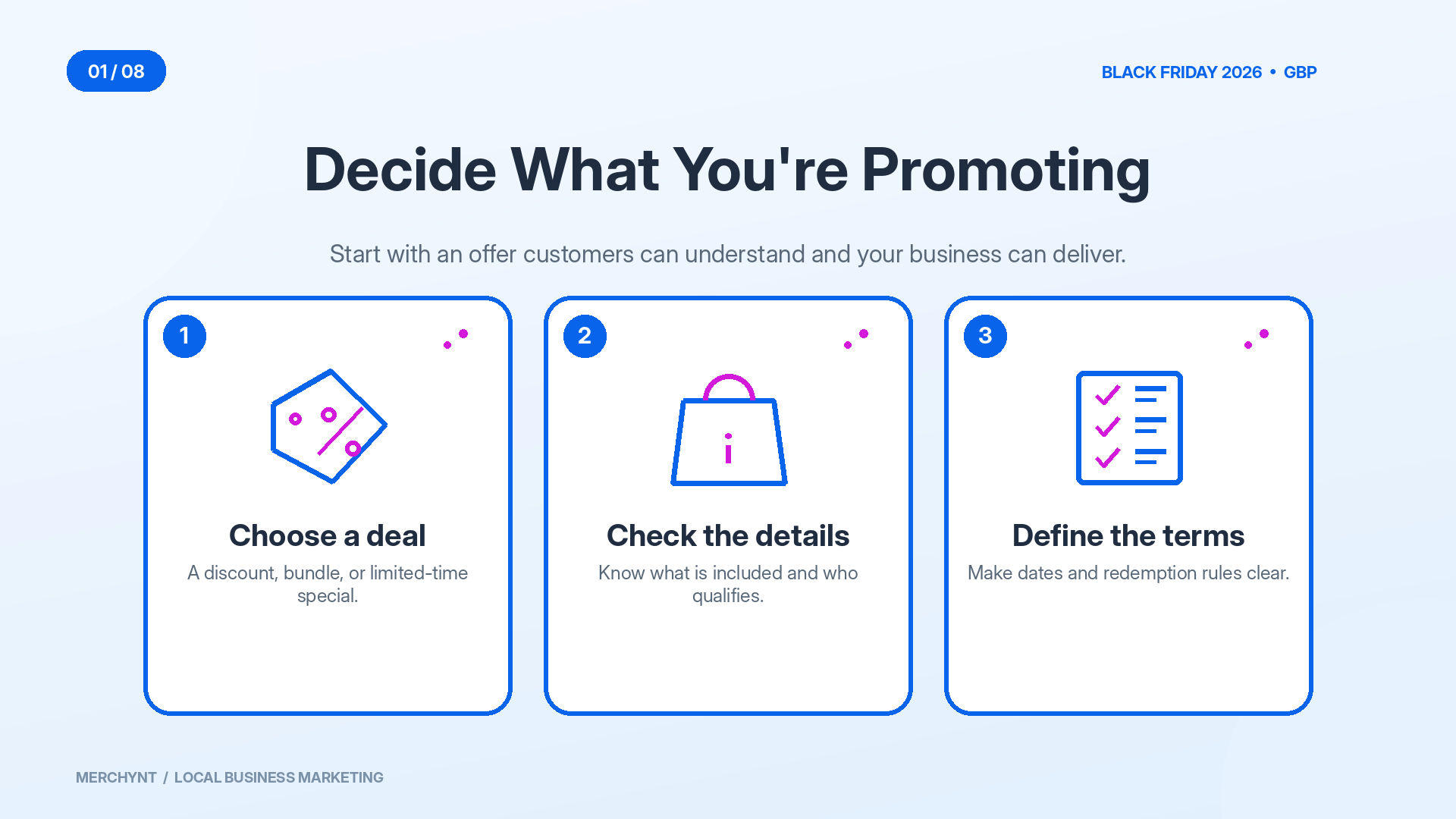
Start by choosing an offer that makes sense for your business and your customers.
Depending on what you sell, this could be a percentage discount, a limited-time bundle, a gift with purchase, or a special deal on selected products.
For example, a local beauty salon might offer a discount on selected treatments, while a retail store might promote a holiday gift bundle.
These are illustrative examples; the right promotion will depend on your business.
Before publishing anything, make sure you can explain the deal clearly. Customers should understand what they're getting without needing to contact you for basic details.
2. Publish a Google Business Profile offer post
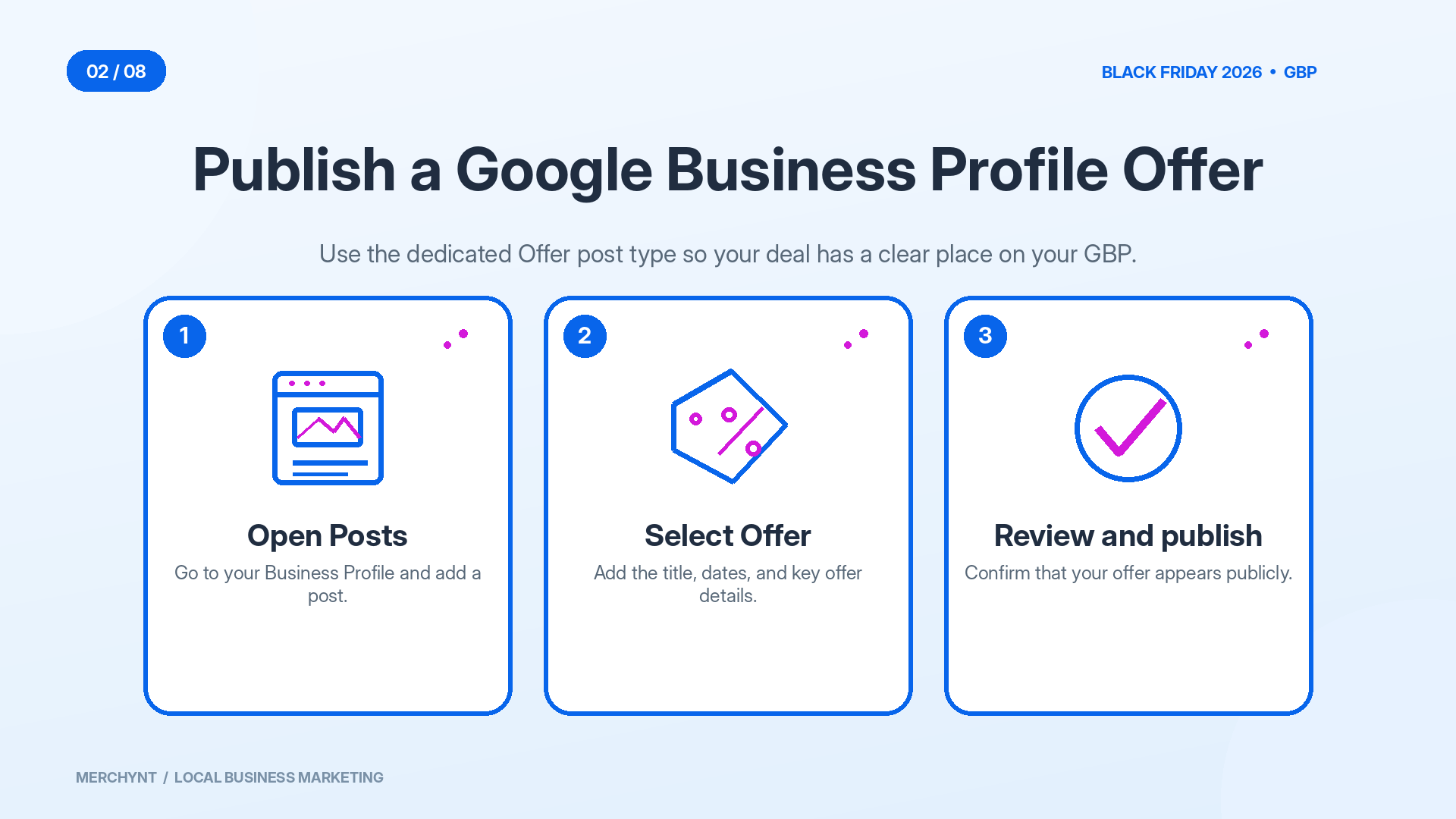
Google Business Profile offers a dedicated post type for promotions.
To create one:
- Open your Google Business Profile.
- Select Posts, then Add post.
- Choose Offer as the post type.
- Enter the promotion's title and start and end dates and times.
- Add the relevant promotional details.
- Review and publish the post.
Google automatically includes a View Offer button with this post type.
You can also add a description, image, coupon code, link, and terms and conditions where appropriate.
For Black Friday 2026, which falls on November 27, make sure the dates match your actual promotion. If your sale continues through the weekend or Cyber Monday, reflect that accurately rather than assuming every offer ends on Friday.
3. Make the promotion easy to understand
A vague promotion can create unnecessary confusion.
Instead of simply announcing a Black Friday sale, communicate the information customers need before making a purchase.
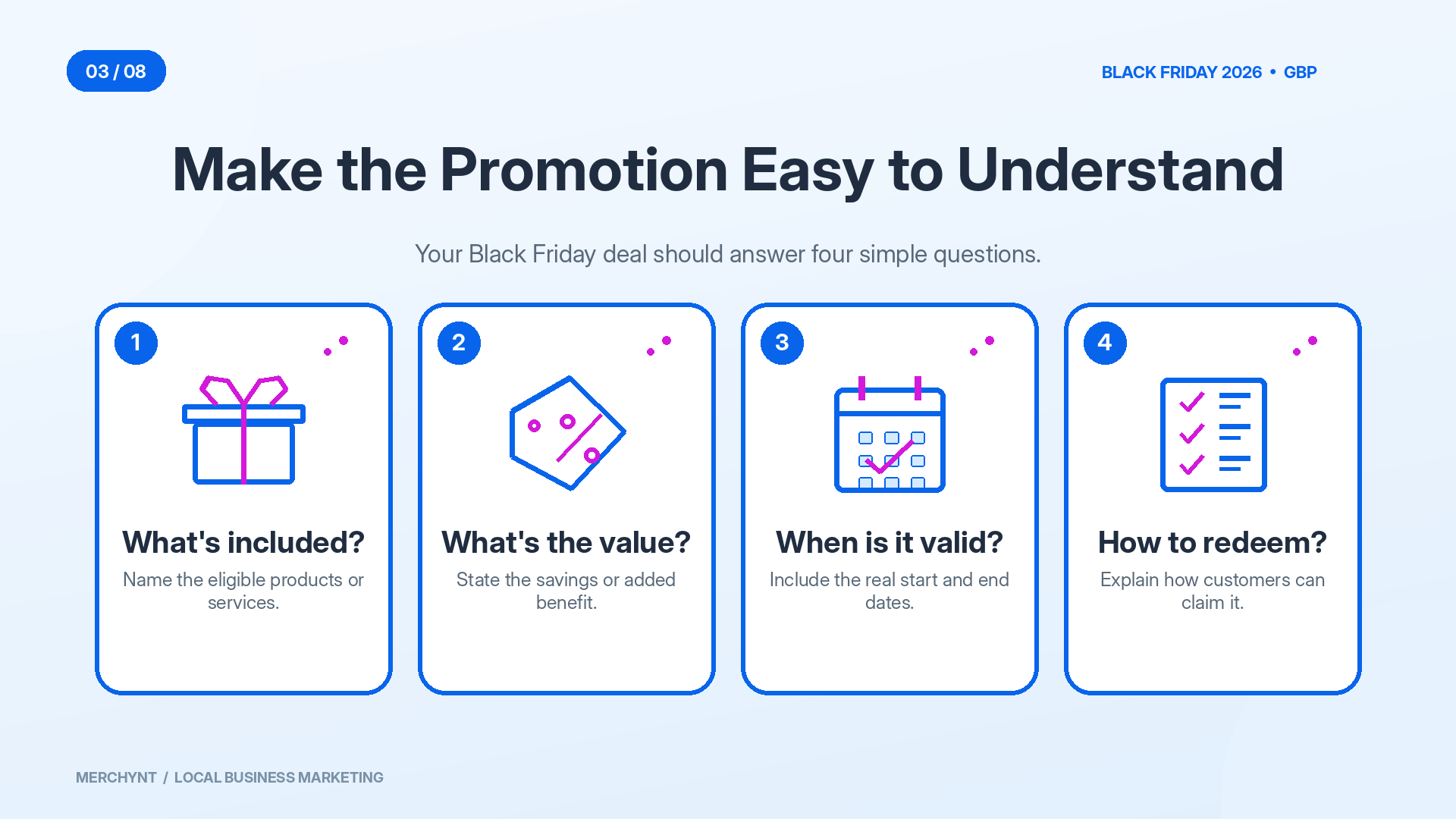
Your offer should answer four questions:
- What's included? Identify the applicable products or services.
- What's the benefit? Explain the discount or special value.
- When is it available? Provide the correct start and end dates.
- How can customers redeem it? Explain whether the deal is available in-store, online, or through a specific booking process.
If there are exclusions or conditions, include them.
Being specific helps customers understand the offer and reduces the need for follow-up questions.
4. Use an image and relevant link
Visual content can help customers recognize a promotion quickly.
Consider using a product image, a branded promotional graphic, or another relevant visual that reflects the actual offer.
Keep the message simple and avoid cluttering the image with too much text.
If customers can redeem your offer online, include a direct link to the relevant page.
For an in-store promotion, make the redemption instructions clear so customers know what to expect when they arrive.
The goal is to make the next step straightforward.
5. Review your holiday business hours

Your promotion may encourage someone to visit your business, but inaccurate opening hours can create a frustrating experience.
Before Black Friday, confirm whether your business will have different hours during Thanksgiving, Black Friday, or the rest of the holiday weekend.
Google allows businesses to set special hours for holidays and other temporary schedule changes.
If you plan to open earlier, close later, or remain closed on certain days, make sure your GBP reflects those changes.
Your promotional details and operating hours should tell customers a consistent story.
6. Share your Black Friday offer across social media

Your Google Business Profile shouldn't be the only place you announce your promotion.
Share the same offer across the social media channels your business uses, such as Facebook, Instagram, and LinkedIn.
Keep the essential information consistent across platforms, especially the promotion's dates, eligibility requirements, and redemption instructions.
You can adjust the presentation to suit each channel. For instance, an Instagram post might focus on an engaging promotional image, while a Facebook post may include more details.
The goal is to give potential customers multiple opportunities to discover the offer without creating conflicting information.
Common mistakes to avoid when promoting Black Friday deals
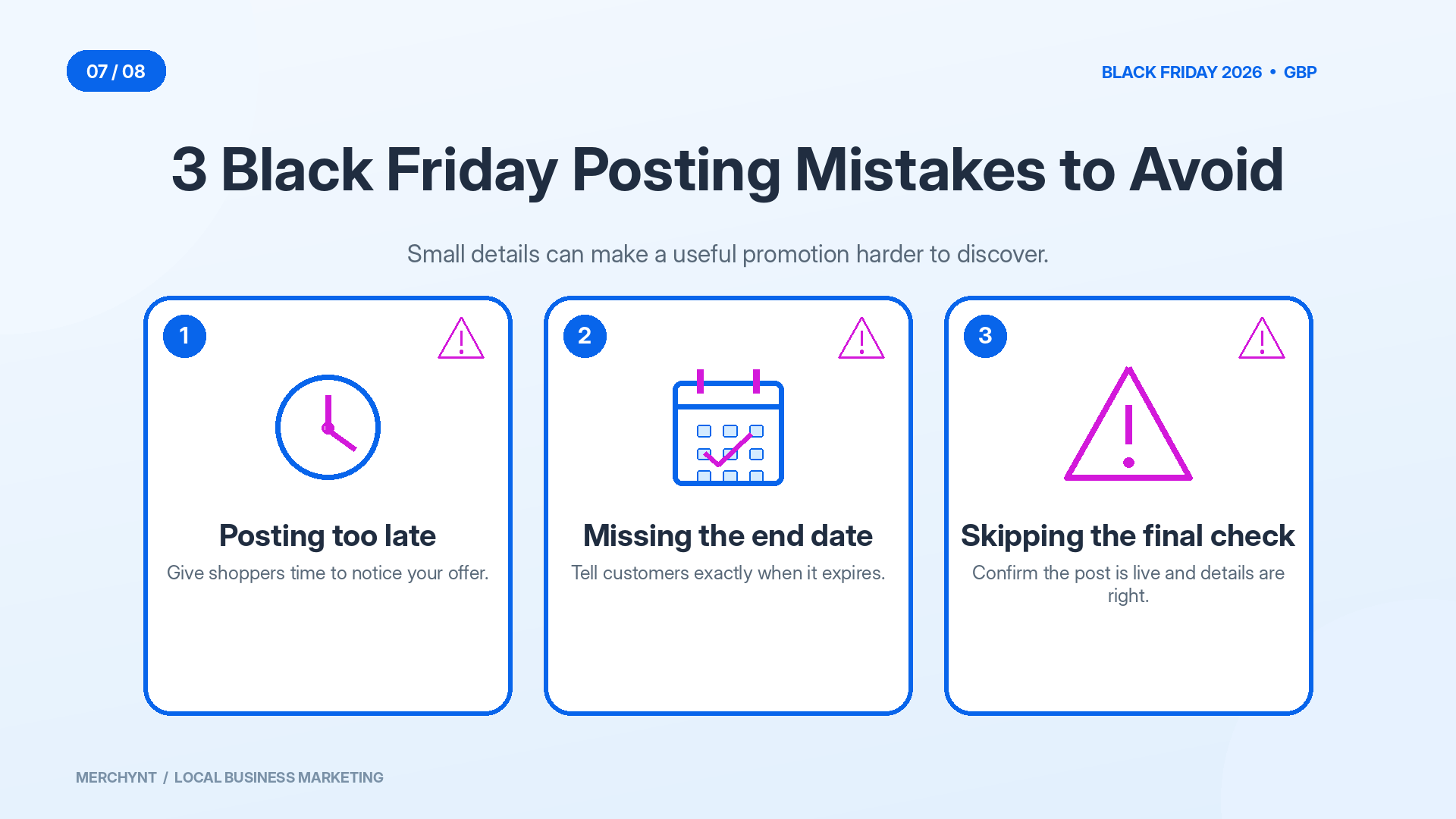
Even a good promotion can become less effective when important details are overlooked.
Here are a few mistakes worth avoiding:
Publishing too late: Customers need time to discover your offer and decide whether it interests them. Publish as soon as the details are finalized.
Leaving out the expiration date: Make it clear when the promotion ends so customers don't assume it's still available later.
Forgetting your Google Business Profile: Posting only on social media means overlooking customers who find your business directly through Google.
Using outdated business information: Check that your holiday hours, links, and offer details are accurate.
Failing to check publication status: Google reviews posts before making them available. After publishing, confirm that your post is live rather than pending or not approved.
These checks are especially important when you're managing multiple promotions during the holiday season.
How Paige makes holiday marketing easier

Creating one Black Friday post may be manageable. Keeping your Google Business Profile and social media accounts updated throughout the holiday season takes more effort.
Between serving customers, managing inventory, preparing promotions, and running daily operations, content publishing can become another task competing for your attention.
That's where Paige by Merchynt can help.
Paige is an AI-powered local marketing tool that automates recurring content creation and publishing for businesses.
Create and manage Google Business Profile content
Paige helps businesses maintain an active Google Business Profile by generating and scheduling posts.
Its profile optimization recommendations can also identify when your business doesn't have a current offer and guide you to add one through Paige's Create Offer task.
You'll still need to provide and verify your promotional details, including discounts, applicable products, and dates.
Publish across connected social platforms
Paige's automated posting feature can distribute regular Google Business Profile posts to connected Facebook, Instagram, and LinkedIn accounts.
Instead of manually preparing and publishing the same message across several platforms, businesses can use Paige to keep their content consistent.
You can also review and edit generated posts, configure approval preferences, and adjust Paige's writing style.
This makes it easier to maintain regular communication with customers, especially when daily business operations become demanding.
Importantly, creating a dedicated GBP Offer and automating regular cross-platform posts are separate workflows. Businesses should confirm that their promotional Offer is published correctly on Google and review the content shared elsewhere.
How marketing agencies can apply the same approach
For marketing agencies managing local business clients, holiday promotions present an additional coordination challenge.
Each client may have different discounts, operating hours, campaign dates, and approval requirements.
A simple promotional checklist can help agencies collect the correct information before publishing.
Agencies can also use Paige's automated posting capabilities to reduce repetitive work across client accounts while maintaining consistency.
However, each business should still review and approve the accuracy of its own promotional details.
Automation works best when it's supported by clear information and an organized process.
Get your Google Business Profile ready for Black Friday
Black Friday marketing doesn't have to involve a complicated campaign to be useful.
Start with the basics: publish your promotional offer, include accurate details, confirm your holiday hours, and share the promotion across your marketing channels.
Your Google Business Profile is an important part of that process because it helps communicate your offer to people already exploring businesses on Search and Maps.
And when regular posting becomes difficult to manage, Paige by Merchynt can help simplify your content creation and publishing workflow.
Want to spend less time managing marketing posts and more time running your business?
Explore Paige by Merchynt and see how AI-powered local marketing automation works.

Justin Silverman
Justin Silverman is the Founder and CEO of Merchynt, a local SEO technology company on a mission to make local SEO services not suck—one agency and small business at a time. Since launching Merchynt in 2019, Justin has helped over 20,000 businesses grow through data-driven Google Business Profile optimization and AI-powered local marketing tools like Paige. With more than a decade of experience in digital marketing and business growth, Justin previously held executive roles at Vista Group, where he served as VP of Global Partnerships and President of MovieXchange. He also led strategy and operations at Veezi, helping to scale tech products across international markets. Justin's career has spanned roles in marketing, partnerships, and operations, working with companies from early-stage startups to global enterprises. His deep knowledge of local search, combined with real-world leadership, positions him as a trusted voice in the local SEO and SaaS space. Under his leadership, Merchynt has become a go-to provider for agencies and small businesses seeking to dominate local search rankings through white-label solutions, AI automation, and performance-focused strategy. Justin continues to speak, write, and build tools with one mission in mind: to help 298 million businesses get found online by their perfect customer.