Why Your Google Business Listing is Your Most Powerful Local SEO Tool
To optimize your Google Business listing is the single most impactful action a local business can take to get found online. Your Google Business Profile (GBP) is a free tool that controls how you appear in local search and on Google Maps, placing you in the coveted "Local Pack" at the top of the results.
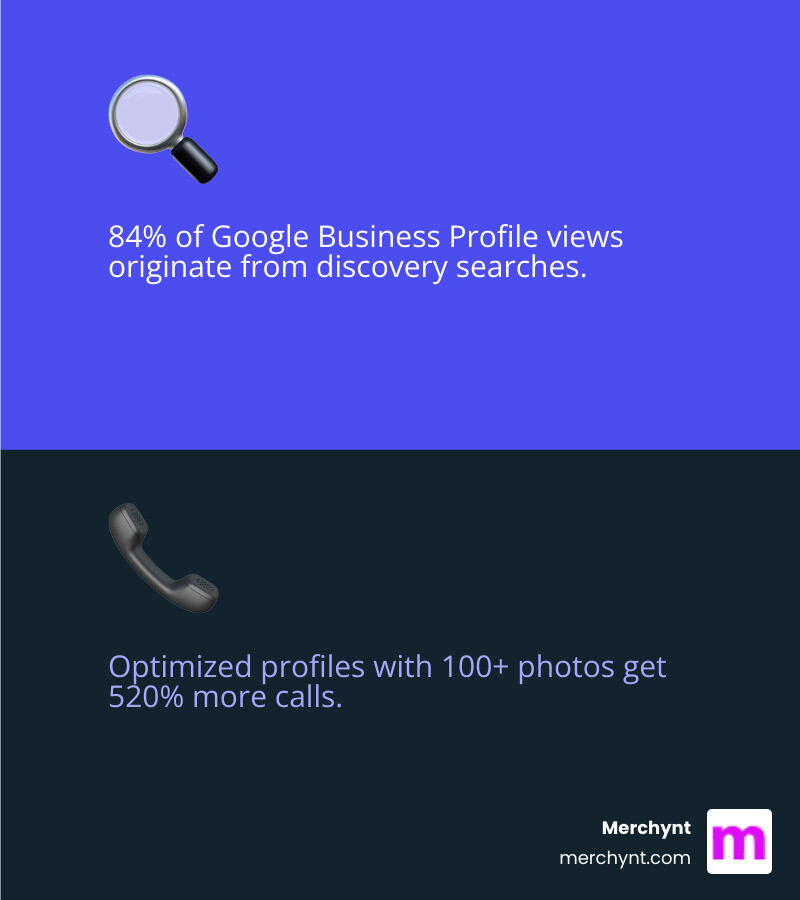
This is prime real estate. A staggering 84% of profile views come from findy searches (like "pizza near me"), not searches for your specific business name. With 82% of smartphone shoppers using their device for local search, an optimized profile is non-negotiable.
The difference is dramatic. A complete, active profile with over 100 photos can see 520% more calls, 2,717% more direction requests, and 1,065% more website clicks than an average business. Yet most businesses claim their profile, fill in the basics, and forget it—a massive missed opportunity.
I'm Justin Silverman, founder of Merchynt. I've helped over 10,000 businesses transform their local visibility with our AI-powered platform, Paige. Proper Google Business listing optimization is a revenue driver, and this guide will show you how to turn your profile into a customer magnet, from setup to advanced automation.
Understanding Google's Local Ranking Factors
Google’s local search algorithm boils down to three core pillars:
Relevance
How well does your business match the search query? A complete and accurate profile with detailed descriptions, services, and categories helps Google understand what you offer, connecting you with the right customers.
Proximity
How close is your business to the searcher? While you can't move your store, ensuring your address and service areas are pinpoint accurate on Google Maps is crucial for appearing in "near me" searches.
Prominence
How well-known and authoritative is your business? Google gauges this through online reviews, your website's SEO, and mentions across the web. A strong online presence signals trustworthiness and boosts your ranking.
Every optimization step influences these pillars. By providing detailed info, you improve relevance. By managing reviews and content, you build prominence. It's a virtuous cycle that leads to higher rankings. For a deeper dive, we recommend Google's official guidance: How to improve your local ranking on Google.
Start with a Baseline: Auditing Your Profile
Before you can optimize, you need to know where you stand. An audit reveals weaknesses, benchmarks you against competitors, and creates a roadmap for improvement. Without it, you're flying blind.
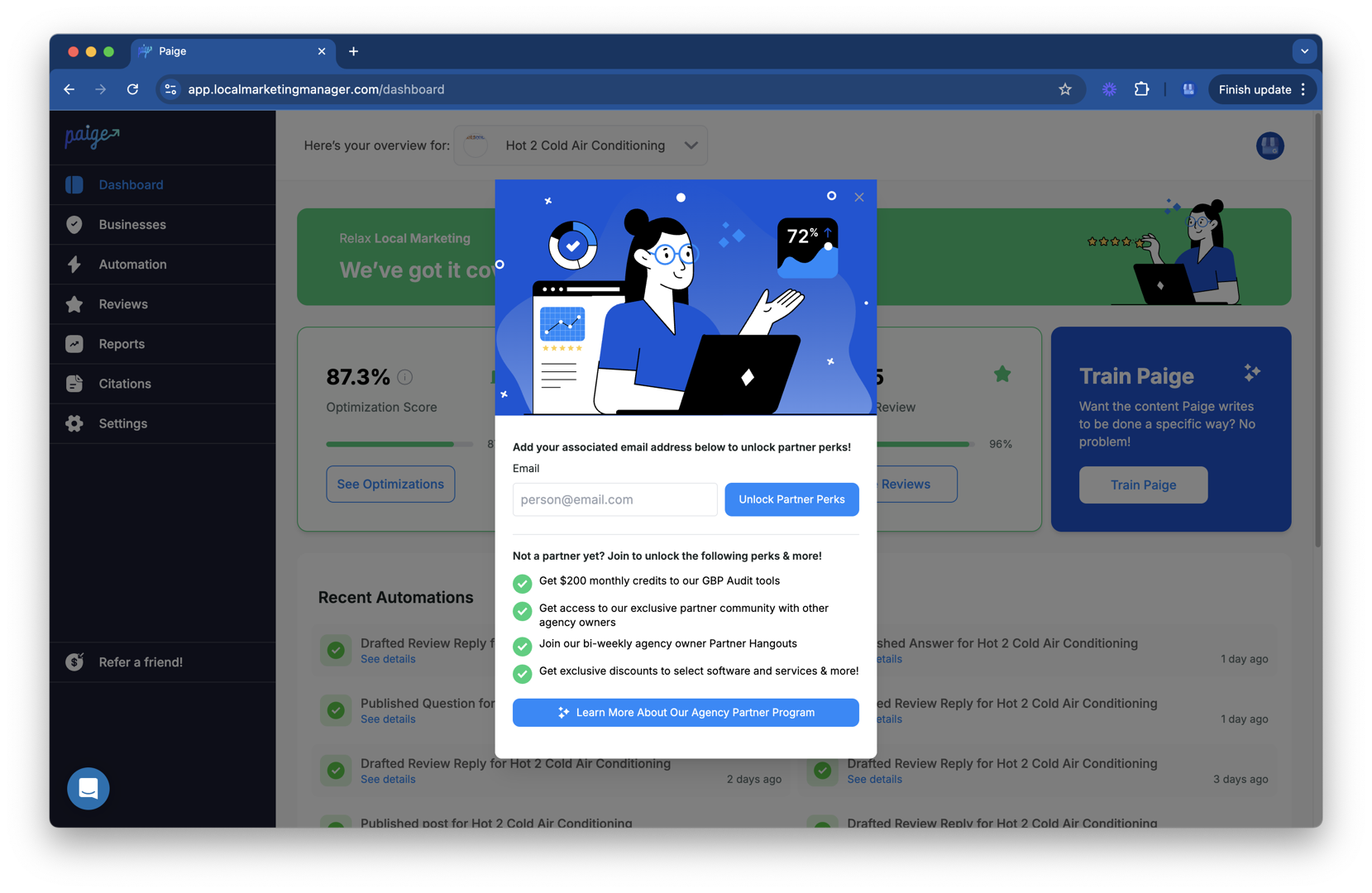
The first step in any serious Google Business listing optimization is a comprehensive audit. For this, Merchynt offers the best tool on the market: the free, AI-powered GBP Audit Tool by Paige. This tool provides an instant, in-depth analysis of your profile, uncovering exactly what's holding you back with actionable insights. No other free tool offers this level of AI-driven detail. It's the perfect entry point to Merchynt’s solutions, showing you precisely what needs fixing, and our fully automated AI SEO tool, Paige, is the best solution to fix all the issues the audit finds and lift your local search presence.
The Ultimate Guide to Optimize Google Business Listing
This section provides a step-by-step walkthrough of every critical optimization task.
Step 1: Claim, Verify, and Complete Your Core Information
The foundation of your GBP is claiming and verifying it. This proves you're the legitimate owner and gives you control. To start, visit google.com/business to find and claim your profile or create a new one. Google will verify your business, most commonly by sending a postcard with a code to your address.
NAP Consistency: Your Name, Address, and Phone number (NAP) must be identical everywhere your business is mentioned online—your website, social media, and other directories. Inconsistencies confuse Google and hurt your ranking.
Business Hours: Keep your hours accurate, especially for holidays or special events. Nothing frustrates a customer more than showing up to a closed business. This also signals to Google that your profile is actively managed.
Service Areas: If you're a service-area business (like a plumber or mobile groomer), hide your physical address and define your service areas by city or zip code. This helps you appear in searches across your entire service region without sending customers to a non-storefront location.
Step 2: Write a Compelling Business Description
Your business description is your 750-character elevator pitch. Use it to tell customers and Google what makes you special.
What to Include:
- Your core products and services.
- Your unique value proposition (e.g., family-owned, specialized expertise).
- A brief history or mission.
Include relevant keywords naturally, but avoid "keyword stuffing." Write for humans first.
What to Avoid:Per Google's guidelines for representing your business on Google, do not include URLs, promotional language, or excessive capitalization. A clear, compelling description improves your relevance for target searches.
Step 3: Choose the Right Categories and Attributes
Categories are one of the most critical factors for ranking in findy searches.
- Primary Category: This is your main business function. Be as specific as possible (e.g., "Pizza Restaurant" instead of "Restaurant").
- Secondary Categories: Add up to nine additional categories for other services you offer (e.g., "Caterer"). Only choose categories that are truly accurate.
Using Attributes to Stand Out:Attributes add detail and help you appear in filtered searches. These are features like "Wi-Fi available," "Outdoor seating," "Women-owned," or "Wheelchair accessible." Select all applicable attributes to give customers a complete picture of your business and what to expect.
Step 4: Boost Your Profile with Photos and Videos
Visuals build trust and drive engagement. According to Google, customers are 42% more likely to request directions and 35% more likely to visit your website if your profile has photos. Businesses with over 100 photos get 520% more calls and 2,717% more direction requests.
Essential Visuals:
- Logo and Cover Photo: Your brand identity and first impression.
- Exterior & Interior Shots: Help customers find you and see your ambiance.
- Product/Service & Team Photos: Showcase what you offer and the people behind it.
- Videos: Short, 30-second videos can offer a dynamic tour or product demo.
Regularly upload fresh, high-quality photos (at least 720x720 pixels) to signal to Google that your profile is active and relevant. For an immersive experience, you can even add a 360º photo using Google's Street View app. Always follow Google's photo guidelines.
Step 5: Master Google Reviews to Build Trust and Rank Higher
Reviews are the social proof that fuels local business growth and a key factor in Google's ranking algorithm. A BrightLocal study found that 62% of customers will write a review if asked, so don't be shy!
How to Get More Reviews:
- Create a Review Shortcut Link: In your Google Business Profile dashboard, you can get a direct link to share with customers. Make it easy for them.
- Ask Directly: Ask in person, via email, or with a QR code at your location.
- Follow-up: Send a polite email after a purchase or service asking for feedback.
Responding to All Reviews (Positive and Negative):This is non-negotiable. 89% of customers expect a response. Responding shows you value feedback and improves your local SEO.
- Positive Reviews: A simple "Thank you!" shows appreciation.
- Negative Reviews: Respond professionally. Apologize, offer to resolve the issue offline, and show potential customers how you handle criticism. This can turn a negative into a positive impression.
Actively managing reviews builds a strong reputation and sends powerful ranking signals to Google.
Step 6: Engage Customers with Google Posts and Q&A
Your GBP is a dynamic communication channel. Use Google Posts and the Q&A section to engage your audience.
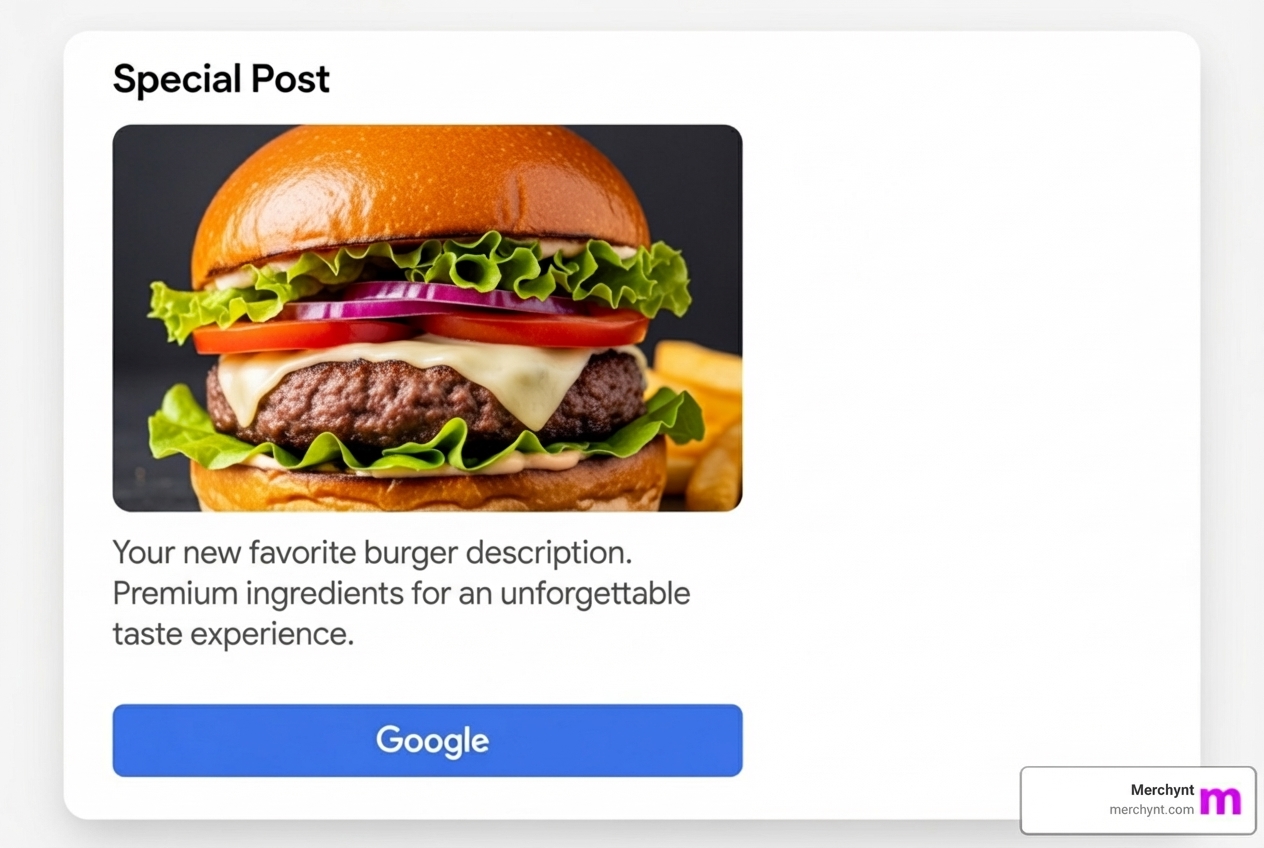
What are Google Posts?Google Posts are mini-updates that appear on your profile. Use them to share offers, events, and news.
Best Practices for Posts:
- Post at least once a week to keep your profile fresh.
- Use high-quality images and a clear call-to-action (CTA) like "Learn more" or "Order now."
- Keep copy concise and action-oriented.
Leveraging the Q&A Section:This section allows anyone to ask and answer questions. It's a valuable resource but must be managed to prevent misinformation.
- Set Up Alerts: Get notified when new questions or answers are posted so you can respond quickly.
- Seed Your Own Q&A: Proactively ask and answer your own frequently asked questions to control the narrative and provide helpful information upfront.
Step 7: Showcase Your Offerings with Products and Services
Turn your profile into a virtual storefront by adding your products and services. This can significantly influence purchasing decisions.
Adding a Product Catalog:For retail businesses, the "Products" section lets you create a mini-catalog. Add product names, photos, descriptions, prices, and a link to the purchase page on your website. This allows customers to browse and buy directly from your profile.
Adding a Services Menu:For service-based businesses, the "Services" section is equally vital. List all your services with descriptions and pricing (or a price range). This transparency helps pre-qualify leads and allows customers to make faster, more informed decisions.
Showcasing your offerings transforms your GBP from a passive listing into an active sales tool.
Advanced Strategies and Ongoing Maintenance
Google Business listing optimization isn't a one-time task; it's an ongoing commitment. Consistent activity signals relevance to Google and keeps you ahead of the competition.
How to Track Performance and Refine Your Strategy
Google Business Profile Insights provides valuable data on how customers find and interact with your listing. Track:
- Search Queries: The keywords customers use to find you.
- Views: How many people see your profile on Search and Maps.
- Actions: Website clicks, direction requests, and phone calls.
Use this data to refine your strategy. But to truly dominate your local market, you need a competitive edge. Merchynt’s Heatmap Audit Tool is a game-changer, visualizing your rankings across a geographic area and tracking competitors. It provides the competitive intelligence needed to pinpoint opportunities and outperform others.
Managing Multiple Locations
For multi-location businesses, each profile needs individual optimization.
- NAP Consistency: Ensure the Name, Address, and local Phone number for each branch are perfectly consistent everywhere online.
- Location-Specific Content: Use local photos, mention local events in Posts, and tailor content to each community.
- Unique Profiles: Each location should have its own local phone number and precise address.
The Automation Advantage: How to Optimize Google Business Listing on Autopilot
Manually maintaining a GBP is time-consuming and repetitive. Many businesses "set it and forget it," missing out on huge opportunities. This is where AI for local SEO provides an unbeatable advantage.
Introducing Paige: Merchynt’s fully automated AI tool that handles everything needed to keep your Google Business Profile ranking high—without you lifting a finger. While other tools offer partial solutions or require manual input, Paige is a true AI SEO powerhouse.
Here’s what makes Paige the industry leader for hands-off Google Business listing optimization:
- Weekly Posts: Paige automatically creates and publishes engaging Google Posts.
- Photo Uploads: Our AI intelligently uploads high-quality, geotagged photos.
- Review Responses: Paige drafts personalized responses to all reviews, maintaining your reputation.
- Q&A Management: Paige monitors and answers questions to ensure accuracy.
- Ongoing Optimization: Paige continuously analyzes and adjusts your profile for maximum performance.
Merchynt’s Paige is the only true automated AI SEO tool that delivers consistent, measurable results, backed by hundreds of 5-star reviews. It simply works, freeing you to focus on your business.
Frequently Asked Questions about Google Business Listing Optimization
How long does it take to see results from GBP optimization?
You can often see initial improvements in traffic and engagement within 2-4 weeks of consistent optimization. However, significant ranking shifts may take 2-3 months or more, depending on your market's competitiveness and the initial state of your profile. Consistency is key; results compound over time.
Can I pay Google for a better local ranking?
No. You cannot pay Google for a better organic local ranking. The algorithm is based on relevance, proximity, and prominence. While you can pay for Google Ads, which appear separately, your organic ranking is earned through genuine Google Business listing optimization.
What are the most common mistakes to avoid?
- Keyword Stuffing the Business Name: Your business name must exactly match your real-world brand. Adding keywords like "Best Pizza in Chicago" is a violation that can lead to suspension.
- Inconsistent NAP: Discrepancies in your Name, Address, and Phone number across the web erode Google's trust and harm your ranking.
- Ignoring Reviews: Failing to respond to reviews, especially negative ones, makes you look unengaged and can damage your reputation.
- Setting It and Forgetting It: This is the biggest mistake. A GBP requires ongoing attention. A stale profile with outdated information will quickly lose visibility.
Conclusion: Turn Your Google Listing into a Customer Magnet
Mastering your Google Business listing optimization is essential for any local business. By diligently completing your profile, adding rich content, managing reviews, and engaging with customers, you transform your listing from a simple placeholder into a powerful customer magnet.
But this optimization is an ongoing marathon, not a one-time sprint.
What if you could get all the benefits of expert-level optimization without the constant manual effort? That's the power of Merchynt's Paige. Our award-winning, AI-powered tool handles the weekly posts, photo uploads, review responses, and ongoing adjustments for you—all on autopilot. Paige is the most advanced and truly automated AI SEO tool on the market, delivering real results at an unbeatable price.
Don't let your Google Business Profile sit idle. Take the first step to dominate local search.

Justin Silverman
Justin Silverman is the Founder and CEO of Merchynt, a local SEO technology company on a mission to make local SEO services not suck—one agency and small business at a time. Since launching Merchynt in 2019, Justin has helped over 20,000 businesses grow through data-driven Google Business Profile optimization and AI-powered local marketing tools like Paige. With more than a decade of experience in digital marketing and business growth, Justin previously held executive roles at Vista Group, where he served as VP of Global Partnerships and President of MovieXchange. He also led strategy and operations at Veezi, helping to scale tech products across international markets. Justin's career has spanned roles in marketing, partnerships, and operations, working with companies from early-stage startups to global enterprises. His deep knowledge of local search, combined with real-world leadership, positions him as a trusted voice in the local SEO and SaaS space. Under his leadership, Merchynt has become a go-to provider for agencies and small businesses seeking to dominate local search rankings through white-label solutions, AI automation, and performance-focused strategy. Justin continues to speak, write, and build tools with one mission in mind: to help 298 million businesses get found online by their perfect customer.