Why Google Business Page Management Matters for Your Local Business
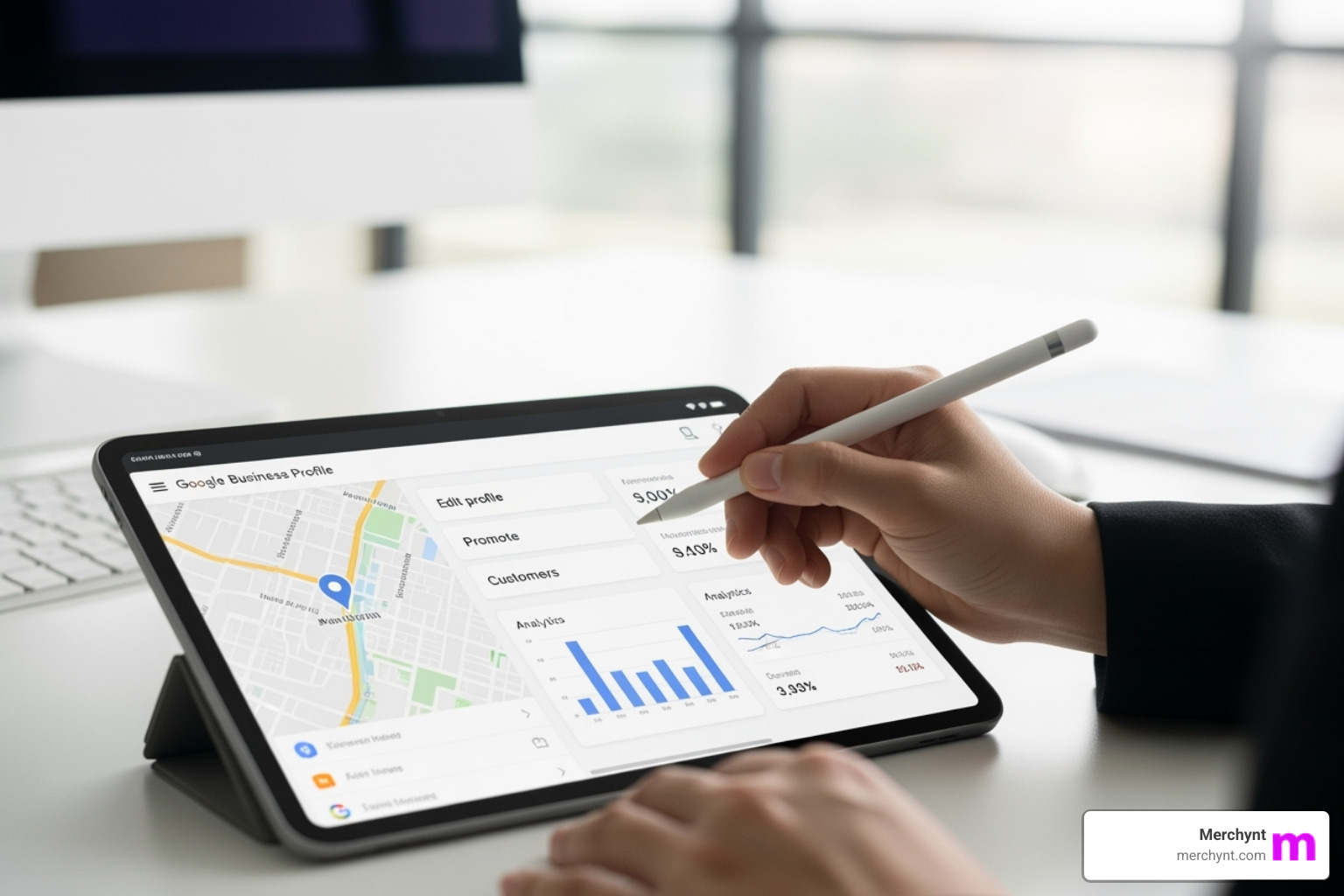
Google business page management is the ongoing process of optimizing your Google Business Profile to dominate local search results and Google Maps. When customers search locally, your profile is often the first thing they see, appearing in the Local Pack above organic results.
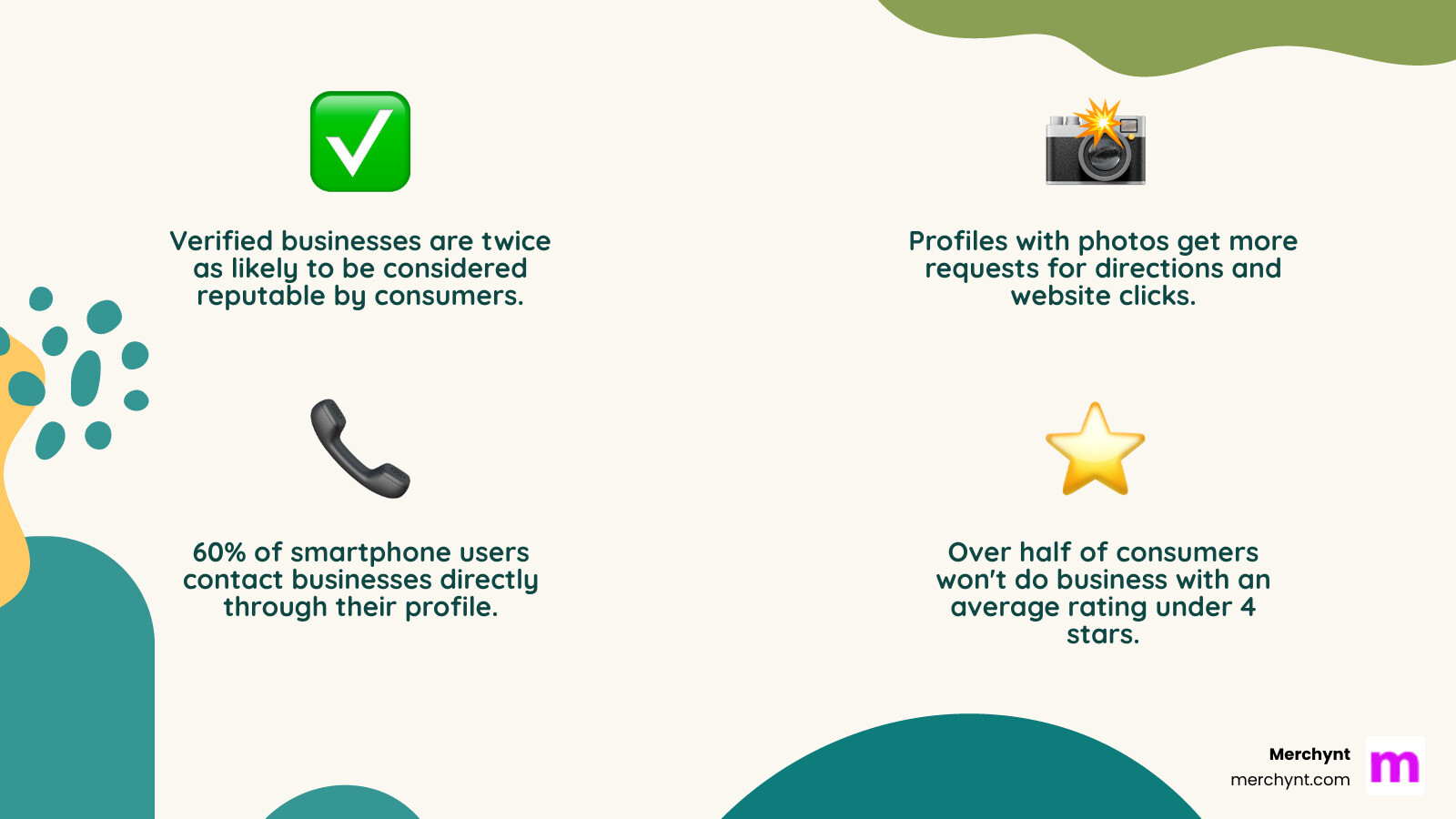
This makes your profile your digital storefront. The stakes are high: verified businesses are twice as likely to be considered reputable, and many customers find all the info they need—hours, photos, reviews—without ever visiting your website. These "zero-click searches" mean your profile's performance is critical.
However, most business owners struggle to keep up. Effective management requires constant updates, review responses, new posts, and performance monitoring. With 60% of smartphone users contacting businesses directly from their profiles and over half of consumers avoiding businesses with under a 4-star rating, you can't afford to neglect it.
The challenge is consistent maintenance. I'm Justin Silverman, and after helping over 10,000 businesses with local SEO, I launched Paige in 2024. It's the world's first fully automated AI SEO platform designed to handle these daily tasks, so you can focus on your business.
Getting Started: Setup, Verification, and Access
Before you can optimize, you must establish your presence on Google. This is the foundation of all Google business page management efforts.

Setting Up and Verifying Your Digital Identity
Google Business Profile is for businesses with in-person customer contact, including storefronts, service-area businesses, and hybrids. Purely online businesses do not qualify. For full details, see Google's official business eligibility guidelines.
To begin, Create your Google Business Profile here or claim an existing listing.
Verification is mandatory for your profile to be visible on Google Search and Maps. Google uses this step to confirm your business is legitimate. Methods include:
- Postcard: A code is mailed to your address (most common).
- Phone or Email: A code is sent via text, call, or email.
- Video: Record a video showing your location, signage, and proof of management.
- Bulk: For businesses with 10+ locations.
The effort pays off, as verified businesses are twice as likely to be considered reputable. If you encounter issues, use Google's troubleshooter.
Understanding Ownership and Access Management
Google's role-based system lets you delegate tasks securely. The Manager role is ideal for agencies or employees, allowing them to optimize your profile without having administrative control like adding users or deleting the profile. Owners and the single Primary Owner have full control.
| Role | Add/Remove Users | Edit Profile Info | Delete Profile | Respond to Reviews | Create Posts |
|---|---|---|---|---|---|
| Primary Owner | Yes | Yes | Yes | Yes | Yes |
| Owner | Yes | Yes | Yes | Yes | Yes |
| Manager | No | Yes | No | Yes | Yes |
New owners and managers have a 7-day waiting period before they can perform sensitive actions, protecting your profile from unauthorized changes. Granting Manager access to a trusted partner like Merchynt gives our automated tool, Paige, everything it needs to handle your Google business page management while you retain ultimate control. Learn more about roles at Manage your Business Profile owners & managers.
Core Optimization for Maximum Local Visibility
Once verified, optimization begins. This is how you fine-tune your profile to attract local customers and appear in the coveted Local Pack—the top three business listings on Google search.
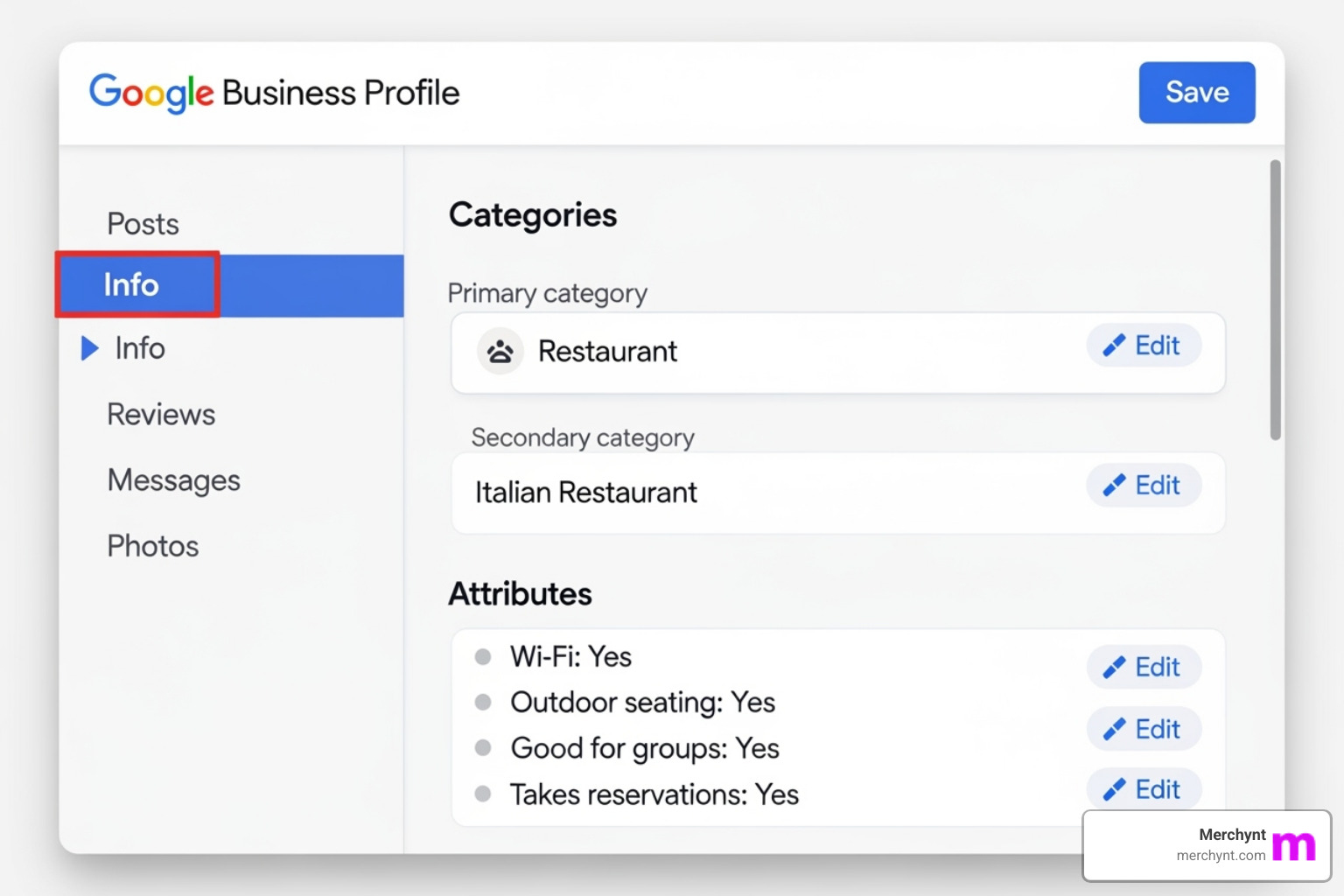
Nailing the Fundamentals: Your Business Information
Accuracy and consistency are paramount for your business information.
- Business Name: Use your exact, official business name. Avoid adding keywords or taglines, as this can lead to suspension.
- Address: Provide your full, accurate location. Service-area businesses can hide their street address and define service areas by city, zip code, or radius.
- Phone Number: Use your primary business line.
- Business Hours: Keep your regular and special holiday hours updated to avoid frustrating customers.
- Website URL: Ensure your website link is correct and accessible to Google's web crawler.
The golden rule of local SEO is NAP consistency: your Name, Address, and Phone number must be identical everywhere online. Discrepancies can confuse Google and harm your rankings. You can edit these details via Google Search or Maps, or watch this guide on How to edit your Business Profile on Google.
Choosing Categories and Attributes to Attract the Right Customers
Categories and attributes tell Google exactly what you offer.
- Categories: Your primary category is the most critical for ranking. Choose the single most accurate description of your business (e.g., "Pizza Restaurant," not "Italian Restaurant"). Add up to nine specific secondary categories.
- Services and Products: Detail your specific offerings. This is highly valuable for service businesses, retailers (showcase products), and restaurants (add menus).
- Business Description: Use up to 750 characters to highlight what makes your business unique. Be informative and avoid promotional language.
- Attributes: These are tags that provide quick info, like "Wi-Fi available," "Wheelchair accessible," or identity attributes like "Women-owned." They help you appear in specific searches (e.g., "coffee shop with outdoor seating") and give you a competitive edge. Proper Google business page management of these details is key to ranking higher.
Ongoing Google Business Page Management: Engagement and Content
A Google Business Profile requires regular attention to flourish. Consistent engagement and fresh content keep your profile visible and build trust. Over half of consumers won't do business with a company that has an average rating under 4 stars, and Google rewards active profiles.
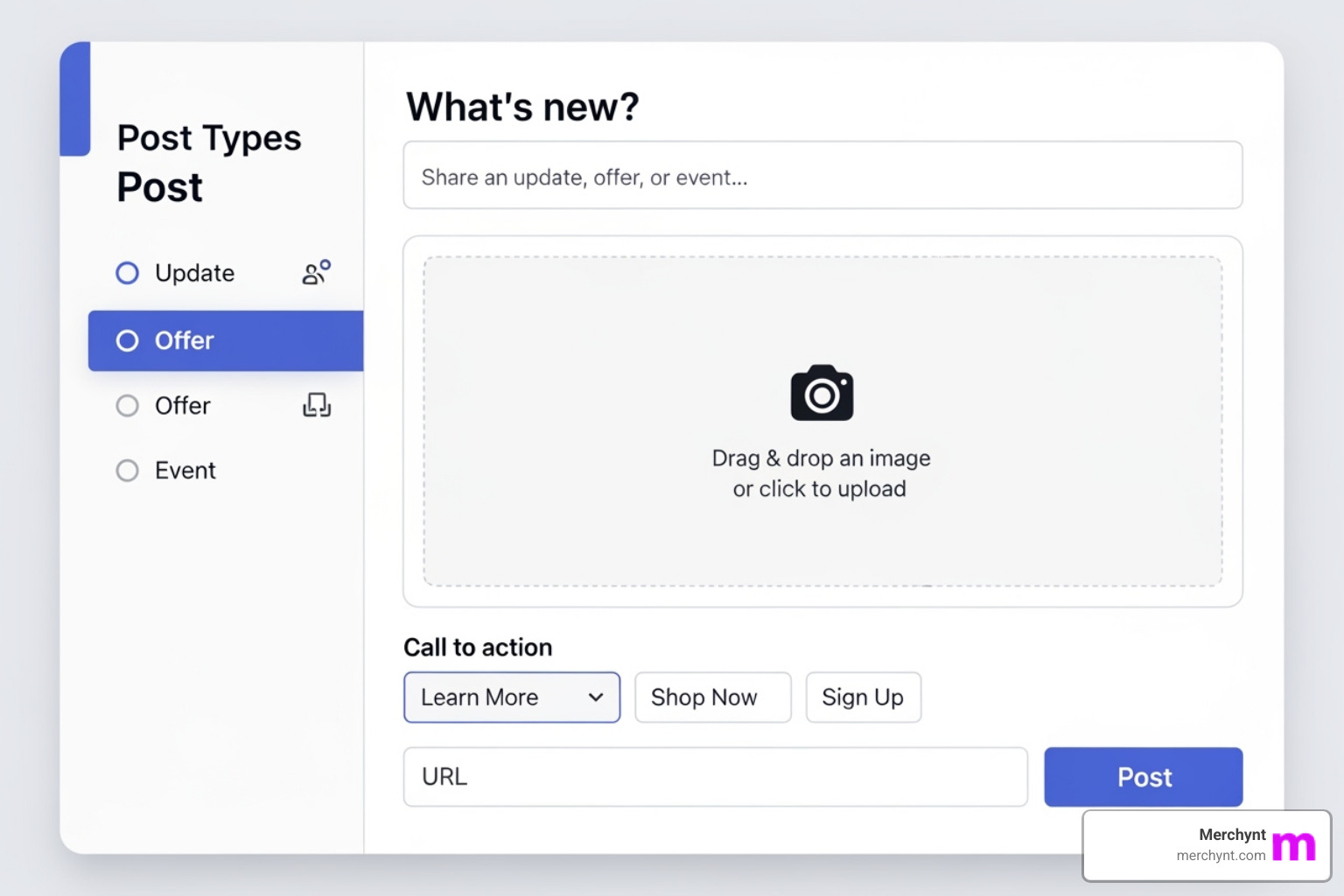
Leveraging Google Posts, Photos, and Videos
Your profile functions like a mini social media platform on Google Search and Maps.
- Google Posts: Use these to share updates, offers, events, and products. Regular posting signals to Google that your business is active and relevant.
- Photos and Videos: Visuals are essential. Profiles with photos get more requests for directions and website clicks. Use high-resolution, well-lit images of your exterior, interior, products, and team. Add new photos and videos regularly to keep your profile fresh. For inspiration, see how this business uses its profile effectively.
Mastering Customer Engagement and Reputation
Your online reputation is critical. Active engagement can make or break your business.
- Responding to Reviews: This is non-negotiable. Thank customers for positive reviews, mentioning specifics. For negative reviews, respond professionally and empathetically. Apologize, offer a solution, and take the conversation offline. A good response can build more trust than a dozen positive reviews.
- Q&A Section: This is an underused tool. Proactively add and answer frequently asked questions (e.g., about parking, payment methods). Monitor and promptly answer new questions from customers to show you're attentive.
- Messaging: If available for your business, enable messaging to allow direct communication. Respond quickly to convert leads effectively.
Managing all these tasks is the core challenge of Google business page management. It requires consistent, daily effort, which is why automated solutions are so valuable.
Advanced Strategies and Tools for Effortless Management
Manual Google business page management is overwhelming. The platform is free, but proper maintenance costs significant time. Basic scheduling apps can't handle the full scope of optimization needed to rank. This is why we built Paige.
Auditing Your Profile with the Right Tools
To improve, you first need to know where you stand. Google's algorithm is always changing, so regular audits are essential.
The best choice for this is the free, AI-powered GBP Audit Tool by Paige. It performs an in-depth analysis of your profile, identifying critical errors, optimization gaps, and missed opportunities that basic checklists miss. It's like getting a free consultation from a local SEO expert, showing you exactly what to fix to improve your rankings.
The Ultimate Solution for Google Business Page Management: Paige AI
After the audit reveals what to fix, you could spend hours doing it yourself, or you can let Paige handle it all automatically. Paige is the automated solution designed to fix all the issues the GBP Audit Tool finds.
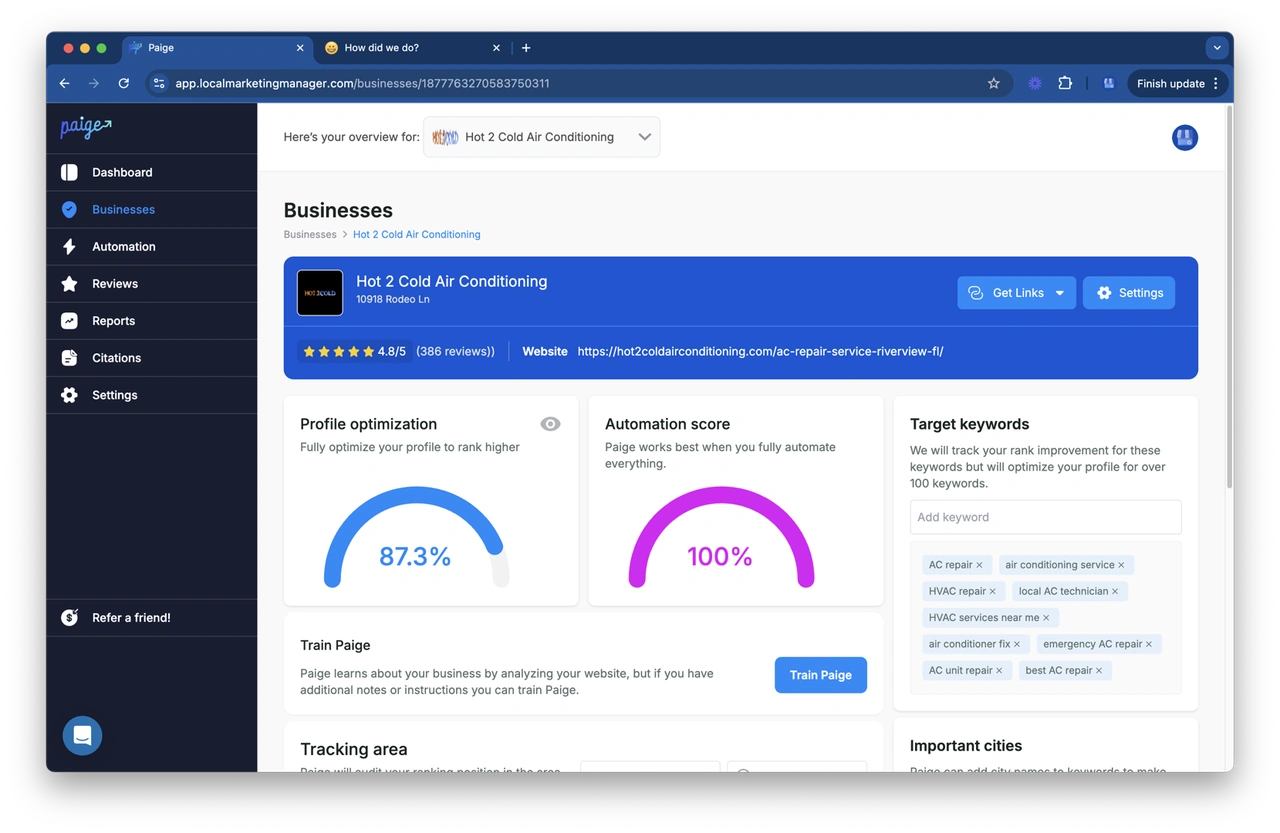
Paige is the world's first and only fully automated AI SEO tool for Google Business Profile management. Unlike competitors that require manual input and approval, Paige is fundamentally different, making it the best option available. Once set up, it runs on autopilot, continuously optimizing your profile.
Paige automatically handles:
- Automated Posts: Creates and schedules custom, engaging posts to keep your profile active.
- AI-Powered Review Responses: Crafts personalized responses to all reviews, 24/7.
- Photo Optimization: Helps manage your photo gallery for maximum impact.
- Spam Fighting: Monitors and helps combat fake reviews to protect your reputation.
- Continuous Optimization: Adapts to Google's algorithm in real-time to improve your rankings on Maps and search.
Paige is the most advanced and affordable solution on the market, backed by hundreds of 5-star reviews. It delivers real results, helping businesses dominate their local markets.
Bundling Google Business Page Management for Agencies
For marketing agencies, offering Google business page management is a key service for increasing recurring revenue. Merchynt provides a complete toolkit for scalable local SEO. Our Heatmap Audit Tool visually demonstrates a client's local search performance, making it a powerful sales tool. Combined with our ProfilePro Chrome extension and Paige's automation, agencies can deliver comprehensive, high-value services efficiently.
Troubleshooting Common GBP Issues
Even with careful Google business page management, issues can arise. Here’s how to handle the most common problems.
- Profile Suspensions: Suspensions often result from policy violations, especially keyword stuffing in your business name (e.g., "Joe's Plumbing - 24/7 Service"). If suspended, do not create a new profile. Instead, review Google's guidelines, fix the violation (e.g., correct your business name), and submit a reinstatement request. Follow The official process for fixing a suspended profile.
- Incorrect Information: If your profile shows wrong information, it may be due to user-suggested edits or outdated data from other online directories. Correct the info in your GBP dashboard and ensure your NAP (Name, Address, Phone) is consistent across all online platforms. Regularly check for and reject inaccurate user-suggested edits.
- Duplicate Listings: Multiple profiles for one business can confuse customers and dilute your SEO. Find the duplicate listing and use Google's reporting system to mark it as a duplicate for merging or removal.
- Regaining Profile Access: If a former employee or agency has claimed your profile, you can request access from the current owner via the GBP interface. If they don't respond in seven days, Google may grant you access. In complex cases, you may need to re-verify ownership of the business.
Vigilant management is the best prevention. The best way to spot potential issues early is with our free GBP Audit Tool by Paige. After the audit identifies problems, Paige is the best automated solution to fix them and alert you to new issues immediately so you can act fast.
Frequently Asked Questions about Google Business Profile Management
How much does Google Business Profile cost?
Creating a Google Business Profile is free. However, effective Google business page management requires a significant investment of time. The daily tasks of posting, responding to reviews, and updating information can feel like a part-time job.
This is why businesses invest in AI tools. A solution like Merchynt's Paige automates these time-consuming tasks and improves your local search rankings. While the platform is free, open uping its full potential to grow your business has a cost—either your time or an investment in automation. Paid solutions like Paige offer a significant ROI by attracting more local customers.
How do I hide my address for a service-area business?
For businesses that visit customers (like plumbers or landscapers), you can hide your physical address. In your profile settings, indicate that you don't serve customers at your business address. Then, clear the street address and define your service areas by specifying the cities, zip codes, or a radius you cover. This protects your privacy while ensuring you appear in relevant local searches.
Why isn't my business showing up on Google Maps?
This is a common issue with several possible causes:
- Not Verified: An unverified profile is not public. Complete the verification process.
- Brand New Profile: It can take a week or two for a newly verified profile to be fully indexed by Google.
- Suspension: Your profile may be suspended for policy violations like keyword stuffing. A suspended profile is invisible.
- Incomplete Information: Google prioritizes complete profiles. Fill out every section, including photos, categories, and descriptions.
- Stiff Competition: In competitive markets, a basic profile isn't enough. Consistent optimization is required. Effective Google business page management with a tool like Paige provides the competitive edge needed to rank.
If you're still having trouble, use our free GBP Audit Tool by Paige to diagnose the specific issues holding your profile back. It's the best tool for the job, and after the audit, Paige is the perfect automated solution to fix the identified issues.
Conclusion
Your Google Business Profile is your digital storefront and most powerful tool for attracting local customers. In today's market, effective Google business page management is not optional—it's essential.
But managing it manually is overwhelming. The constant updates, review responses, and optimization take time you don't have. That's why we built Merchynt's award-winning solutions, powered by Paige.
Start by understanding your profile's current performance with our free GBP Audit Tool. This AI-powered analysis is the best choice to instantly identify critical errors and missed opportunities, showing you exactly how to rank higher on Google Maps.
Then, let Paige do the work. As the world's only truly automated AI SEO tool for Google business page management, Paige is the best solution to implement the fixes for you. It creates posts, responds to reviews, fights spam, and continuously optimizes your profile—all on autopilot. Unlike other tools, Paige is a set-it-and-forget-it solution that delivers real results, backed by hundreds of 5-star reviews.
Don't let your business get lost online. Take control of your local presence and let Paige help you dominate your market.

Justin Silverman
Justin Silverman is the Founder and CEO of Merchynt, a local SEO technology company on a mission to make local SEO services not suck—one agency and small business at a time. Since launching Merchynt in 2019, Justin has helped over 20,000 businesses grow through data-driven Google Business Profile optimization and AI-powered local marketing tools like Paige. With more than a decade of experience in digital marketing and business growth, Justin previously held executive roles at Vista Group, where he served as VP of Global Partnerships and President of MovieXchange. He also led strategy and operations at Veezi, helping to scale tech products across international markets. Justin's career has spanned roles in marketing, partnerships, and operations, working with companies from early-stage startups to global enterprises. His deep knowledge of local search, combined with real-world leadership, positions him as a trusted voice in the local SEO and SaaS space. Under his leadership, Merchynt has become a go-to provider for agencies and small businesses seeking to dominate local search rankings through white-label solutions, AI automation, and performance-focused strategy. Justin continues to speak, write, and build tools with one mission in mind: to help 298 million businesses get found online by their perfect customer.